
The short version
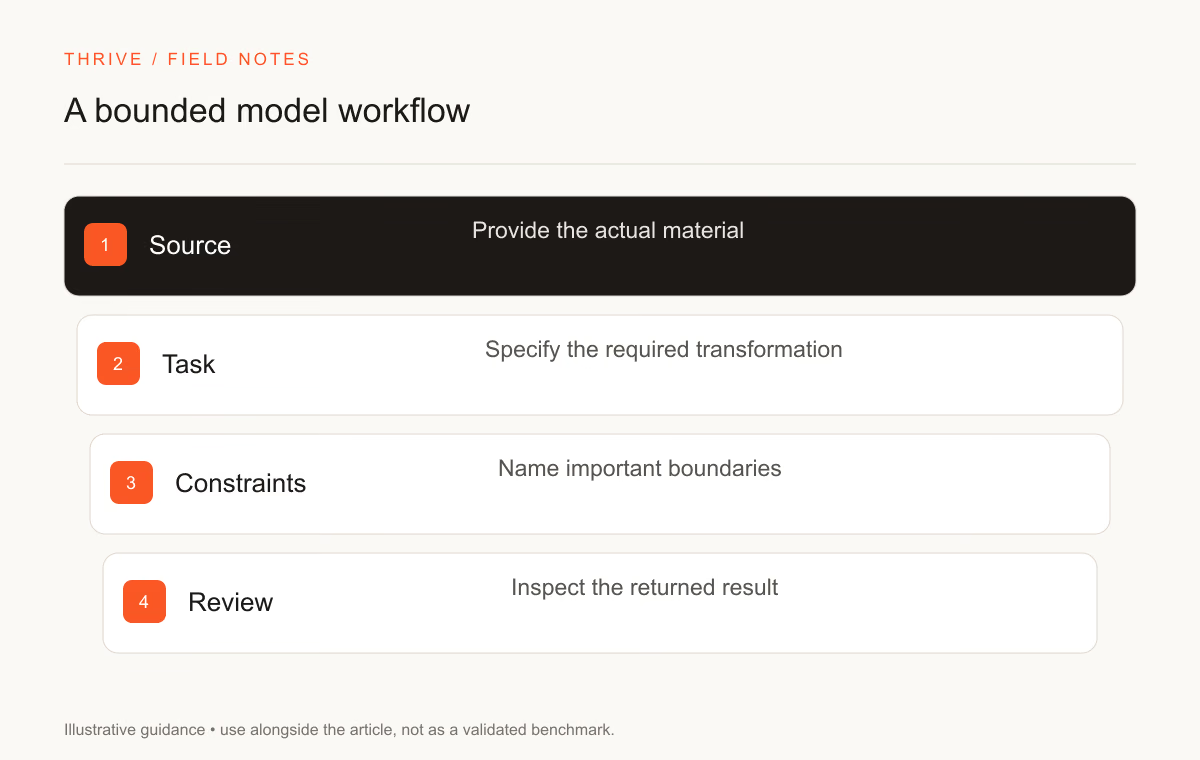
- Source input → Bounded task → Checked output.
- Keep source evidence and review the result before using it.
Anthropic released Claude Opus 5.5 on September 22, 2026. Its official documentation positions the model for agentic coding and knowledge work. You can use that description to select a trial workload, then test the result against your own acceptance rules.
Thrive reviewed the announcement and model documentation on September 28, 2026. Provider performance claims remain provider claims; we have not reproduced them or run an independent Opus 5.5 benchmark.
Start with verified access and specifications
Item | Published specification |
|---|---|
API ID | claude-opus-5-5 |
Context window | 1,000,000 tokens |
Maximum output | 128,000 tokens |
Base input price | USD 4 per million tokens |
Base output price | USD 20 per million tokens |
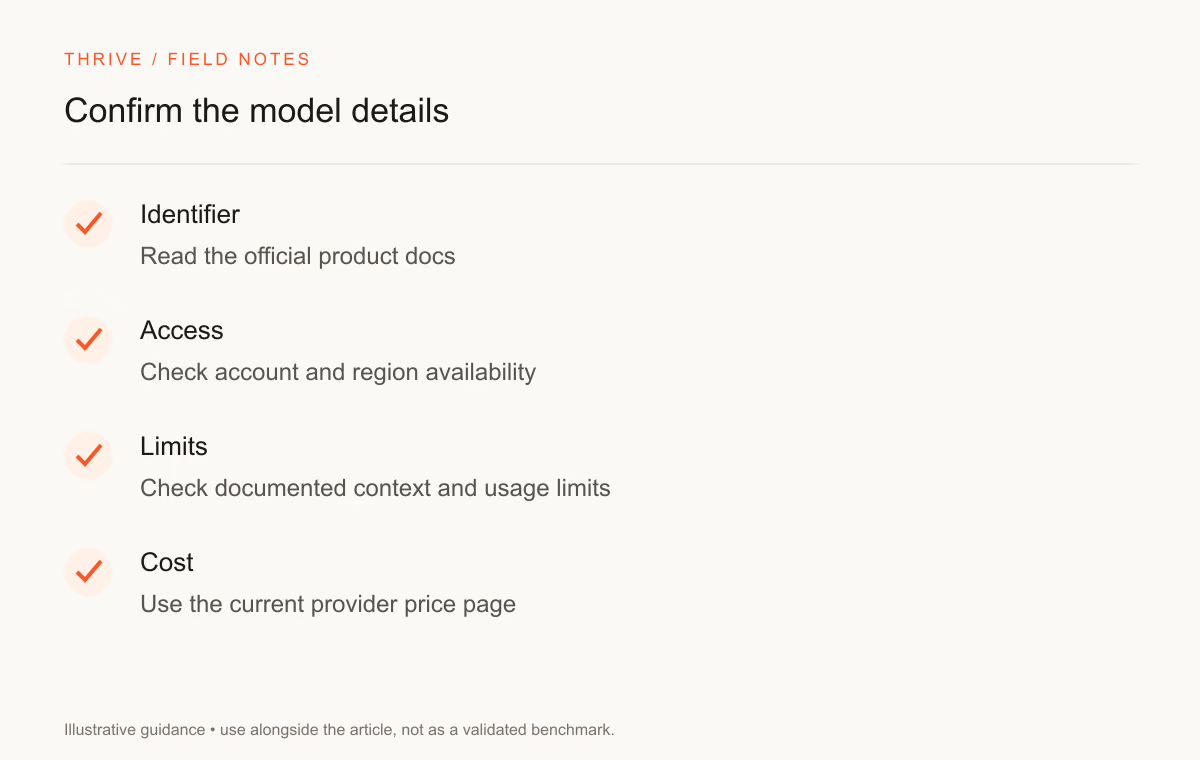
The model overview and pricing documentation support these figures. Caching, tools, platform billing, and other conditions can affect the final charge. Check your actual account and provider before relying on a feature or rate.
The launch announcement confirms the release and describes Anthropic's own evaluations. Use those results as information about the stated test settings, then run the tasks that matter to you.
Choose a trial you can judge
For a code trial, supply a reproducible defect and a test command. For a research trial, supply the source pack and questions. For writing, specify the audience, facts, and format. Keep the first task small enough that you can inspect the entire output.
Trial | Input | Check |
|---|---|---|
Debug a feature | Code snapshot and failing reproduction | Correct behavior and a limited diff |
Review a source pack | Documents and a bounded question | Supported claims with accurate references |
Improve a resume bullet | Verified work notes | Preserved facts and ownership |
Design a workflow | Inputs, tools, permissions, and success rules | Review points and failure handling |
These rows describe possible evaluations, not capabilities we have tested. Include a case with missing information so you can inspect whether the assistant asks for clarification or invents a detail.
Review long documents by evidence
A large context window lets you supply more text, subject to account limits. It does not remove the need to check which passage supports a conclusion. Ask for section or page references, then open those passages yourself.
Start with questions you can answer from the source. Add a question whose answer is absent. A useful review should preserve that absence instead of filling it with a plausible claim.
Use the source-verification prompt to classify unsupported claims. Keep confidential material out of the trial unless your organization permits the tool and account you use.
Set boundaries for agentic work
An agent may have permission to edit files, call tools, or execute commands. Decide which actions require review before the trial. Keep production credentials and external publishing outside the initial test.
Ask for a plan with checkpoints where a mistake would be costly. Review the command log and changed files. A successful final artifact does not erase an unauthorized action taken along the way.
The agent iteration workflow can help structure a trial with grading and revision. Adapt it to your permission boundaries and expected outputs.
Compare with your existing setup
Run the same task on the model or tool you already use. Preserve the starting input, effort settings, and enabled tools. Measure corrections, retries, and actual usage alongside output quality.
Read the Sol versus Opus comparison for a specification overview, or use the coding protocol for a repository trial.
For career work, you can use Opus 5.5 as an editing aid while maintaining your own facts and review. The resume prompt collection describes tasks you can perform with a suitable text assistant. Tool use belongs beside your contribution in a project record, with its limits clear.
Sources and review notes
Thrive will update this article when official specifications change. No trial outcome or benchmark score in this guide comes from a completed Thrive test.
Put it into practice
Your next step
Practice
SkillGrade IterateHave a question or a correction?
Contact Thrive