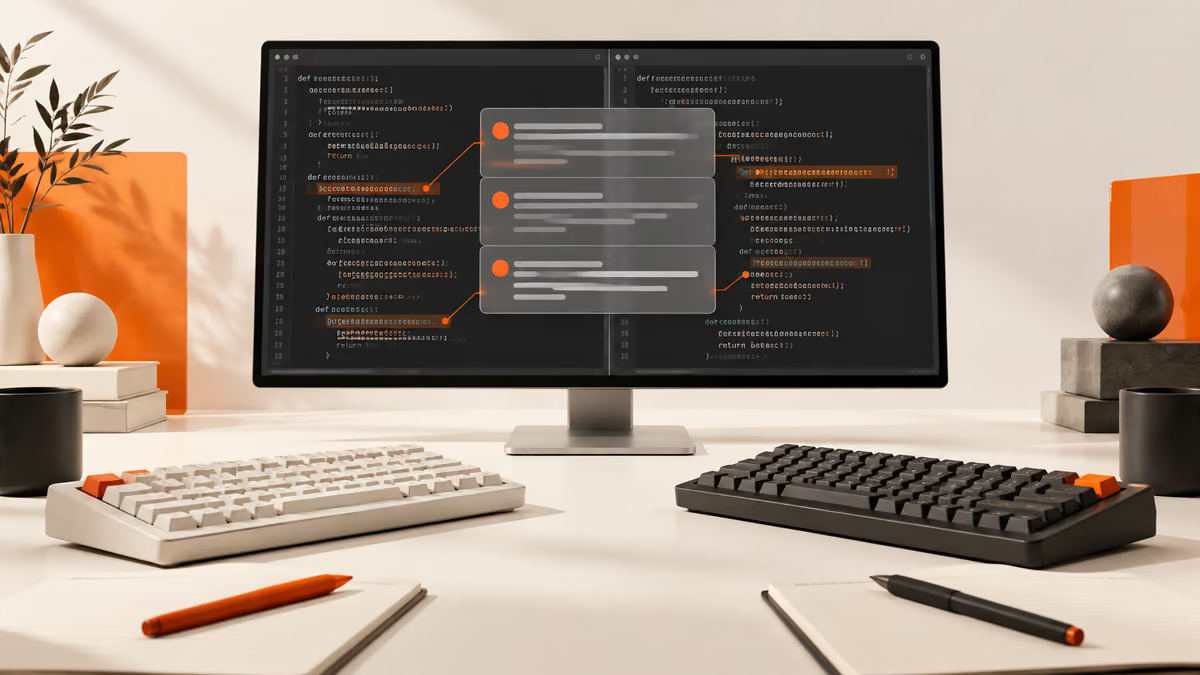
The short version
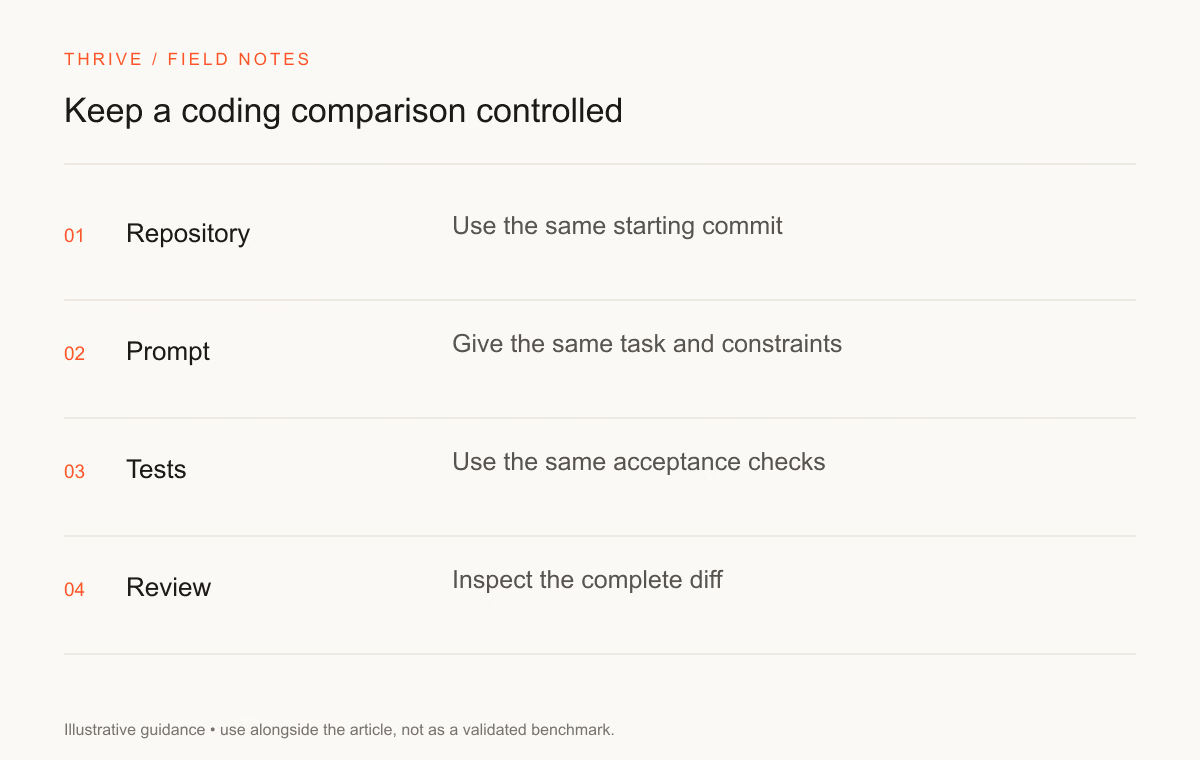
- Same repository → Same tests → Reviewed diff.
- Keep source evidence and review the result before using it.
Compare GPT-6 Sol and Claude Opus 5.5 for coding on a fixed repository snapshot. Give each model the same task, tool access, and acceptance checks. Keep the patch, command log, and reviewer notes so you can explain the result.
This article provides a test protocol. Thrive has not run this head-to-head experiment, and we publish no fabricated scores. Official specifications provide starting information; your own workload provides the evidence for a choice.
Prepare a fair comparison
Choose a repository you have permission to use and remove secrets from the test environment. Record the commit hash and restore that starting state before each run. Keep a failing reproduction available for a bug task.
Supply the same instructions, relevant files, and permitted commands. Set a time or attempt budget and explain the review criteria before the run. If one product receives extra retrieval tools, record that difference and describe the trial as a workflow comparison.
Use a test branch. Keep production credentials and deployment actions outside the trial. The assistant should not need to send messages, publish a package, or change a live database to prove a local patch.
Use five task types
Task | Starting material | Acceptance rule | Result field |
|---|---|---|---|
Debugging | A failing reproduction | Fixes the cause and adds a relevant regression check | Record after running |
Refactoring | Working code and stable interfaces | Preserves behavior and public contracts | Record after running |
Tests | A requirement with known edge cases | Exercises behavior and exposes a meaningful failure | Record after running |
Repository reasoning | A bounded architecture question | Cites relevant files and follows the actual call path | Record after running |
Documentation | A current API or command | Examples run against the stated version | Record after running |
“Record after running” is a worksheet label, not a performance result. You can add rows for tasks that matter to your repository, such as authorization checks or a migration review.
Give the task a concrete contract
Write the input, expected behavior, constraints, and check command. A useful bug request describes what the user did, what happened, and what should happen. Include an error message or reproduction where available.
For a fictional application, a task might be: “When a signed-out visitor opens the private resume workspace, send them to sign-in and preserve the requested destination. Signed-in visitors should open the workspace. Keep public resume guidance accessible.” That defines two states and a boundary a reviewer can test.
Ask the assistant to explain the files it plans to change before it broadens the scope. A repository refactor should have a reason connected to the requested behavior.
Use the TypeScript audit prompt for a review case, and the debugging skill for a reproduction-based case.
Review without the model label
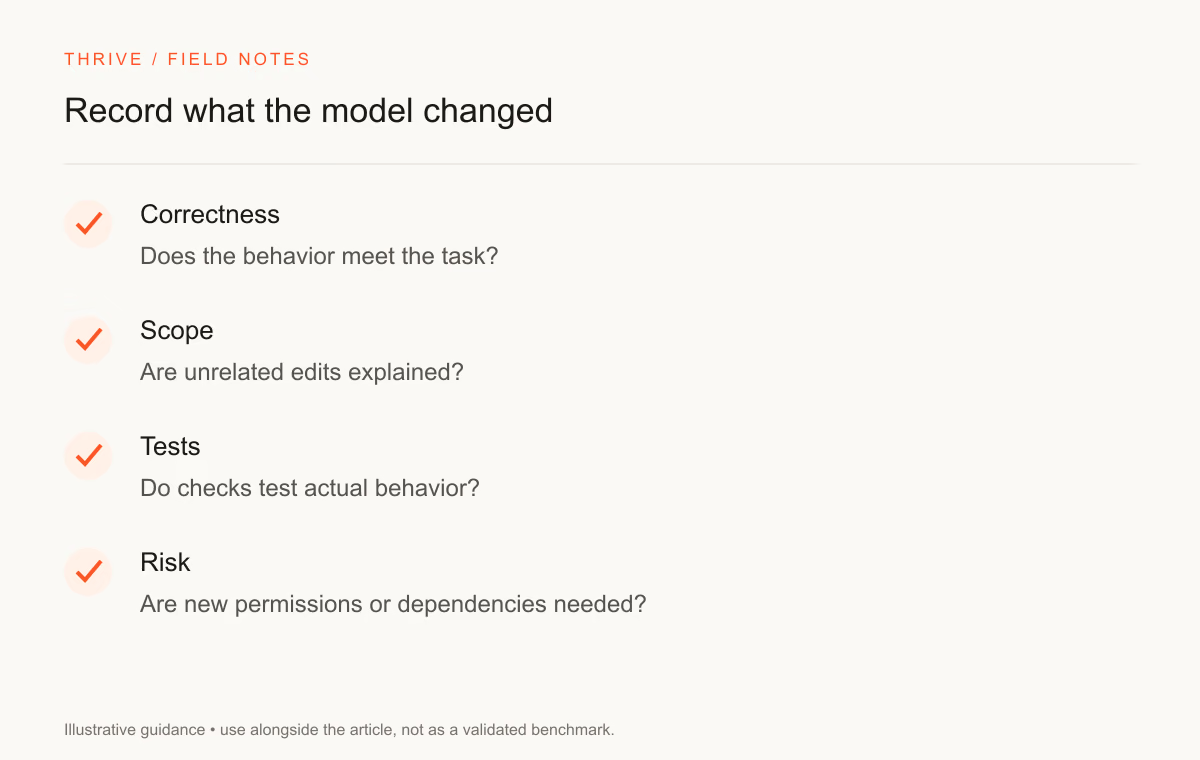
Give the reviewer the patches under neutral labels where possible. Ask them to assess correctness, scope, maintainability, and verification. Preserve a tie if both patches satisfy the contract with similar review effort.
Run the test suite on a clean environment. Check whether the assistant weakened a test, suppressed an error, or changed a setting to make a check pass. Record the failure and the proposed fix as separate evidence.
Inspect dependencies and permission changes. A patch that solves the visible defect by widening access can create a more serious issue. A reviewer should understand why each sensitive change belongs in the solution.
Calculate cost from actual usage
Record input and output tokens, retries, tool charges, and reviewer time. Use the provider's rate that applies to that request. The general model comparison explains the base specifications and a limited arithmetic example.
Compare cost per accepted task, not token price alone. A model may use more context or need more attempts. Tokenizers and service tiers can change the bill for apparently similar sessions.
Write a result with its limits
State the model IDs, settings, repository version, task count, attempt policy, date, and reviewer method. Explain the failures as well as successes. Describe the result as evidence for the tasks you tested, with no claim about all programming work.
Keep the raw record. Someone reading your comparison should be able to repeat the checks or see why a case failed. Re-run key cases after a provider changes the model or your agent tooling changes.
The model evaluation workflow and pairwise rubric can help organize the review. A de-identified version can support a portfolio discussion about your testing decisions.
Sources and review notes
Thrive Editorial reviewed these sources on September 28, 2026. We designed the worksheet; we have not populated it with measured model outcomes.
Put it into practice
Your next step
Have a question or a correction?
Contact Thrive