
The short version
- Role tasks → Matching evidence → Honest wording.
- Keep source evidence and review the result before using it.
To tailor a resume to a job description, select evidence for the role's stated tasks and explain that evidence in the employer's language. Preserve your actual experience. A tailored resume should help a recruiter understand the connection without requiring them to guess what you did.
Save the complete posting before editing. You will need its responsibilities, qualifications, application instructions, and source URL. A short AI summary can omit a condition that matters to your eligibility.
Build a requirement-to-evidence map
Read the posting and separate requirements from preferences. Identify the work behind each phrase. “Data quality” might mean checking duplicates, defining valid ranges, documenting sources, or something else in that team.
For each important task, find an example from employment, a project, coursework, or volunteering. Label the example's status. Keep a gap visible where you lack evidence.
Fictional job requirement | Applicant's source notes | Resume decision |
|---|---|---|
Review data quality | Checked duplicate IDs in a course dataset | Add a labeled project example |
Explain evaluation decisions | Compared assistant answers against a written rubric | Describe the rubric and review record |
Maintain Python services | Completed a tutorial, with no maintained service | Keep as a learning gap |
Communicate with operations | Prepared support reports for an operations lead | Select the relevant work entry |
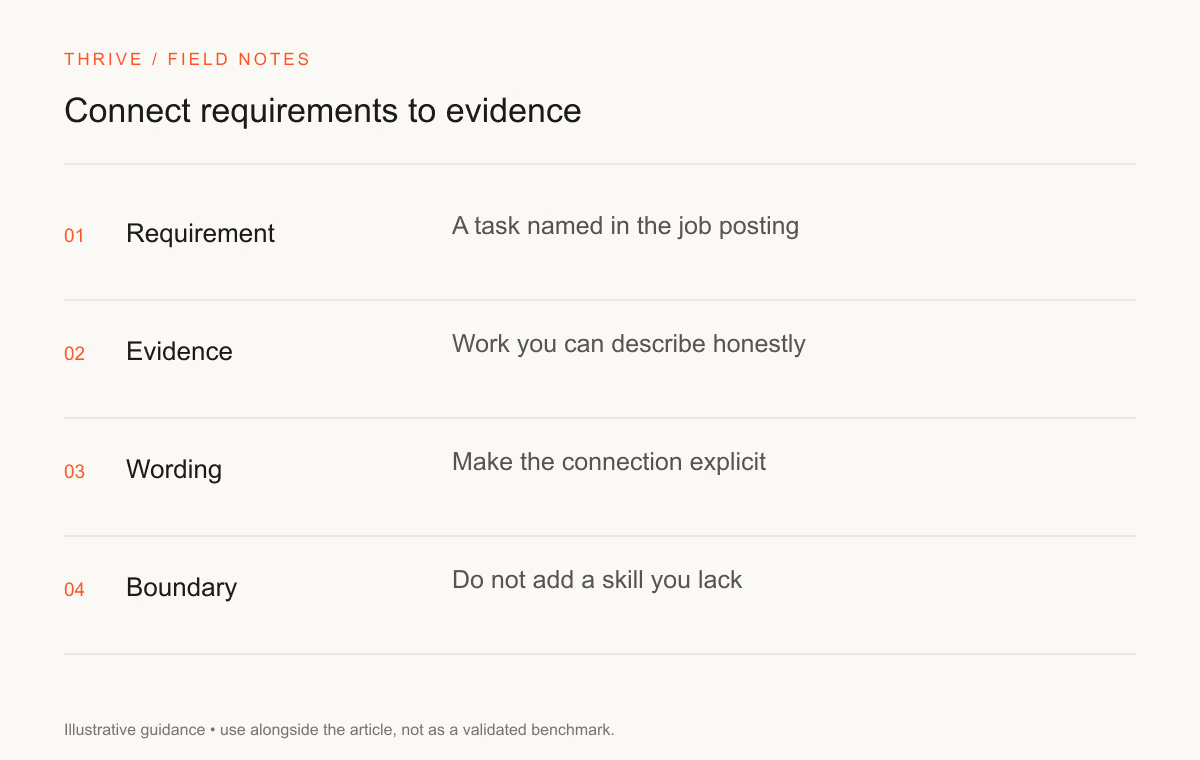
These examples are fictional. They illustrate how to separate evidence from a keyword. A tutorial may be useful preparation, but it does not support a claim that you maintained production software.
Select the relevant parts of your experience
Start with your strongest matching example. Give it enough space to describe your contribution, method, and output. Reduce detail on work that does not help explain your fit, while keeping an accurate history.
Preserve your employer's job title. You can explain relevant responsibilities under that title instead of renaming a past role to match the posting. Keep employment dates consistent across your resume, letter, and application form.
CareerOneStop's work-experience guide offers a useful baseline for selecting relevant work. Use your own record to decide which examples deserve space.
Rewrite bullets with a source note beside them
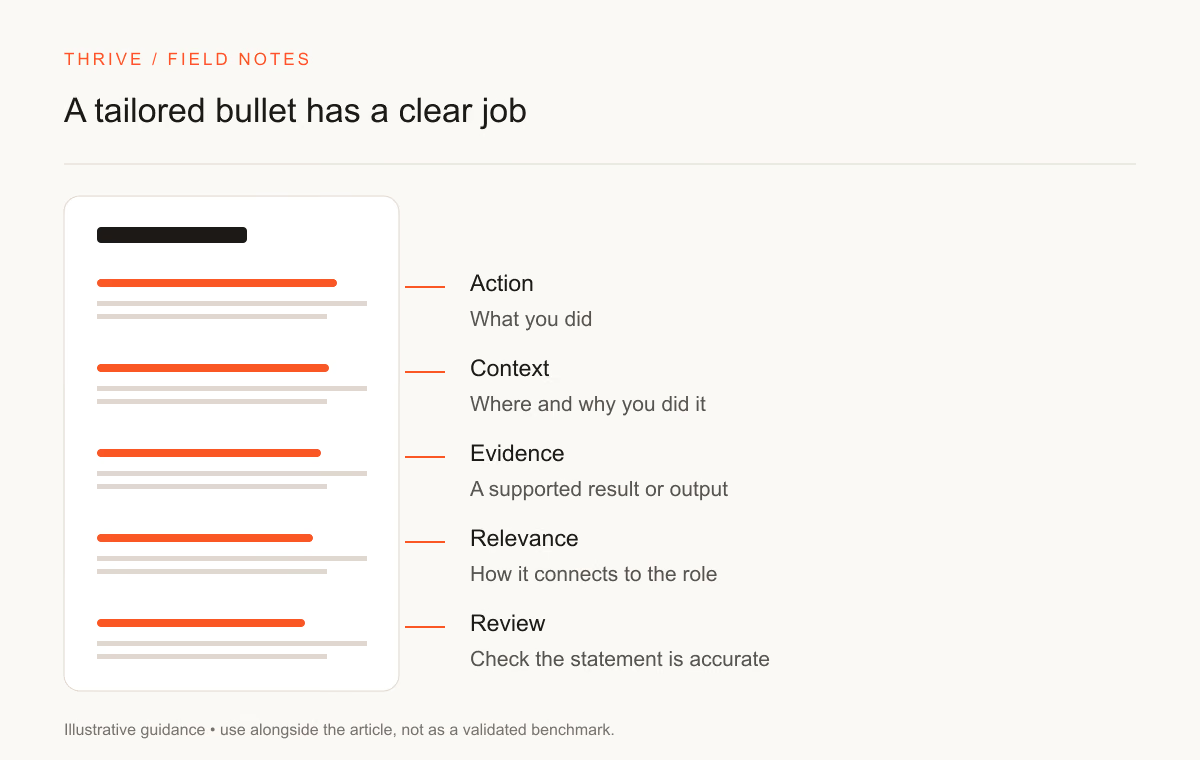
Give an assistant the original bullet, the facts behind it, and the task in the job description. Ask for a clearer sentence and a list of facts it used. That list helps you spot an invented tool or exaggerated outcome.
Before | Revised fictional example | Evidence preserved |
|---|---|---|
Helped with data | Checked missing values and duplicate records in a public dataset and documented the cleaning decisions | The task and review record |
Used AI tools | Compared generated answers with source documents and logged unsupported claims | The verification method |
Worked on reports | Prepared support-ticket summaries for the operations lead using spreadsheet filters | The audience and tool |
A clearer bullet does not require a fabricated percentage. Add a count only when you recorded it and can explain what it measures. Use the resume bullet prompt to structure the edit.
Include terminology you can substantiate
Use the employer's term where it describes work you performed. For example, you can name SQL beside a query project if you wrote and checked those queries. Repeating SQL in several sections adds little when the resume lacks a useful example.
Separate a tool mentioned in the posting from a tool you have used. An assistant may suggest adding both. Your review should remove unsupported additions and retain a learning note outside the submitted resume.
For a technical application, a SQL review workflow can help you build a practice artifact. Identify it as a project, then document your queries, checks, and limitations.
Check the document and the application together
Follow the employer's requested format. Open the exported file and check its contact section, page breaks, links, and reading order. Greenhouse lists complex layouts as potential parsing problems; use that as a formatting consideration rather than a universal acceptance rule.
Re-read the original posting before submitting. Confirm the role is still open and that you meet any country or work-authorization requirements. Use the Thrive resume builder to keep an editable application version and the cover letter builder for a requested letter.
Keep a version record
Save the submitted resume with the employer, role, and date. Note the examples you emphasized. That record gives you a starting point for interview preparation and prevents a later application from inheriting the wrong employer name.
For a broader editing workflow, read the AI resume builder guide. For truthful keyword and gap checks, choose a bounded task from the resume prompt collection.
Sources and review notes
Thrive Editorial reviewed the sources on September 28, 2026. Teaching examples do not represent real candidate outcomes or employer hiring criteria.
Put it into practice
Your next step
Have a question or a correction?
Contact Thrive