The short version
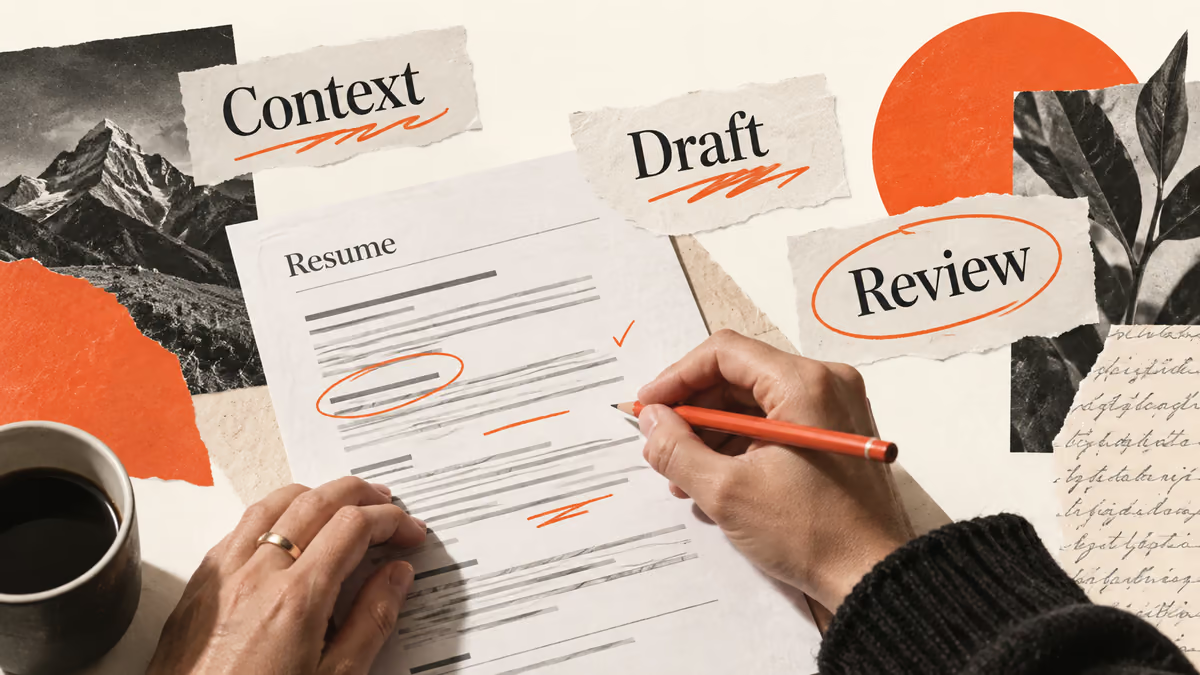
- Your experience → Targeted draft → Reviewed export.
- Keep source evidence and review the result before using it.
An AI resume builder helps you turn your work history into an editable application document. Use it to organize sections, tighten a bullet, and check a job description against your experience. You still need to supply the facts and review the final file.
Start with one role you want to apply for. A polished resume for an undefined audience makes the next round of editing harder. Keep a master record of your experience, then select the parts that match the role's responsibilities.
Gather a usable record of your work
Write down your employers, dates, responsibilities, tools, and projects before asking an assistant to draft anything. Add evidence beside each achievement: a report you produced, a process you documented, or a result you measured. Mark information you need to check.
You can describe useful work without a percentage. A support specialist who wrote a troubleshooting guide can explain the problem, the audience, and the guide's contents. An assistant should ask for evidence before claiming that the guide reduced support costs.
Keep private customer records, passwords, and confidential employer material out of your inputs. Replace identifying project details with a description you have permission to share. Review the tool's account and data settings before uploading a complete resume.
Choose the edit before choosing the tool
Your problem | Useful AI task | Your review |
|---|---|---|
Your resume lists duties | Ask for clearer actions and concrete outputs | Confirm your contribution |
Your experience spans several fields | Group relevant evidence for one target role | Keep dates and job titles accurate |
A posting asks for unfamiliar skills | Separate demonstrated skills from gaps | Remove skills you have not used |
Your draft repeats itself | Identify duplicate claims and suggest cuts | Keep the strongest evidence |
Your file looks crowded | Shorten sentences and simplify the layout | Inspect the exported document |
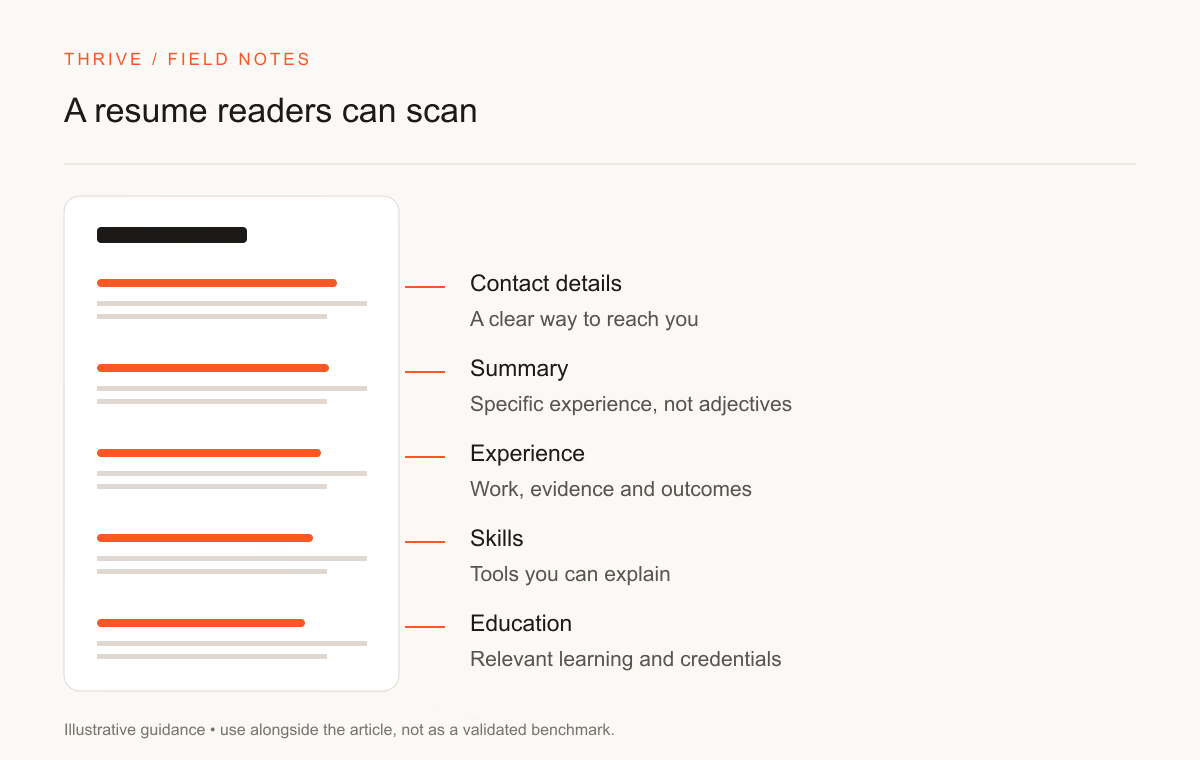
Treat a tool's match score as feedback about its own rules. You cannot infer an employer's shortlist decision from that score. A relevant example deserves more attention than a list of copied keywords.
Rewrite one bullet with a fact boundary
Suppose a fictional applicant wrote: “Worked on monthly reports.” Their notes say they combined support-ticket exports, checked duplicate records, and prepared a spreadsheet for the operations lead. A useful rewrite would describe those actions. A claim about revenue or time saved would need more evidence.
Draft | Revised fictional example | Reason for the change |
|---|---|---|
Worked on monthly reports | Prepared monthly support reports by combining ticket exports and checking duplicate records | Names the output and method |
Helped the team with AI | Compared two assistant responses against a written accuracy rubric and recorded reviewer disagreements | Describes the evaluation task |
Improved our process | Documented the invoice review steps and added an exception checklist for the finance team | Specifies the contribution |
Use the resume bullet improvement prompt with your source notes. Ask the assistant to identify any sentence that requires a fact you did not supply. Reject those sentences or add verified evidence.
Keep the exported resume readable
Greenhouse's parsing guidance identifies complex tables, headers, footers, and column layouts as possible parsing problems. That guidance applies to Greenhouse's parser; other employers use different systems and settings.
Use recognizable section names and selectable text. Follow the employer's requested file format. After export, open the PDF on another device and check page breaks, links, and the contact section. Copy a paragraph into a plain text editor to inspect the reading order. That check can expose a formatting mistake, though it does not certify compatibility with an employer's system.
Build an application version you can explain
Save the original job description and your master experience record.
Identify the role's required tasks and choose matching examples.
Ask for a limited edit, such as a shorter summary or clearer bullet.
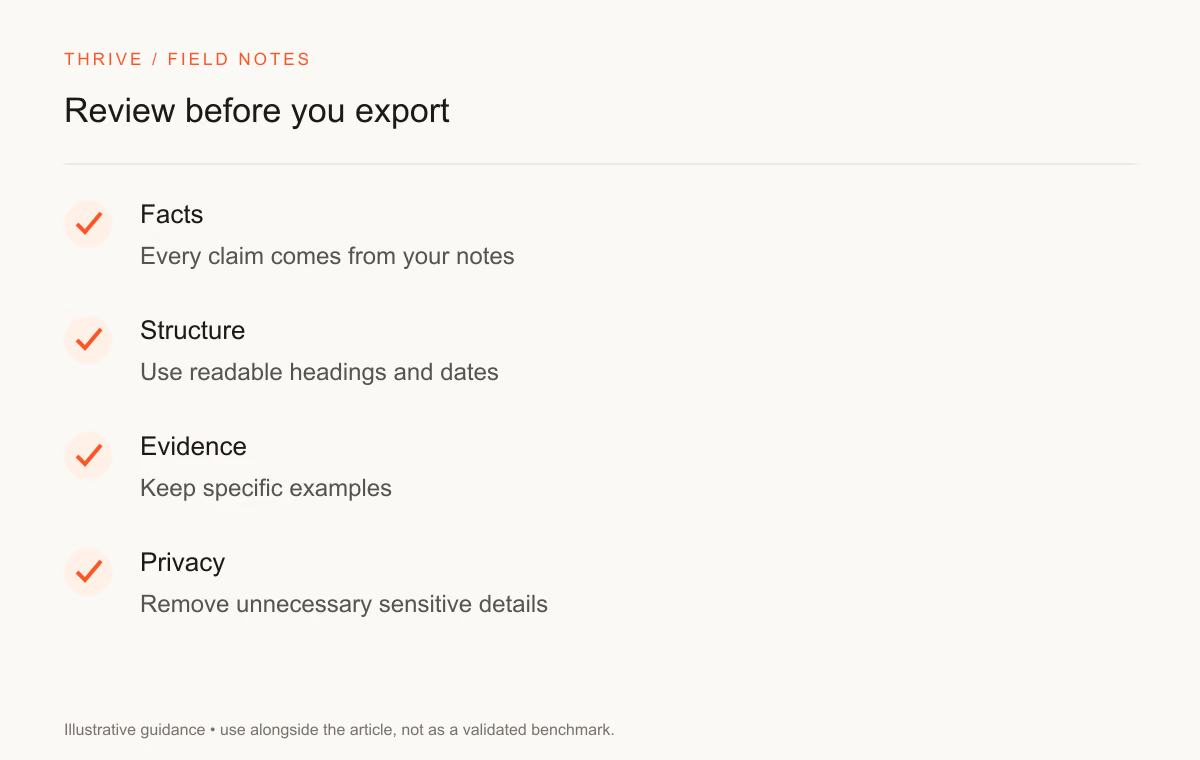
Compare the suggestion with your facts and keep a revision note.
Export the resume and review the document before submission.
Keep a copy of the version you submit. An interviewer may ask about a sentence you edited weeks earlier. You should be able to explain what you did, what tools helped, and how you checked the result.
Use Thrive for the document, then review it yourself
The Thrive resume builder provides a signed-in workspace for manual editing, templates, previews, and export. AI features depend on the configured service. You can prepare and edit a resume without relying on generated text.
For an AI role, connect your experience to a specific task. A model evaluation workflow can structure a practice project, but downloading its instructions does not establish proficiency. Describe the project and the evidence you produced.
Use the resume tailoring guide for the next application. You can also prepare a cover letter when the employer requests one. Keep the claims consistent across both documents.
Sources and review notes
Thrive Editorial reviewed the linked sources on September 28, 2026. The bullet examples are fictional teaching examples, not candidate results. This guide offers an editing process; it does not promise interviews or ATS acceptance.
Put it into practice
Your next step
Have a question or a correction?
Contact Thrive