The short version
- Your facts → Assisted edits → Your approval.
- Keep source evidence and review the result before using it.
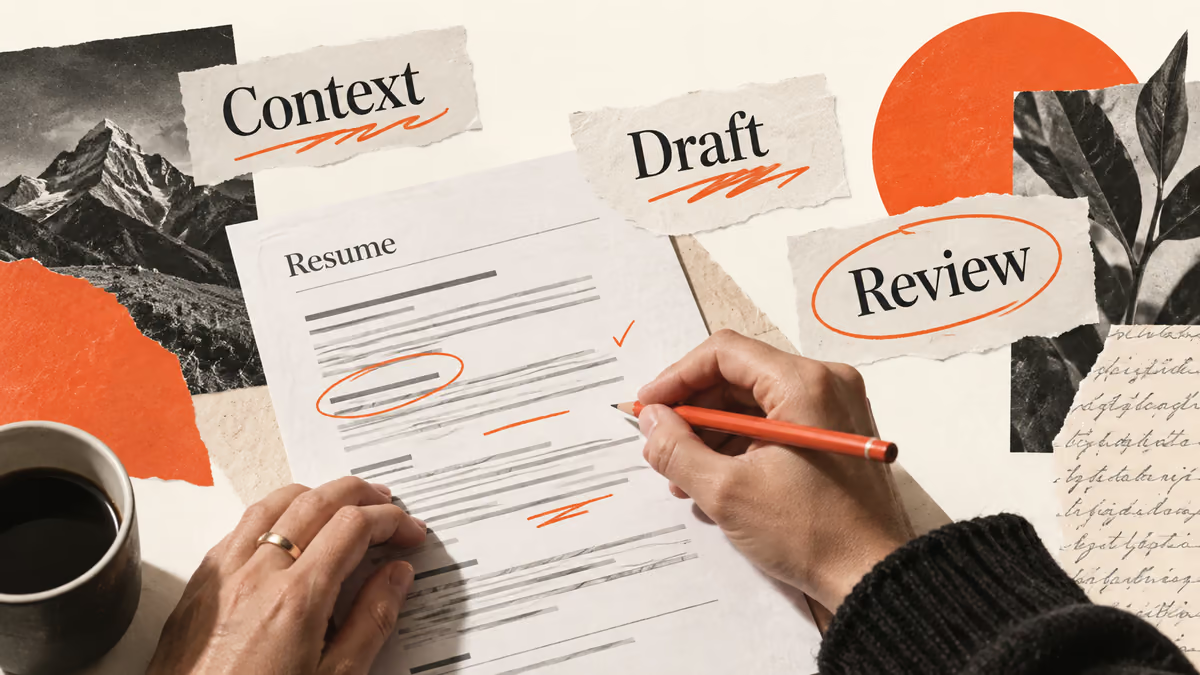
An AI resume uses writing or editing assistance during preparation. The final document still needs to describe your experience, qualifications, and contact information. Employers read the document you submit, so judge the process by the accuracy and clarity of that document.
You can use an assistant for one sentence and write the rest yourself. You can also build the entire layout in a resume editor while keeping manual control over the text. “AI resume” describes a preparation method rather than a separate qualification or guaranteed application format.
Compare responsibilities in the two workflows
Task | Manual workflow | AI-assisted workflow | Owner of the final decision |
|---|---|---|---|
Select experience | You choose relevant examples | An assistant suggests matches from your notes | You |
Draft a bullet | You write the first version | An assistant proposes wording | You |
Add a metric | You consult a record | An assistant asks for a supporting number | You |
Choose a format | You inspect templates | A builder offers layouts | You |
Submit the file | You follow employer instructions | Tools may help prepare the document | You |
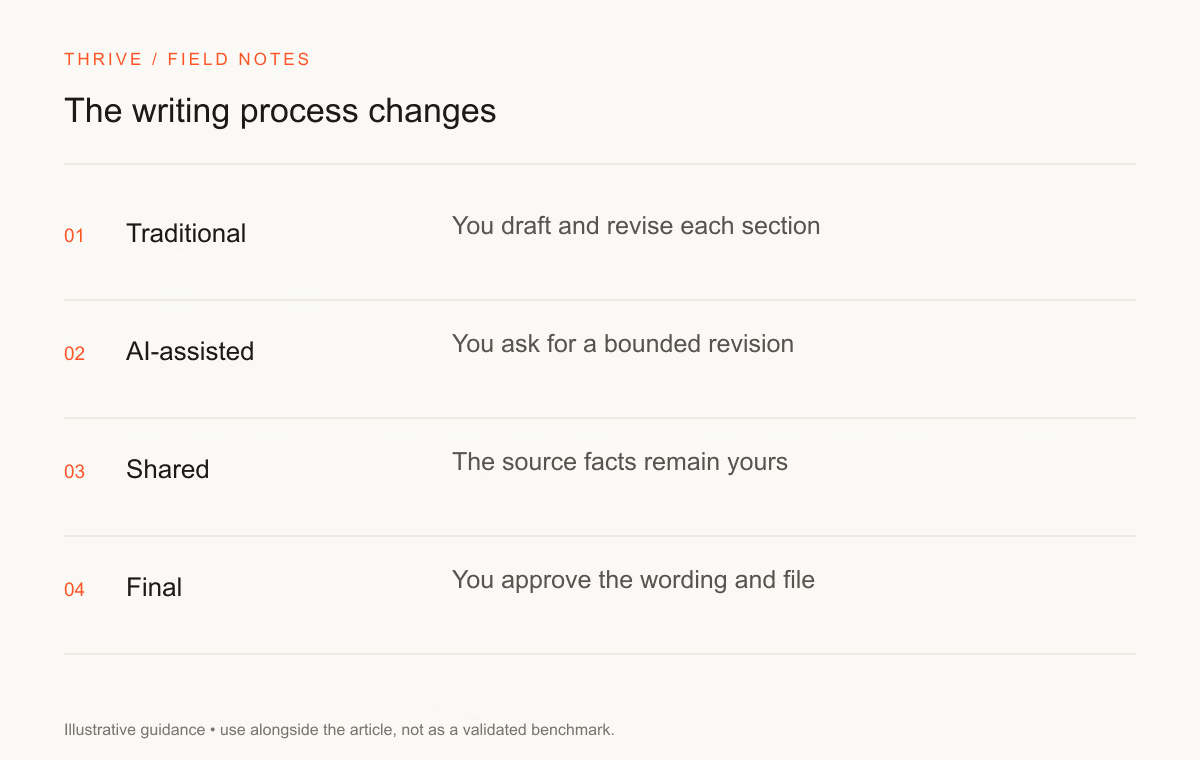
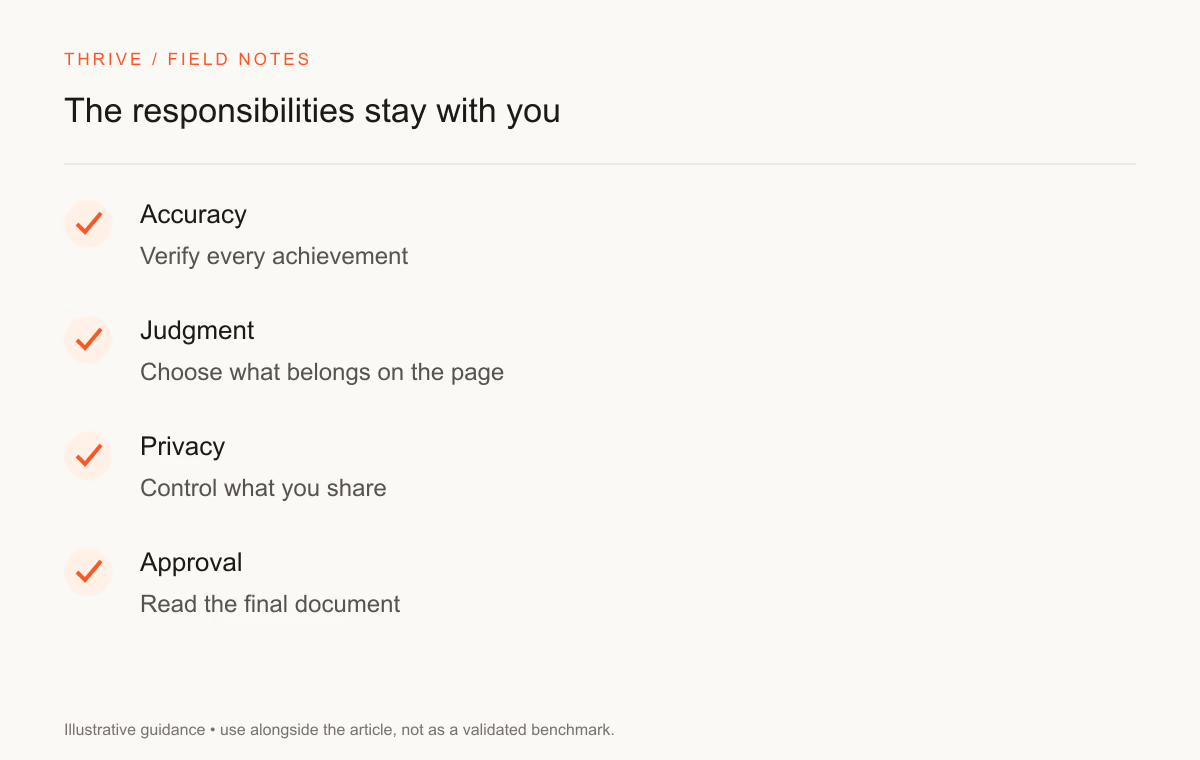
The distinction matters when an assistant adds a claim. A polished sentence can still misstate your work. Keep your source notes available so you can check the suggestion before accepting it.
Use assistance where you can check the answer
A useful task has a limited scope. Ask an assistant to shorten a paragraph, identify repetition, or compare a posting with your existing examples. Specify the facts it must preserve and the details it should ask you to clarify.
Suppose your notes say you wrote a help article for a support team. The assistant can clarify the audience and subject. It cannot establish how many tickets the article prevented without a measurement you provide.
The resume bullet improvement prompt gives you a starting point for bounded editing. Keep the original bullet and the revised version so you can inspect the difference.
Preserve your contribution and voice
Read an edited sentence aloud. You should recognize the work it describes and feel comfortable explaining the details in an interview. Replace vague claims about leadership or innovation with the decisions and outputs you can substantiate.
A straightforward sentence about a report, test, or review can carry more information than a paragraph of self-description. Choose verbs that describe your part of the work. “Reviewed” and “supported” may be accurate where “led” would overstate your responsibility.
Weak wording | Question to resolve | Useful evidence |
|---|---|---|
Results-driven professional | Which result can you explain? | A recorded outcome or completed artifact |
Led AI transformation | What did you own? | A decision, implementation, or review you performed |
Expert in evaluation | Which tasks demonstrate that claim? | Rubrics, rated examples, and reviewer notes |
Improved efficiency | How did you measure the change? | A documented comparison, or a narrower factual description |
Keep the formatting review separate
An assistant can improve text while the export still has a layout problem. Check both. Review the file on another screen and inspect the contact section, line breaks, and reading order.
Follow the employer's requested format. A visual resume might be useful for a design portfolio, while an application form may expect a conventional document. Use the application instructions to make that choice.
The Greenhouse troubleshooting guide documents parser limitations for its product. Treat product-specific guidance as evidence about that system rather than a promise across employers.
Handle private information before prompting
Remove personal identifiers that the editing task does not need. Keep confidential employer and customer material out of a consumer assistant. Review the provider's current data settings and your employer's tool policy before uploading a complete document.
An editing task often needs a role description and a de-identified work example. It rarely needs a passport number or a customer's contact details. Store source records in a place you control and share only the material you have permission to use.
Choose the workflow you can maintain
Manual drafting suits you if you can express the work and manage versions without assistance. AI editing can help when you need a first structure or a second pass on wording. Keep the same factual review standard in either process.
Use the Thrive resume builder for manual document editing and export. The tailoring guide explains how to select evidence for a posting, and the clarity prompt helps with a specific passage.
Sources and review notes
Thrive Editorial reviewed these resources on September 28, 2026. No process in this guide guarantees a hiring outcome.
Put it into practice
Your next step
Have a question or a correction?
Contact Thrive