
The short version
- Choose a task → Compare tools → Inspect export.
- Keep source evidence and review the result before using it.
The best AI resume builder for you depends on the part of the application you need to fix. A document editor, a job tracker, and a resume-to-posting comparison tool solve different problems. Choose one by testing a real task before paying for a plan.
This comparison uses public product documentation reviewed on September 28, 2026. Thrive publishes this guide and provides its own resume tool. We have not run a controlled hiring-outcome study or paid-plan usability test, and we do not rank Thrive first.
Compare the task you need to complete
Tool | Documented focus | Useful reason to inspect it | Check before choosing |
|---|---|---|---|
Thrive | Resume and cover-letter editing, templates, preview, and export | You want a document workspace alongside AI skills and prompts | Confirm any AI service you intend to use is available |
Teal | Resume building, job matching, and application tracking | You want to manage several application versions and a pipeline | Check the limits on specific AI features |
Rezi | AI-assisted resume writing and resume-focused editing | You want structured help drafting resume sections | Review the current plan and export conditions |
Jobscan | Resume building and job-description comparison | You want feedback on the relationship between a resume and posting | Read how the product defines its match feedback |
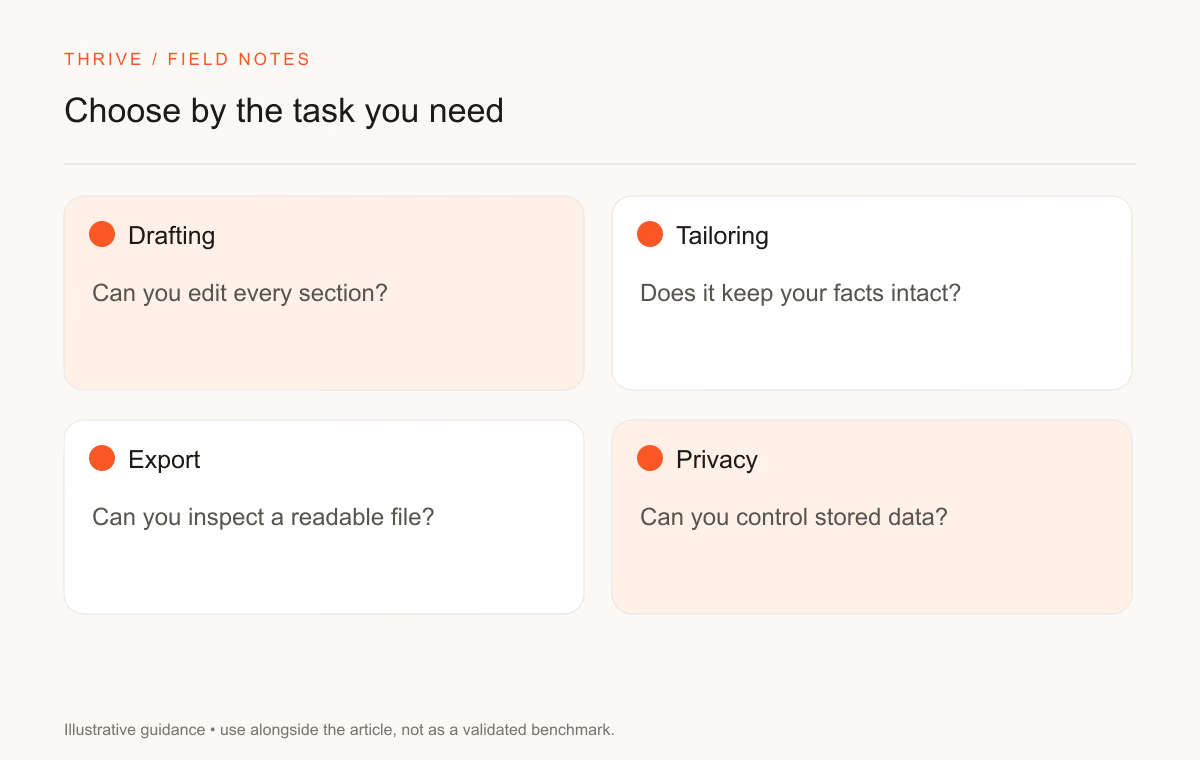
The feature descriptions come from Teal's builder page, Rezi's product site, and Jobscan's builder page. Product providers describe their own tools; those descriptions do not establish that one tool causes more interviews.
We omit a price ranking because plans and feature allowances can change. A free account may include an editor while limiting AI assistance or another service. Open the provider's current plan page and identify the feature you need, rather than assuming the word “free” covers the whole product.
Run the same small test in each tool
Prepare one de-identified work entry, one job description, and a short list of facts the tool must preserve. Use the same inputs across the products you want to compare.
Ask for a clearer bullet. Then check whether the tool keeps your job title, contribution, dates, and result. A suggestion that invents a revenue figure creates extra review work, even if the sentence sounds polished.
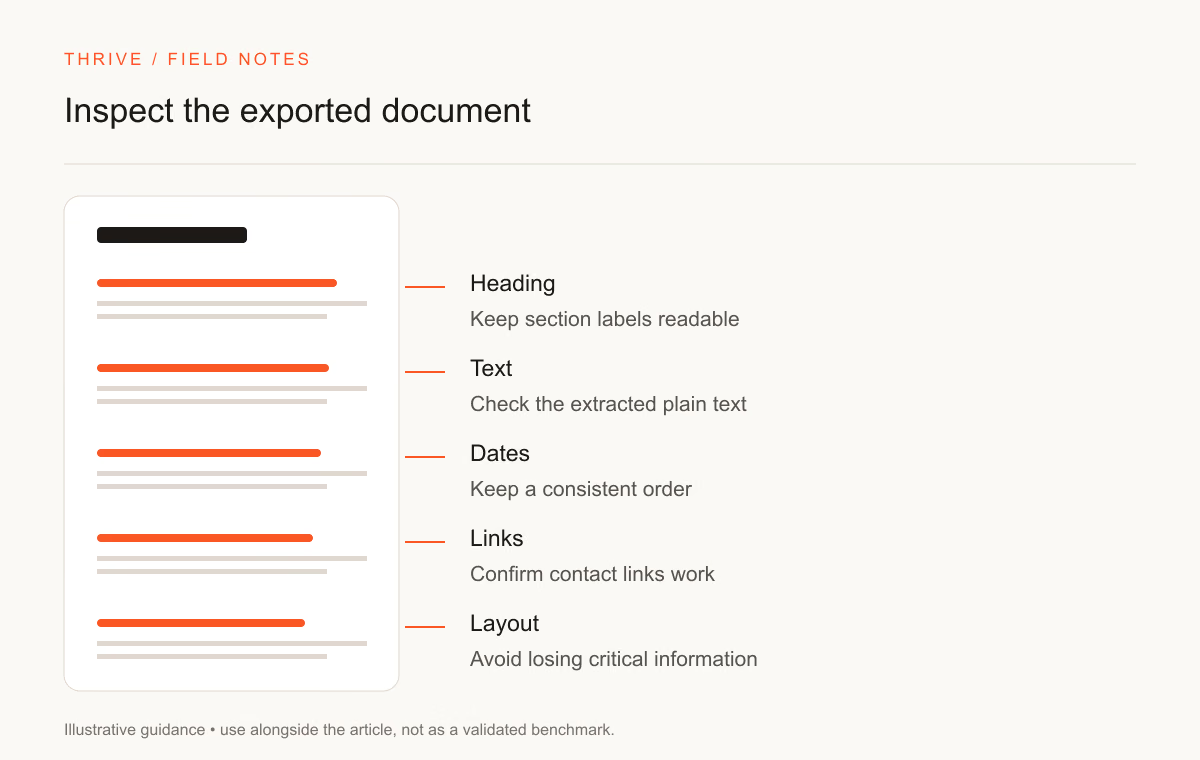
Export a sample document before committing to a subscription. Inspect the reading order, page breaks, and text selection. Open the file outside the builder. You should know whether you can edit the source document and export the format the employer requests.
Test | Evidence to keep | A reason to stop |
|---|---|---|
Bullet rewrite | Original facts and proposed wording | Added responsibilities or results |
Job matching | Requirement and supporting resume passage | Pressure to add an unsupported skill |
Export | A downloaded sample file | Unclear export restrictions or broken layout |
Version management | Two role-specific drafts | Changes overwrite the wrong version |
Data controls | Settings and provider documentation | You cannot understand how to remove uploaded material |
Interpret ATS features with care
Providers use terms such as ATS-friendly, match score, and keyword coverage in different ways. Read the explanation behind the feature. A text comparison can help you notice that you omitted a relevant tool from a truthful project description. It cannot tell you which candidates an employer will hire.
Greenhouse documents parsing problems involving complex layouts and some placement of contact information. That offers a concrete formatting check. It does not establish a universal score you must reach across employers.
For a straightforward application, prioritize a clear record of relevant work and a file the employer can read. Keep a visual portfolio separate when the role asks for one.
Pick the smallest toolset that covers your workflow
You may need a builder and a spreadsheet rather than several subscriptions. An applicant targeting one role can draft a resume in a document editor and use a prompt for a limited revision. An applicant managing many tailored versions may value a tracker more.
Separate writing assistance from job discovery. Confirm an opportunity on the employer's own site before uploading personal information. A resume service's convenience should not replace that source check.
Use Thrive's resume builder guide to inspect its workspace, or try the resume prompts with a tool you already have. The AI-assisted resume workflow explains the human review steps that apply across products.
Sources and comparison limits
Thrive Editorial checked provider documentation on September 28, 2026. We list documented capabilities and a proposed test method. We make no tested-winner, placement-rate, or universal ATS acceptance claim.
Put it into practice
Your next step
Have a question or a correction?
Contact Thrive