The short version
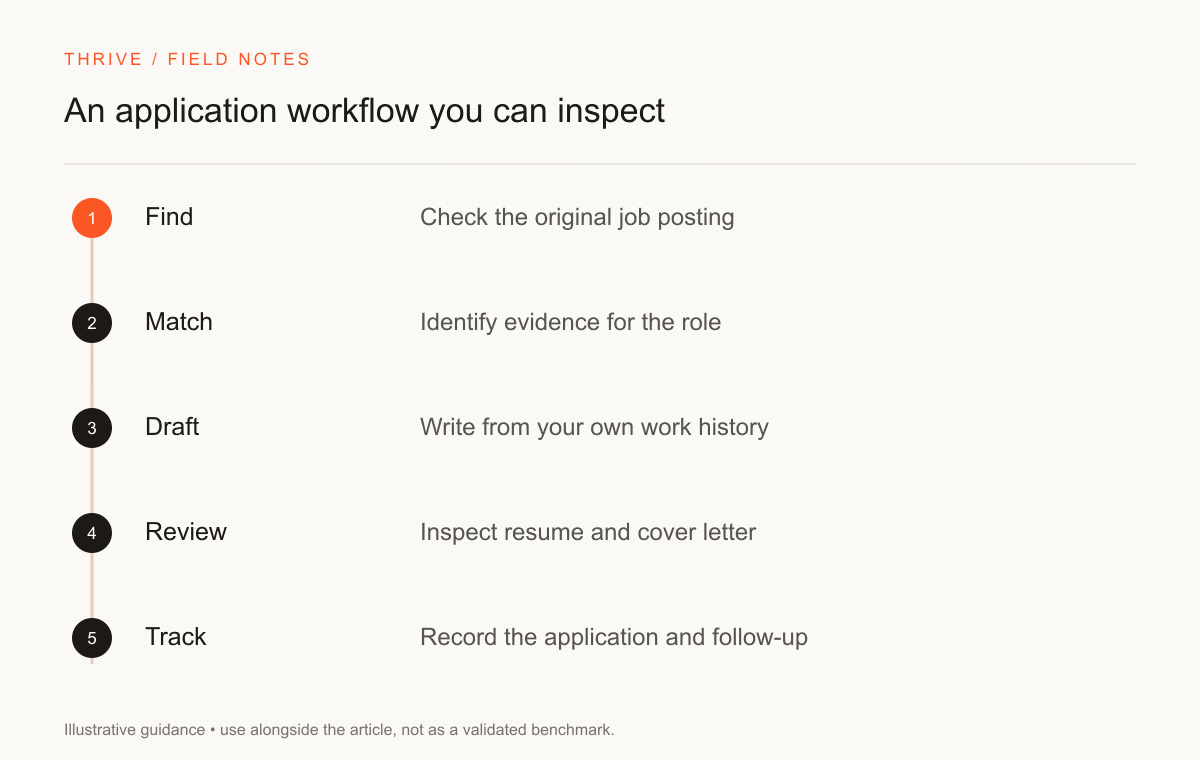
- Verified role → Evidence draft → Application log.
- Keep source evidence and review the result before using it.
Use AI tools for job search to complete a task you can review: identify relevant requirements, edit a resume, prepare interview questions, or organize application notes. Start with the work you need to do. Buying several tools before defining that work can leave you with duplicate drafts and no clear application record.
You need three inputs for a useful workflow: verified experience, a genuine job description, and the employer's instructions. Keep those inputs separate from generated suggestions so you can trace each claim back to a source.
Build a small job-search toolset
Stage | Tool type | Your responsibility |
|---|---|---|
Research a role | Search and source-based research | Verify the original employer posting |
Select experience | A text assistant or comparison worksheet | Identify evidence you can explain |
Draft a resume | A resume editor | Review claims and export quality |
Write a letter | A letter editor or writing assistant | Check employer details and requested format |
Prepare for an interview | A question generator and practice partner | Answer from your own experience |
Track applications | A spreadsheet or tracker | Record dates, versions, and follow-ups |
For resumes, Teal, Rezi, and Jobscan document different combinations of writing and comparison features. Inspect the feature you need in the current plan. Thrive offers a resume workspace and cover-letter workspace alongside its career resources.
This is a workflow guide based on provider documentation, not a tested ranking. We have not measured interview outcomes for these products.
Use research tools to collect leads
Ask an assistant to identify organizations working on a topic you know, then confirm those organizations yourself. Save the careers-page URL and the date you checked it. A generated list may contain an expired posting or an organization with a similar name.
Read eligibility before drafting an application. Remote work may have country or timezone limits. Contractor terms may differ from employee terms. Ask the employer about an unclear requirement rather than accepting an assistant's interpretation.
The FTC's job-scam guidance explains common payment and personal-information risks. An AI-generated summary should not replace checks on the organization, application domain, and requested information.
Edit application documents in stages
Start with a requirement-to-evidence worksheet. Mark a requirement as supported only when your notes show relevant experience. Keep gaps visible; they can guide your learning plan or a question for the recruiter.
Ask for one revision at a time. A summary rewrite, a shorter bullet, and a cover-letter opening need different inputs. Review the result before asking for the next task. The 25 resume prompts provide bounded tasks you can adapt.
Keep a master resume unchanged while editing an application version. Save the final file under a recognizable name, then record which employer received it. Consistent version names help you prepare for a later interview.
Practice explaining your work
Give an assistant a de-identified project description and ask for questions about your decisions. Answer aloud before reading a suggested answer. You need to explain the trade-offs and checks you made, including what you would change next time.
For an evaluation role, practice comparing two responses against a rubric. Use the pairwise evaluation prompt and preserve disagreements. That exercise produces something you can discuss beyond familiarity with a chatbot.
The AI readiness assessment provides a suggested role fit and illustrative salary estimate from scenario answers. Compare that suggestion with an employer's actual requirements and compensation terms.
Track your own results without overinterpreting them
Record applications, replies, interviews, and the resume version you used. Keep the employer, role, location, and application date with each record. A single positive reply does not show that an AI tool caused the outcome.
Record | Useful detail | Avoid storing |
|---|---|---|
Application | Role URL, date, resume version | Unneeded identity documents |
Recruiter reply | Next step and deadline | Another person's private details |
Interview practice | Questions and evidence gaps | Confidential employer tasks |
Tool evaluation | Edits accepted and corrections needed | Claims about guaranteed hiring results |
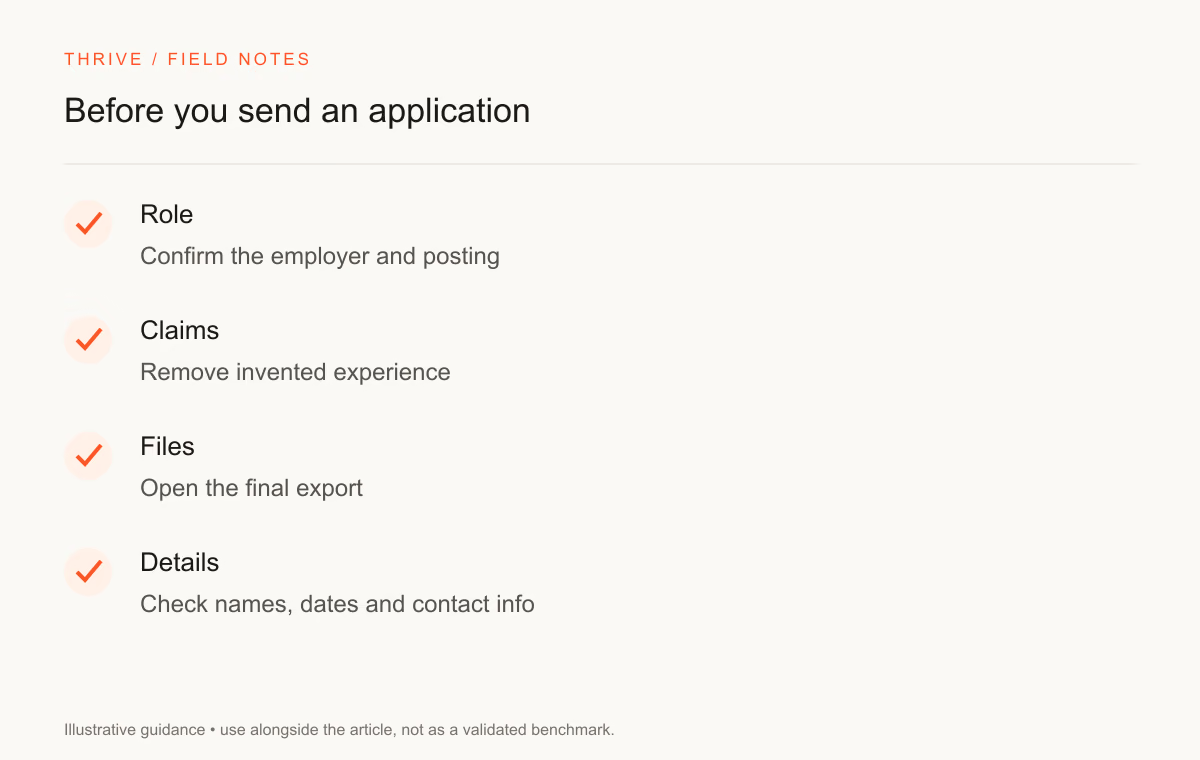
Use the job-search checklist before sharing information. Check Thrive's jobs page for published opportunities when available; verify each employer source before applying.
Sources and review notes
Thrive Editorial reviewed the sources on September 28, 2026. This guide proposes a reviewable workflow rather than a claim about a tool's hiring effectiveness.
Put it into practice
Your next step
Have a question or a correction?
Contact Thrive