
The short version
- Your workflow → Shared trial → Source review.
- Keep source evidence and review the result before using it.
Choose Claude or ChatGPT for work by comparing the product you can access and the tasks you need to finish. Start with your documents, tools, privacy requirements, and review process. A broad claim that one assistant writes or codes better cannot answer those questions for your workplace.
This guide reflects official product documentation reviewed on September 28, 2026. We have not tested a universal winner. Features and usage limits depend on your plan, region, organization settings, and the model you select.
Separate the assistant from the model
ChatGPT and Claude are products that combine models with tools and an interface. Their providers also offer developer APIs. A comparison between GPT-6 Sol and Claude Opus 5.5 answers a different question from a comparison between the two web apps.
Write down the exact product, plan, model, and enabled tools for your test. Otherwise you may compare a research-enabled session with a session that cannot browse, then attribute the difference to the model.
Match the product to a work task
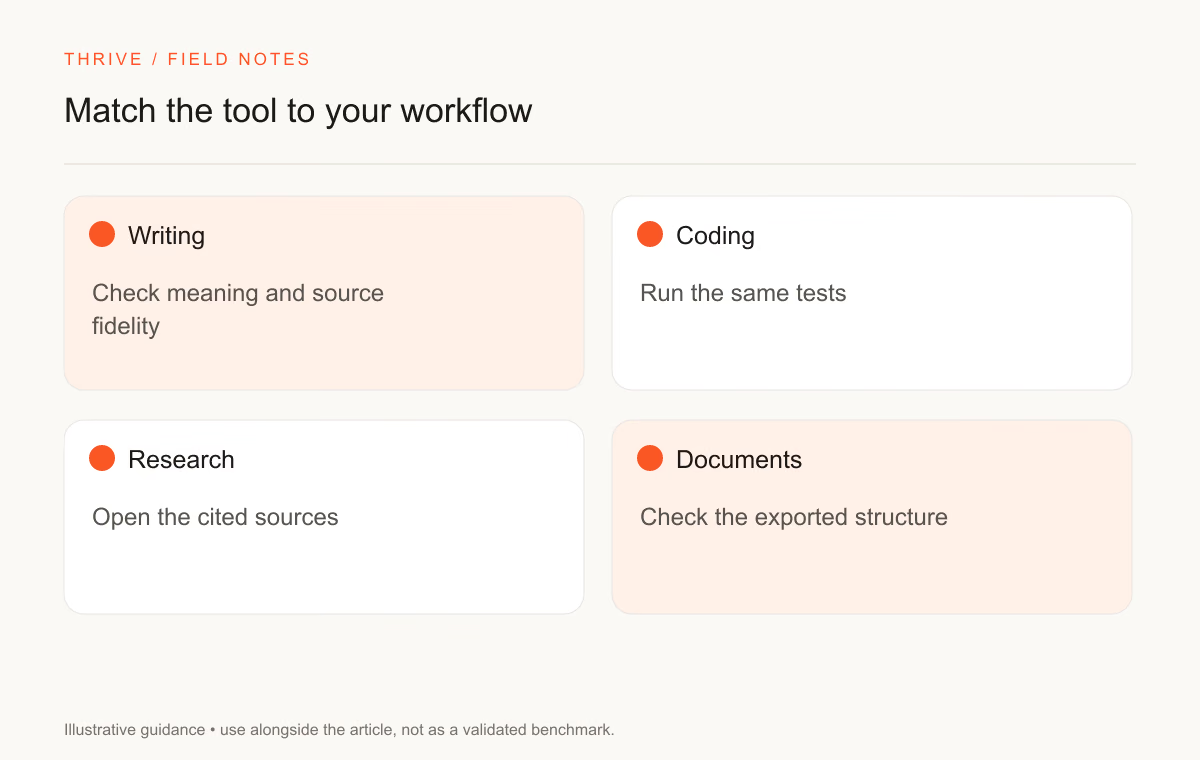
Task | Feature to check in your account | A useful trial |
|---|---|---|
Summarize a document | File access and supported formats | Ask for a summary with page references |
Research a question | Research tools and source access | Verify several cited claims against the originals |
Edit a resume | Text or document input and privacy settings | Check whether the assistant preserves supplied facts |
Work on code | Repository tools and execution permissions | Run a change against your test suite |
Produce a report | Export options and editable formats | Open the output and revise a section |
OpenAI documents source-based reports in ChatGPT deep research. Anthropic documents research access and plan conditions in Claude's research guidance. Read those account requirements before treating a feature as available to you.
Compare writing with a shared brief
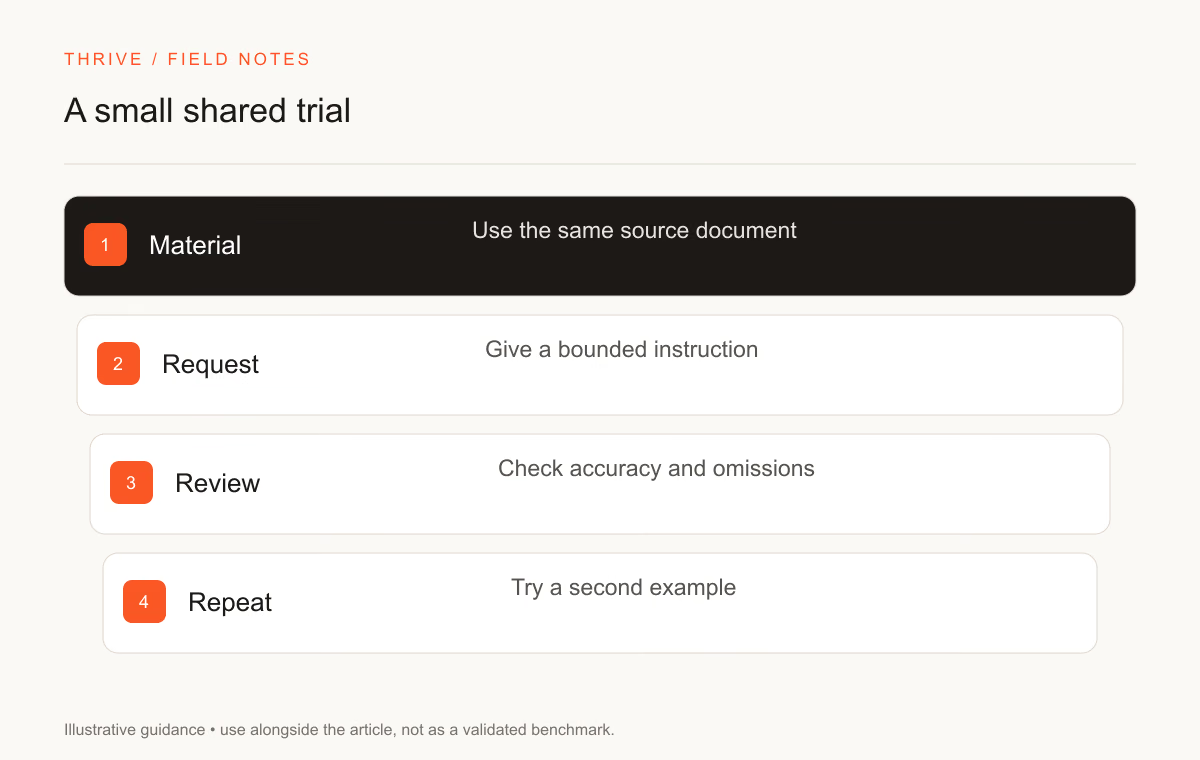
Give both assistants the same audience, source notes, word limit, and required facts. Ask for a document you would use, such as a project update or a resume summary. Define what counts as a good answer before starting.
For a project update, check whether the draft names the decision, the owner, and the next step. For a resume, check whether it adds a skill or result you did not supply. Edit the output yourself and record how much correction you needed.
You can repeat the test with the clarity rewrite prompt. Keep the source paragraph unchanged between attempts. A preference for one tone is useful evidence for your writing workflow, though it says little about an unrelated coding task.
Verify research at the claim level
Open the cited page. Find the passage that supports the claim, and check the source's date and scope. A linked homepage does not support a precise price or release date. A provider's benchmark does not establish performance on your company's workload.
For a job-search question, ask for the employer's original posting. Check country eligibility, application hostname, and whether the role remains open. Avoid using an assistant's summary as the final authority on compensation or contract terms.
The source-verification drill offers a repeatable review method. Record an unsupported claim as a failure instead of asking the assistant to rephrase it until it sounds plausible.
Review privacy before uploading work
Your employer may limit which tools can receive internal documents. Confirm that policy before pasting a report, repository, or customer record into a consumer account. An available upload button does not establish permission.
OpenAI explains consumer account controls in its data-controls documentation. Read the corresponding terms for your Claude plan and organization. Settings differ across consumer products, workplace plans, and APIs.
De-identify a test document where possible. Keep account credentials and third-party personal data out of the brief. Review connector permissions before granting access to a work drive or mailbox.
Choose with a short decision record
Save the task, constraints, outputs, checks, and your preference. Include the account features that mattered. Revisit the decision when the provider changes a feature or your workload changes.
For a model-level comparison, read Opus 5.5 versus GPT-6 Sol. For applications, use the resume guide and career resources to turn approved drafts into documents you can review and explain.
Sources and review notes
Thrive Editorial reviewed these sources on September 28, 2026. The trial suggestions are proposed methods, not reports of completed product tests.
Put it into practice
Your next step
Have a question or a correction?
Contact Thrive