Versão breve
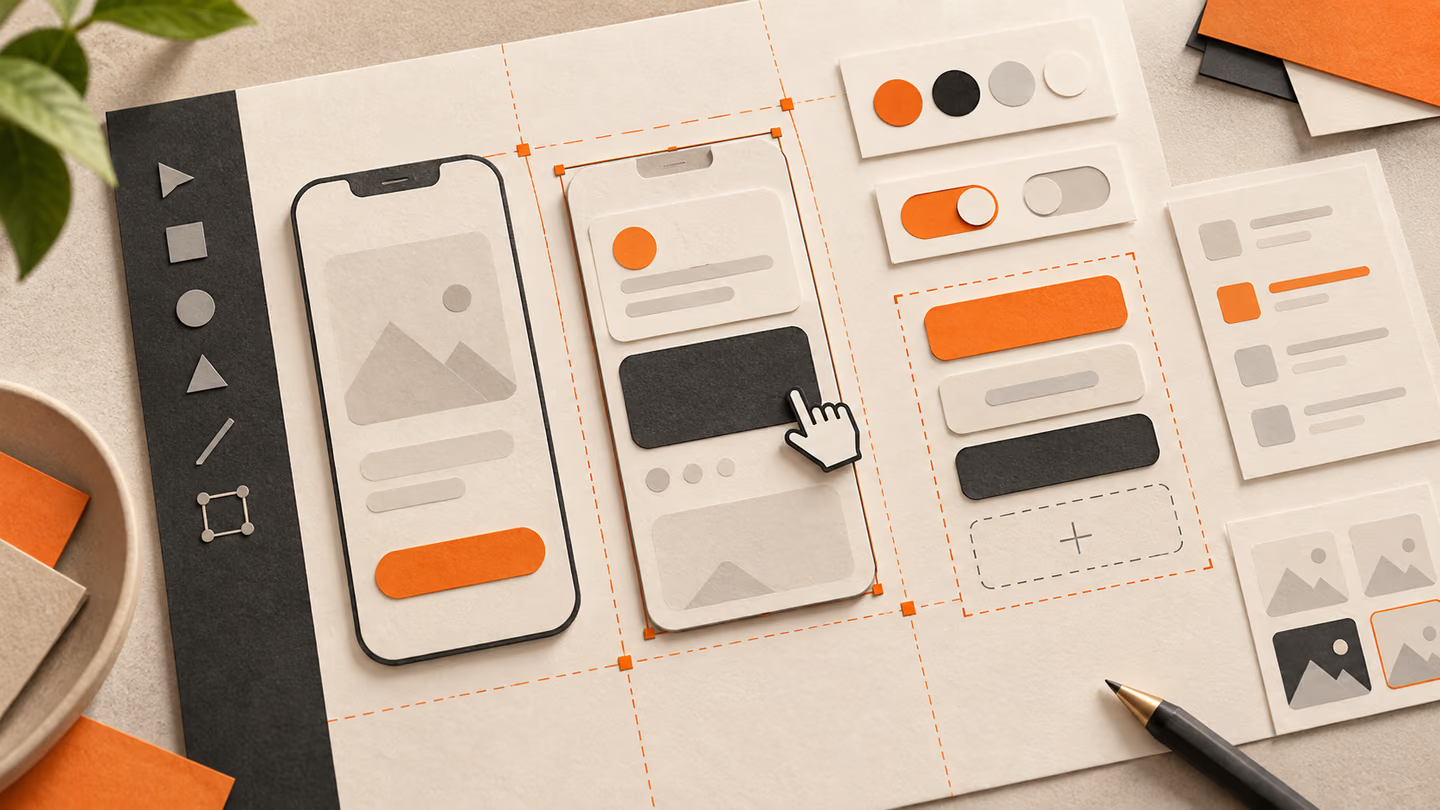
- Um prompt de interface é mais útil quando descreve uma tarefa do utilizador, um estado do ecrã e requisitos de acessibilidade. Estes exemplos apresentam direções de layout, não ganhos de conversão medidos.
- Os ecrãs gerados são pontos de partida. Teste-os com conteúdo real, teclado, ecrãs pequenos e as pessoas que os vão utilizar. O acabamento visual não comprova a usabilidade.
Um prompt de interface é mais útil quando descreve uma tarefa do utilizador, um estado do ecrã e requisitos de acessibilidade. Estes exemplos apresentam direções de layout, não ganhos de conversão medidos.
Os ecrãs gerados são pontos de partida. Teste-os com conteúdo real, teclado, ecrãs pequenos e as pessoas que os vão utilizar. O acabamento visual não comprova a usabilidade.
Como utilizar esta coleção
Escolha a tarefa mais próxima do seu trabalho. Copie o prompt, substitua a cena genérica ou o contexto de código pelos seus dados e mantenha as restrições que ajudam a avaliar o resultado. Altere uma variável de cada vez para identificar o que melhorou.
A abordagem segue o Guia do Figma First Draft: forneça contexto concreto e examine o resultado sem assumir que um primeiro rascunho bem apresentado está correto.
Prompts para descrever a tarefa
Para descrever a tarefa, identifique o utilizador e a decisão que o ecrã deve apoiar.
1. Um fluxo de registo numa aplicação de aprendizagem
Design a signup flow for a learning app for a person who needs to finish one task quickly. State the audience and task you are assuming. Then show the user goal, entry point, essential action and success state in a low-fidelity flow. Use realistic labels and content lengths, with no invented metrics or testimonials. Describe the information hierarchy, mobile adaptation and next action. Explain one tradeoff and how you would check it with users.Verificação: Um novo utilizador consegue identificar a ação seguinte sem ler uma indicação adicional?
2. Um ecrã de resultados de pesquisa de emprego
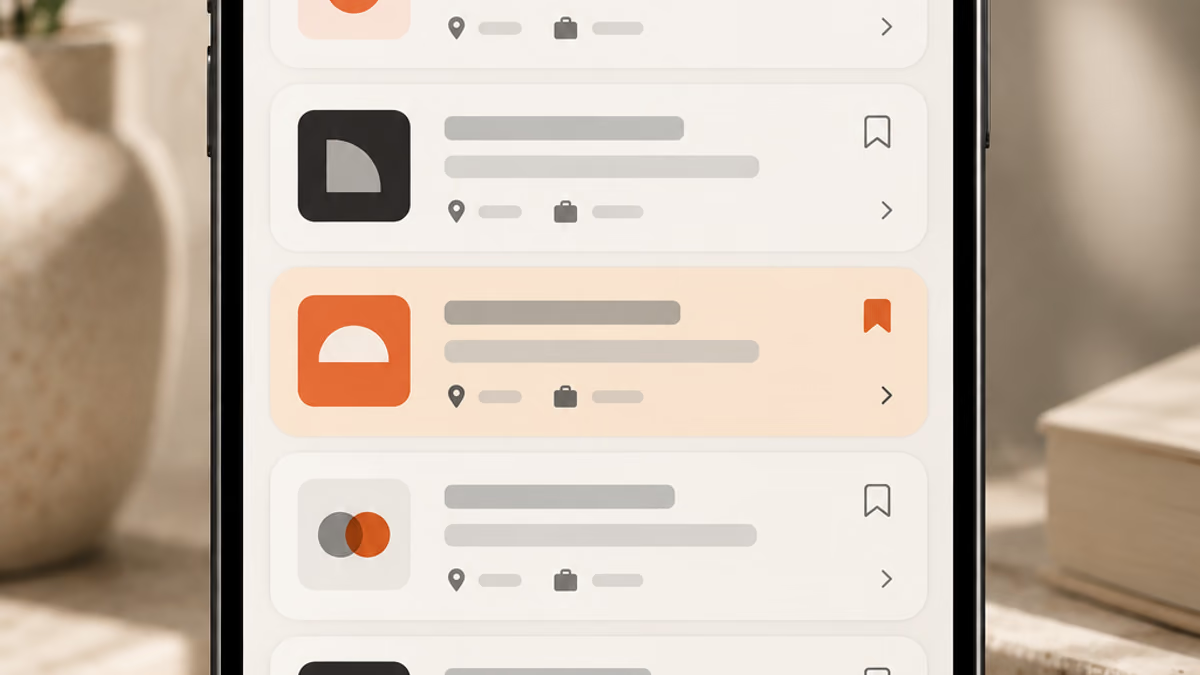
Design a search results screen for jobs for a person who needs to finish one task quickly. State the audience and task you are assuming. Then show the user goal, entry point, essential action and success state in a low-fidelity flow. Use realistic labels and content lengths, with no invented metrics or testimonials. Describe the information hierarchy, mobile adaptation and next action. Explain one tradeoff and how you would check it with users.Verificação: Um novo utilizador consegue identificar a ação seguinte sem ler uma indicação adicional?
3. Um painel de definições de notificações
Design a settings panel for notifications for a person who needs to finish one task quickly. State the audience and task you are assuming. Then show the user goal, entry point, essential action and success state in a low-fidelity flow. Use realistic labels and content lengths, with no invented metrics or testimonials. Describe the information hierarchy, mobile adaptation and next action. Explain one tradeoff and how you would check it with users.Verificação: Um novo utilizador consegue identificar a ação seguinte sem ler uma indicação adicional?
4. Uma página de revisão do pagamento
Design a checkout review page for a person who needs to finish one task quickly. State the audience and task you are assuming. Then show the user goal, entry point, essential action and success state in a low-fidelity flow. Use realistic labels and content lengths, with no invented metrics or testimonials. Describe the information hierarchy, mobile adaptation and next action. Explain one tradeoff and how you would check it with users.Verificação: Um novo utilizador consegue identificar a ação seguinte sem ler uma indicação adicional?
5. Um estado vazio de itens guardados
Design an empty state for saved items for a person who needs to finish one task quickly. State the audience and task you are assuming. Then show the user goal, entry point, essential action and success state in a low-fidelity flow. Use realistic labels and content lengths, with no invented metrics or testimonials. Describe the information hierarchy, mobile adaptation and next action. Explain one tradeoff and how you would check it with users.Verificação: Um novo utilizador consegue identificar a ação seguinte sem ler uma indicação adicional?
6. Um painel para um editor
Design a dashboard for an editor for a person who needs to finish one task quickly. State the audience and task you are assuming. Then show the user goal, entry point, essential action and success state in a low-fidelity flow. Use realistic labels and content lengths, with no invented metrics or testimonials. Describe the information hierarchy, mobile adaptation and next action. Explain one tradeoff and how you would check it with users.Verificação: Um novo utilizador consegue identificar a ação seguinte sem ler uma indicação adicional?
7. Um calendário de reservas
Design a booking calendar for a person who needs to finish one task quickly. State the audience and task you are assuming. Then show the user goal, entry point, essential action and success state in a low-fidelity flow. Use realistic labels and content lengths, with no invented metrics or testimonials. Describe the information hierarchy, mobile adaptation and next action. Explain one tradeoff and how you would check it with users.Verificação: Um novo utilizador consegue identificar a ação seguinte sem ler uma indicação adicional?
8. Um menu de navegação móvel
Design a mobile navigation menu for a person who needs to finish one task quickly. State the audience and task you are assuming. Then show the user goal, entry point, essential action and success state in a low-fidelity flow. Use realistic labels and content lengths, with no invented metrics or testimonials. Describe the information hierarchy, mobile adaptation and next action. Explain one tradeoff and how you would check it with users.Verificação: Um novo utilizador consegue identificar a ação seguinte sem ler uma indicação adicional?
9. Um estado de erro no pagamento
Design an error state for payment for a person who needs to finish one task quickly. State the audience and task you are assuming. Then show the user goal, entry point, essential action and success state in a low-fidelity flow. Use realistic labels and content lengths, with no invented metrics or testimonials. Describe the information hierarchy, mobile adaptation and next action. Explain one tradeoff and how you would check it with users.Verificação: Um novo utilizador consegue identificar a ação seguinte sem ler uma indicação adicional?
10. Um ecrã para completar o perfil
Design a profile completion screen for a person who needs to finish one task quickly. State the audience and task you are assuming. Then show the user goal, entry point, essential action and success state in a low-fidelity flow. Use realistic labels and content lengths, with no invented metrics or testimonials. Describe the information hierarchy, mobile adaptation and next action. Explain one tradeoff and how you would check it with users.Verificação: Um novo utilizador consegue identificar a ação seguinte sem ler uma indicação adicional?
Prompts para desenhar o ecrã principal
Para desenhar o ecrã principal, identifique o utilizador e a decisão que o ecrã deve apoiar.
11. Um fluxo de registo numa aplicação de aprendizagem
Design a signup flow for a learning app for a person who needs to finish one task quickly. State the audience and task you are assuming. Then use a clear hierarchy, realistic content lengths and one prominent primary action. Use realistic labels and content lengths, with no invented metrics or testimonials. Describe the information hierarchy, mobile adaptation and next action. Explain one tradeoff and how you would check it with users.Verificação: Verifique o layout no computador e num ecrã móvel com 360 píxeis de largura.
12. Um ecrã de resultados de pesquisa de emprego
Design a search results screen for jobs for a person who needs to finish one task quickly. State the audience and task you are assuming. Then use a clear hierarchy, realistic content lengths and one prominent primary action. Use realistic labels and content lengths, with no invented metrics or testimonials. Describe the information hierarchy, mobile adaptation and next action. Explain one tradeoff and how you would check it with users.Verificação: Verifique o layout no computador e num ecrã móvel com 360 píxeis de largura.
13. Um painel de definições de notificações
Design a settings panel for notifications for a person who needs to finish one task quickly. State the audience and task you are assuming. Then use a clear hierarchy, realistic content lengths and one prominent primary action. Use realistic labels and content lengths, with no invented metrics or testimonials. Describe the information hierarchy, mobile adaptation and next action. Explain one tradeoff and how you would check it with users.Verificação: Verifique o layout no computador e num ecrã móvel com 360 píxeis de largura.
14. Uma página de revisão do pagamento
Design a checkout review page for a person who needs to finish one task quickly. State the audience and task you are assuming. Then use a clear hierarchy, realistic content lengths and one prominent primary action. Use realistic labels and content lengths, with no invented metrics or testimonials. Describe the information hierarchy, mobile adaptation and next action. Explain one tradeoff and how you would check it with users.Verificação: Verifique o layout no computador e num ecrã móvel com 360 píxeis de largura.
15. Um estado vazio de itens guardados
Design an empty state for saved items for a person who needs to finish one task quickly. State the audience and task you are assuming. Then use a clear hierarchy, realistic content lengths and one prominent primary action. Use realistic labels and content lengths, with no invented metrics or testimonials. Describe the information hierarchy, mobile adaptation and next action. Explain one tradeoff and how you would check it with users.Verificação: Verifique o layout no computador e num ecrã móvel com 360 píxeis de largura.
16. Um painel para um editor
Design a dashboard for an editor for a person who needs to finish one task quickly. State the audience and task you are assuming. Then use a clear hierarchy, realistic content lengths and one prominent primary action. Use realistic labels and content lengths, with no invented metrics or testimonials. Describe the information hierarchy, mobile adaptation and next action. Explain one tradeoff and how you would check it with users.Verificação: Verifique o layout no computador e num ecrã móvel com 360 píxeis de largura.
17. Um calendário de reservas
Design a booking calendar for a person who needs to finish one task quickly. State the audience and task you are assuming. Then use a clear hierarchy, realistic content lengths and one prominent primary action. Use realistic labels and content lengths, with no invented metrics or testimonials. Describe the information hierarchy, mobile adaptation and next action. Explain one tradeoff and how you would check it with users.Verificação: Verifique o layout no computador e num ecrã móvel com 360 píxeis de largura.
18. Um menu de navegação móvel
Design a mobile navigation menu for a person who needs to finish one task quickly. State the audience and task you are assuming. Then use a clear hierarchy, realistic content lengths and one prominent primary action. Use realistic labels and content lengths, with no invented metrics or testimonials. Describe the information hierarchy, mobile adaptation and next action. Explain one tradeoff and how you would check it with users.Verificação: Verifique o layout no computador e num ecrã móvel com 360 píxeis de largura.
19. Um estado de erro no pagamento
Design an error state for payment for a person who needs to finish one task quickly. State the audience and task you are assuming. Then use a clear hierarchy, realistic content lengths and one prominent primary action. Use realistic labels and content lengths, with no invented metrics or testimonials. Describe the information hierarchy, mobile adaptation and next action. Explain one tradeoff and how you would check it with users.Verificação: Verifique o layout no computador e num ecrã móvel com 360 píxeis de largura.
20. Um ecrã para completar o perfil
Design a profile completion screen for a person who needs to finish one task quickly. State the audience and task you are assuming. Then use a clear hierarchy, realistic content lengths and one prominent primary action. Use realistic labels and content lengths, with no invented metrics or testimonials. Describe the information hierarchy, mobile adaptation and next action. Explain one tradeoff and how you would check it with users.Verificação: Verifique o layout no computador e num ecrã móvel com 360 píxeis de largura.
Prompts para tratar dados em falta
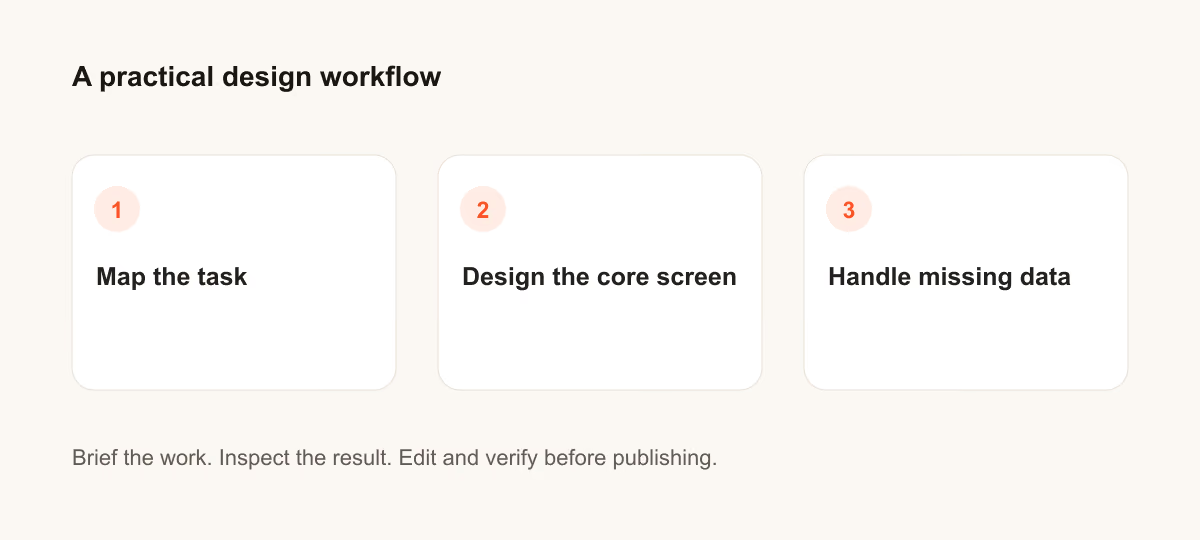
Para tratar dados em falta, identifique o utilizador e a decisão que o ecrã deve apoiar.
21. Um fluxo de registo numa aplicação de aprendizagem
Design a signup flow for a learning app for a person who needs to finish one task quickly. State the audience and task you are assuming. Then include empty, loading and error states with recovery actions. Use realistic labels and content lengths, with no invented metrics or testimonials. Describe the information hierarchy, mobile adaptation and next action. Explain one tradeoff and how you would check it with users.Verificação: Confirme que o utilizador consegue recuperar sem perder o trabalho introduzido.
22. Um ecrã de resultados de pesquisa de emprego
Design a search results screen for jobs for a person who needs to finish one task quickly. State the audience and task you are assuming. Then include empty, loading and error states with recovery actions. Use realistic labels and content lengths, with no invented metrics or testimonials. Describe the information hierarchy, mobile adaptation and next action. Explain one tradeoff and how you would check it with users.Verificação: Confirme que o utilizador consegue recuperar sem perder o trabalho introduzido.
23. Um painel de definições de notificações
Design a settings panel for notifications for a person who needs to finish one task quickly. State the audience and task you are assuming. Then include empty, loading and error states with recovery actions. Use realistic labels and content lengths, with no invented metrics or testimonials. Describe the information hierarchy, mobile adaptation and next action. Explain one tradeoff and how you would check it with users.Verificação: Confirme que o utilizador consegue recuperar sem perder o trabalho introduzido.
24. Uma página de revisão do pagamento
Design a checkout review page for a person who needs to finish one task quickly. State the audience and task you are assuming. Then include empty, loading and error states with recovery actions. Use realistic labels and content lengths, with no invented metrics or testimonials. Describe the information hierarchy, mobile adaptation and next action. Explain one tradeoff and how you would check it with users.Verificação: Confirme que o utilizador consegue recuperar sem perder o trabalho introduzido.
25. Um estado vazio de itens guardados
Design an empty state for saved items for a person who needs to finish one task quickly. State the audience and task you are assuming. Then include empty, loading and error states with recovery actions. Use realistic labels and content lengths, with no invented metrics or testimonials. Describe the information hierarchy, mobile adaptation and next action. Explain one tradeoff and how you would check it with users.Verificação: Confirme que o utilizador consegue recuperar sem perder o trabalho introduzido.
26. Um painel para um editor
Design a dashboard for an editor for a person who needs to finish one task quickly. State the audience and task you are assuming. Then include empty, loading and error states with recovery actions. Use realistic labels and content lengths, with no invented metrics or testimonials. Describe the information hierarchy, mobile adaptation and next action. Explain one tradeoff and how you would check it with users.Verificação: Confirme que o utilizador consegue recuperar sem perder o trabalho introduzido.
27. Um calendário de reservas
Design a booking calendar for a person who needs to finish one task quickly. State the audience and task you are assuming. Then include empty, loading and error states with recovery actions. Use realistic labels and content lengths, with no invented metrics or testimonials. Describe the information hierarchy, mobile adaptation and next action. Explain one tradeoff and how you would check it with users.Verificação: Confirme que o utilizador consegue recuperar sem perder o trabalho introduzido.
28. Um menu de navegação móvel
Design a mobile navigation menu for a person who needs to finish one task quickly. State the audience and task you are assuming. Then include empty, loading and error states with recovery actions. Use realistic labels and content lengths, with no invented metrics or testimonials. Describe the information hierarchy, mobile adaptation and next action. Explain one tradeoff and how you would check it with users.Verificação: Confirme que o utilizador consegue recuperar sem perder o trabalho introduzido.
29. Um estado de erro no pagamento
Design an error state for payment for a person who needs to finish one task quickly. State the audience and task you are assuming. Then include empty, loading and error states with recovery actions. Use realistic labels and content lengths, with no invented metrics or testimonials. Describe the information hierarchy, mobile adaptation and next action. Explain one tradeoff and how you would check it with users.Verificação: Confirme que o utilizador consegue recuperar sem perder o trabalho introduzido.
30. Um ecrã para completar o perfil
Design a profile completion screen for a person who needs to finish one task quickly. State the audience and task you are assuming. Then include empty, loading and error states with recovery actions. Use realistic labels and content lengths, with no invented metrics or testimonials. Describe the information hierarchy, mobile adaptation and next action. Explain one tradeoff and how you would check it with users.Verificação: Confirme que o utilizador consegue recuperar sem perder o trabalho introduzido.
O que verificar antes de utilizar o resultado
Os ecrãs gerados são pontos de partida. Teste-os com conteúdo real, teclado, ecrãs pequenos e as pessoas que os vão utilizar. O acabamento visual não comprova a usabilidade.
Se o resultado não cumprir a tarefa, encurte o prompt e indique o facto ou a restrição em falta. Guarde a versão utilizada para que o recurso final ou a alteração de código possam ser reproduzidos.
Leituras adicionais
Tem uma pergunta ou uma correção?
Contactar a Thrive