The short version
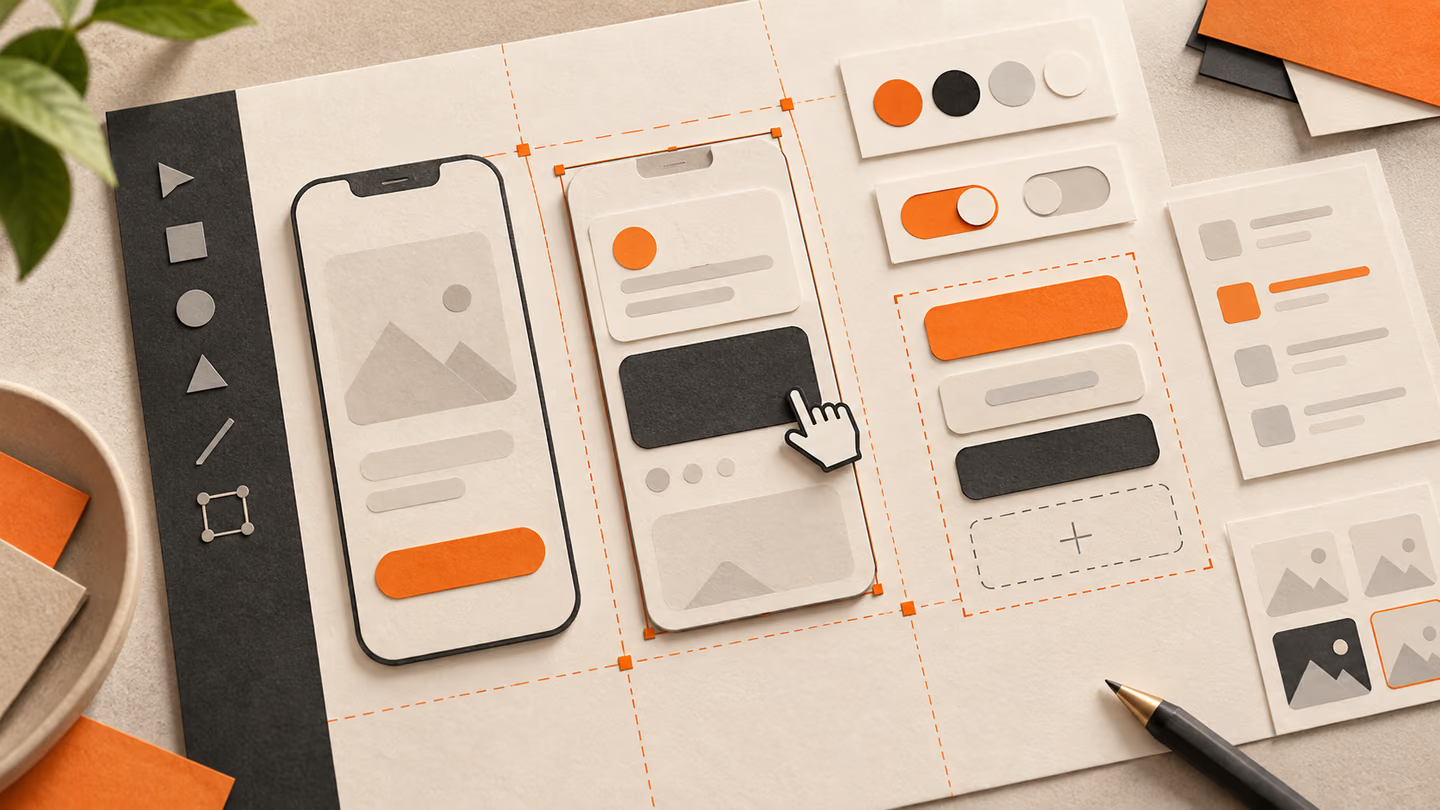
- Product design connects a user problem to a testable screen. These prompts ask for the flow, tradeoffs and failure states before asking for high-fidelity visuals.
- Generated screens are starting points. Test them with actual content, keyboard input, small screens and the people who need to use them. Do not treat visual polish as proof of usability.
Product design connects a user problem to a testable screen. These prompts ask for the flow, tradeoffs and failure states before asking for high-fidelity visuals.
Generated screens are starting points. Test them with actual content, keyboard input, small screens and the people who need to use them. Do not treat visual polish as proof of usability.
How to use this collection
Pick the task closest to your work. Copy the prompt, replace the generic scene or code context with your own facts, and keep the constraints that help you judge the result. Change one variable at a time so you can tell what improved.
The approach follows the Figma First Draft guide: provide concrete context and inspect the output rather than assuming a polished first pass is correct.
Map the task prompts
For map the task, name the user and the decision the screen needs to support.
1. A habit tracker
Design a habit tracker for a person who needs to finish one task quickly. State the audience and task you are assuming. Then show the user goal, entry point, essential action and success state in a low-fidelity flow. Use realistic labels and content lengths, with no invented metrics or testimonials. Describe the information hierarchy, mobile adaptation and next action. Explain one tradeoff and how you would check it with users.Review: Can a new user name the next action without reading a tooltip?
2. A collaborative document editor
Design a collaborative document editor for a person who needs to finish one task quickly. State the audience and task you are assuming. Then show the user goal, entry point, essential action and success state in a low-fidelity flow. Use realistic labels and content lengths, with no invented metrics or testimonials. Describe the information hierarchy, mobile adaptation and next action. Explain one tradeoff and how you would check it with users.Review: Can a new user name the next action without reading a tooltip?
3. A grocery planner
Design a grocery planner for a person who needs to finish one task quickly. State the audience and task you are assuming. Then show the user goal, entry point, essential action and success state in a low-fidelity flow. Use realistic labels and content lengths, with no invented metrics or testimonials. Describe the information hierarchy, mobile adaptation and next action. Explain one tradeoff and how you would check it with users.Review: Can a new user name the next action without reading a tooltip?
4. A job application tracker
Design a job application tracker for a person who needs to finish one task quickly. State the audience and task you are assuming. Then show the user goal, entry point, essential action and success state in a low-fidelity flow. Use realistic labels and content lengths, with no invented metrics or testimonials. Describe the information hierarchy, mobile adaptation and next action. Explain one tradeoff and how you would check it with users.Review: Can a new user name the next action without reading a tooltip?
5. A course progress view
Design a course progress view for a person who needs to finish one task quickly. State the audience and task you are assuming. Then show the user goal, entry point, essential action and success state in a low-fidelity flow. Use realistic labels and content lengths, with no invented metrics or testimonials. Describe the information hierarchy, mobile adaptation and next action. Explain one tradeoff and how you would check it with users.Review: Can a new user name the next action without reading a tooltip?
6. A personal finance overview
Design a personal finance overview for a person who needs to finish one task quickly. State the audience and task you are assuming. Then show the user goal, entry point, essential action and success state in a low-fidelity flow. Use realistic labels and content lengths, with no invented metrics or testimonials. Describe the information hierarchy, mobile adaptation and next action. Explain one tradeoff and how you would check it with users.Review: Can a new user name the next action without reading a tooltip?
7. A team calendar
Design a team calendar for a person who needs to finish one task quickly. State the audience and task you are assuming. Then show the user goal, entry point, essential action and success state in a low-fidelity flow. Use realistic labels and content lengths, with no invented metrics or testimonials. Describe the information hierarchy, mobile adaptation and next action. Explain one tradeoff and how you would check it with users.Review: Can a new user name the next action without reading a tooltip?
8. A travel itinerary tool
Design a travel itinerary tool for a person who needs to finish one task quickly. State the audience and task you are assuming. Then show the user goal, entry point, essential action and success state in a low-fidelity flow. Use realistic labels and content lengths, with no invented metrics or testimonials. Describe the information hierarchy, mobile adaptation and next action. Explain one tradeoff and how you would check it with users.Review: Can a new user name the next action without reading a tooltip?
9. A telehealth intake
Design a telehealth intake for a person who needs to finish one task quickly. State the audience and task you are assuming. Then show the user goal, entry point, essential action and success state in a low-fidelity flow. Use realistic labels and content lengths, with no invented metrics or testimonials. Describe the information hierarchy, mobile adaptation and next action. Explain one tradeoff and how you would check it with users.Review: Can a new user name the next action without reading a tooltip?
10. A volunteer scheduling app
Design a volunteer scheduling app for a person who needs to finish one task quickly. State the audience and task you are assuming. Then show the user goal, entry point, essential action and success state in a low-fidelity flow. Use realistic labels and content lengths, with no invented metrics or testimonials. Describe the information hierarchy, mobile adaptation and next action. Explain one tradeoff and how you would check it with users.Review: Can a new user name the next action without reading a tooltip?
Design the core screen prompts
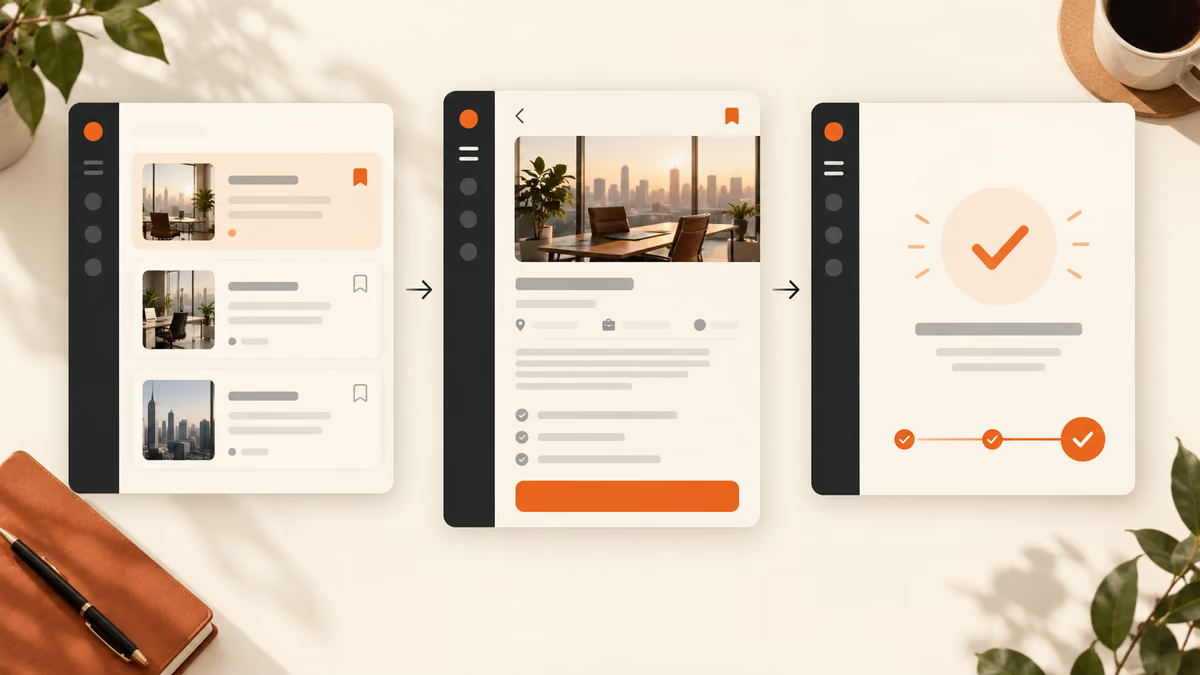
For design the core screen, name the user and the decision the screen needs to support.
11. A habit tracker
Design a habit tracker for a person who needs to finish one task quickly. State the audience and task you are assuming. Then use a clear hierarchy, realistic content lengths and one prominent primary action. Use realistic labels and content lengths, with no invented metrics or testimonials. Describe the information hierarchy, mobile adaptation and next action. Explain one tradeoff and how you would check it with users.Review: Check layout at desktop and 360-pixel mobile widths.
12. A collaborative document editor
Design a collaborative document editor for a person who needs to finish one task quickly. State the audience and task you are assuming. Then use a clear hierarchy, realistic content lengths and one prominent primary action. Use realistic labels and content lengths, with no invented metrics or testimonials. Describe the information hierarchy, mobile adaptation and next action. Explain one tradeoff and how you would check it with users.Review: Check layout at desktop and 360-pixel mobile widths.
13. A grocery planner
Design a grocery planner for a person who needs to finish one task quickly. State the audience and task you are assuming. Then use a clear hierarchy, realistic content lengths and one prominent primary action. Use realistic labels and content lengths, with no invented metrics or testimonials. Describe the information hierarchy, mobile adaptation and next action. Explain one tradeoff and how you would check it with users.Review: Check layout at desktop and 360-pixel mobile widths.
14. A job application tracker
Design a job application tracker for a person who needs to finish one task quickly. State the audience and task you are assuming. Then use a clear hierarchy, realistic content lengths and one prominent primary action. Use realistic labels and content lengths, with no invented metrics or testimonials. Describe the information hierarchy, mobile adaptation and next action. Explain one tradeoff and how you would check it with users.Review: Check layout at desktop and 360-pixel mobile widths.
15. A course progress view
Design a course progress view for a person who needs to finish one task quickly. State the audience and task you are assuming. Then use a clear hierarchy, realistic content lengths and one prominent primary action. Use realistic labels and content lengths, with no invented metrics or testimonials. Describe the information hierarchy, mobile adaptation and next action. Explain one tradeoff and how you would check it with users.Review: Check layout at desktop and 360-pixel mobile widths.
16. A personal finance overview
Design a personal finance overview for a person who needs to finish one task quickly. State the audience and task you are assuming. Then use a clear hierarchy, realistic content lengths and one prominent primary action. Use realistic labels and content lengths, with no invented metrics or testimonials. Describe the information hierarchy, mobile adaptation and next action. Explain one tradeoff and how you would check it with users.Review: Check layout at desktop and 360-pixel mobile widths.
17. A team calendar
Design a team calendar for a person who needs to finish one task quickly. State the audience and task you are assuming. Then use a clear hierarchy, realistic content lengths and one prominent primary action. Use realistic labels and content lengths, with no invented metrics or testimonials. Describe the information hierarchy, mobile adaptation and next action. Explain one tradeoff and how you would check it with users.Review: Check layout at desktop and 360-pixel mobile widths.
18. A travel itinerary tool
Design a travel itinerary tool for a person who needs to finish one task quickly. State the audience and task you are assuming. Then use a clear hierarchy, realistic content lengths and one prominent primary action. Use realistic labels and content lengths, with no invented metrics or testimonials. Describe the information hierarchy, mobile adaptation and next action. Explain one tradeoff and how you would check it with users.Review: Check layout at desktop and 360-pixel mobile widths.
19. A telehealth intake
Design a telehealth intake for a person who needs to finish one task quickly. State the audience and task you are assuming. Then use a clear hierarchy, realistic content lengths and one prominent primary action. Use realistic labels and content lengths, with no invented metrics or testimonials. Describe the information hierarchy, mobile adaptation and next action. Explain one tradeoff and how you would check it with users.Review: Check layout at desktop and 360-pixel mobile widths.
20. A volunteer scheduling app
Design a volunteer scheduling app for a person who needs to finish one task quickly. State the audience and task you are assuming. Then use a clear hierarchy, realistic content lengths and one prominent primary action. Use realistic labels and content lengths, with no invented metrics or testimonials. Describe the information hierarchy, mobile adaptation and next action. Explain one tradeoff and how you would check it with users.Review: Check layout at desktop and 360-pixel mobile widths.
Handle missing data prompts
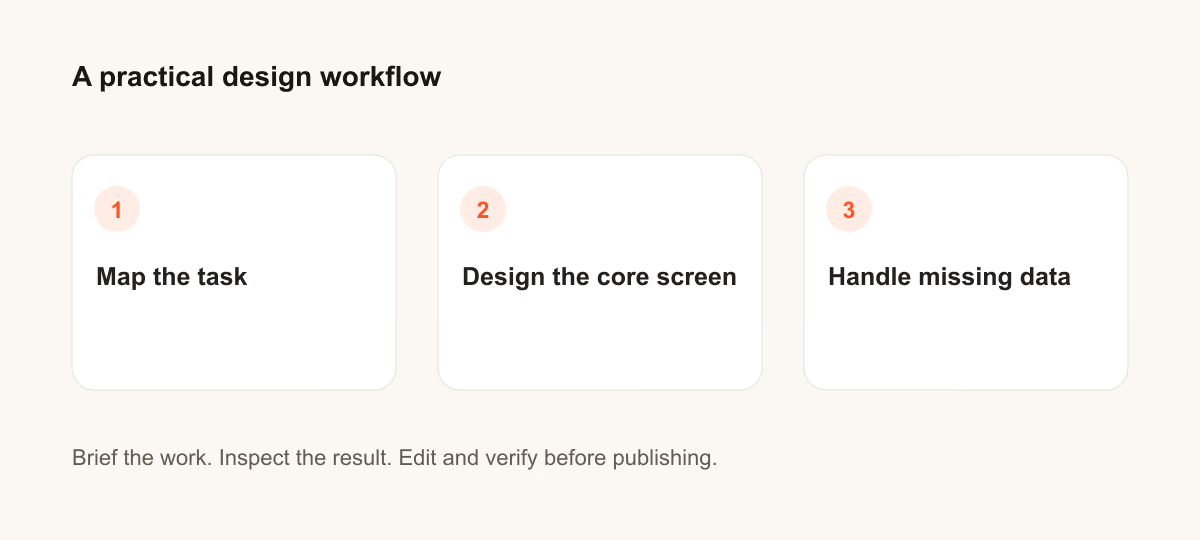
For handle missing data, name the user and the decision the screen needs to support.
21. A habit tracker
Design a habit tracker for a person who needs to finish one task quickly. State the audience and task you are assuming. Then include empty, loading and error states with recovery actions. Use realistic labels and content lengths, with no invented metrics or testimonials. Describe the information hierarchy, mobile adaptation and next action. Explain one tradeoff and how you would check it with users.Review: Check whether the user can recover without losing entered work.
22. A collaborative document editor
Design a collaborative document editor for a person who needs to finish one task quickly. State the audience and task you are assuming. Then include empty, loading and error states with recovery actions. Use realistic labels and content lengths, with no invented metrics or testimonials. Describe the information hierarchy, mobile adaptation and next action. Explain one tradeoff and how you would check it with users.Review: Check whether the user can recover without losing entered work.
23. A grocery planner
Design a grocery planner for a person who needs to finish one task quickly. State the audience and task you are assuming. Then include empty, loading and error states with recovery actions. Use realistic labels and content lengths, with no invented metrics or testimonials. Describe the information hierarchy, mobile adaptation and next action. Explain one tradeoff and how you would check it with users.Review: Check whether the user can recover without losing entered work.
24. A job application tracker
Design a job application tracker for a person who needs to finish one task quickly. State the audience and task you are assuming. Then include empty, loading and error states with recovery actions. Use realistic labels and content lengths, with no invented metrics or testimonials. Describe the information hierarchy, mobile adaptation and next action. Explain one tradeoff and how you would check it with users.Review: Check whether the user can recover without losing entered work.
25. A course progress view
Design a course progress view for a person who needs to finish one task quickly. State the audience and task you are assuming. Then include empty, loading and error states with recovery actions. Use realistic labels and content lengths, with no invented metrics or testimonials. Describe the information hierarchy, mobile adaptation and next action. Explain one tradeoff and how you would check it with users.Review: Check whether the user can recover without losing entered work.
26. A personal finance overview
Design a personal finance overview for a person who needs to finish one task quickly. State the audience and task you are assuming. Then include empty, loading and error states with recovery actions. Use realistic labels and content lengths, with no invented metrics or testimonials. Describe the information hierarchy, mobile adaptation and next action. Explain one tradeoff and how you would check it with users.Review: Check whether the user can recover without losing entered work.
27. A team calendar
Design a team calendar for a person who needs to finish one task quickly. State the audience and task you are assuming. Then include empty, loading and error states with recovery actions. Use realistic labels and content lengths, with no invented metrics or testimonials. Describe the information hierarchy, mobile adaptation and next action. Explain one tradeoff and how you would check it with users.Review: Check whether the user can recover without losing entered work.
28. A travel itinerary tool
Design a travel itinerary tool for a person who needs to finish one task quickly. State the audience and task you are assuming. Then include empty, loading and error states with recovery actions. Use realistic labels and content lengths, with no invented metrics or testimonials. Describe the information hierarchy, mobile adaptation and next action. Explain one tradeoff and how you would check it with users.Review: Check whether the user can recover without losing entered work.
29. A telehealth intake
Design a telehealth intake for a person who needs to finish one task quickly. State the audience and task you are assuming. Then include empty, loading and error states with recovery actions. Use realistic labels and content lengths, with no invented metrics or testimonials. Describe the information hierarchy, mobile adaptation and next action. Explain one tradeoff and how you would check it with users.Review: Check whether the user can recover without losing entered work.
30. A volunteer scheduling app
Design a volunteer scheduling app for a person who needs to finish one task quickly. State the audience and task you are assuming. Then include empty, loading and error states with recovery actions. Use realistic labels and content lengths, with no invented metrics or testimonials. Describe the information hierarchy, mobile adaptation and next action. Explain one tradeoff and how you would check it with users.Review: Check whether the user can recover without losing entered work.
What to check before you use the result
Generated screens are starting points. Test them with actual content, keyboard input, small screens and the people who need to use them. Do not treat visual polish as proof of usability.
If the output misses the task, shorten the prompt and specify the missing fact or constraint. Keep a record of the version you used so the final asset or code change can be reproduced.
Further reading
Continue with a related guide
Put it into practice
Your next step
Have a question or a correction?
Contact Thrive