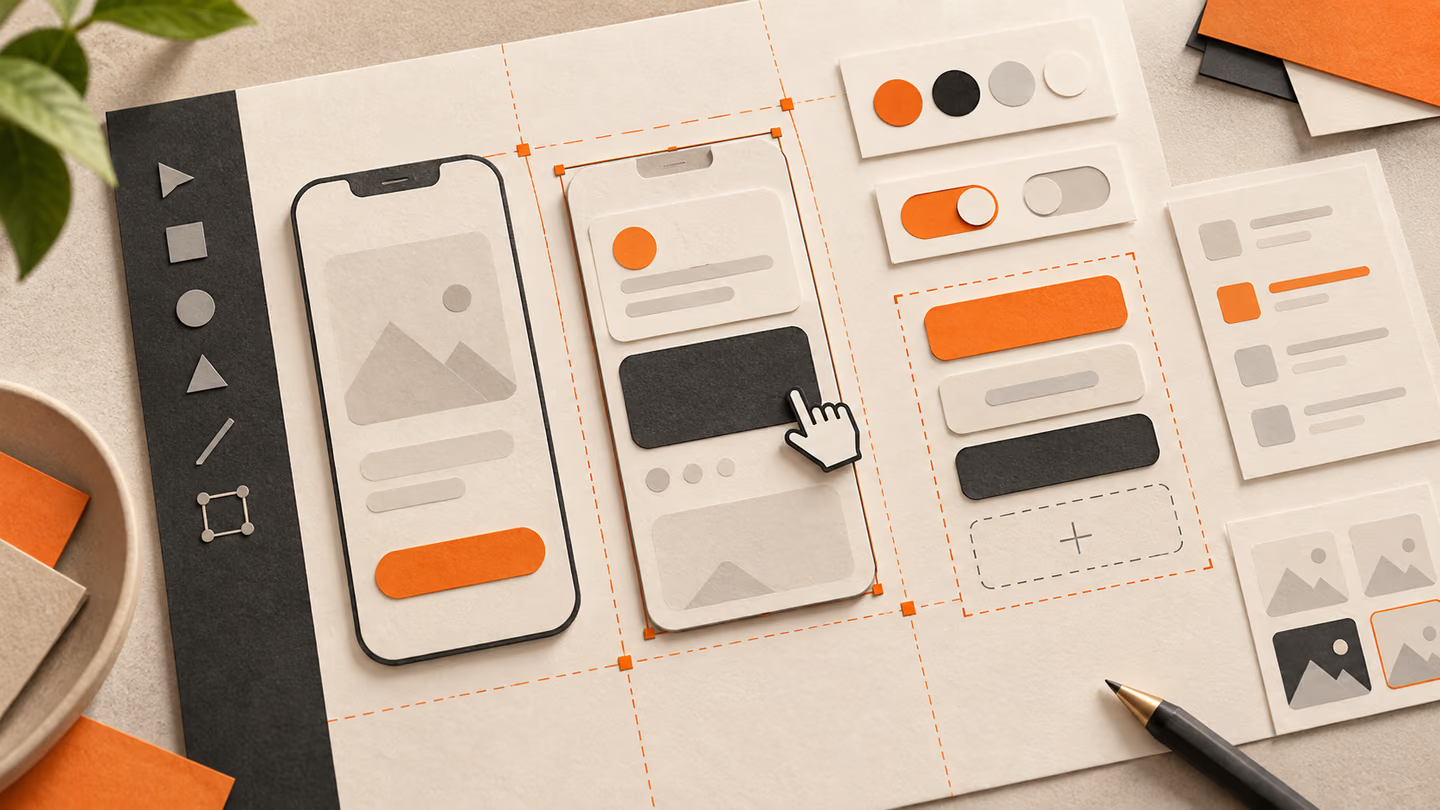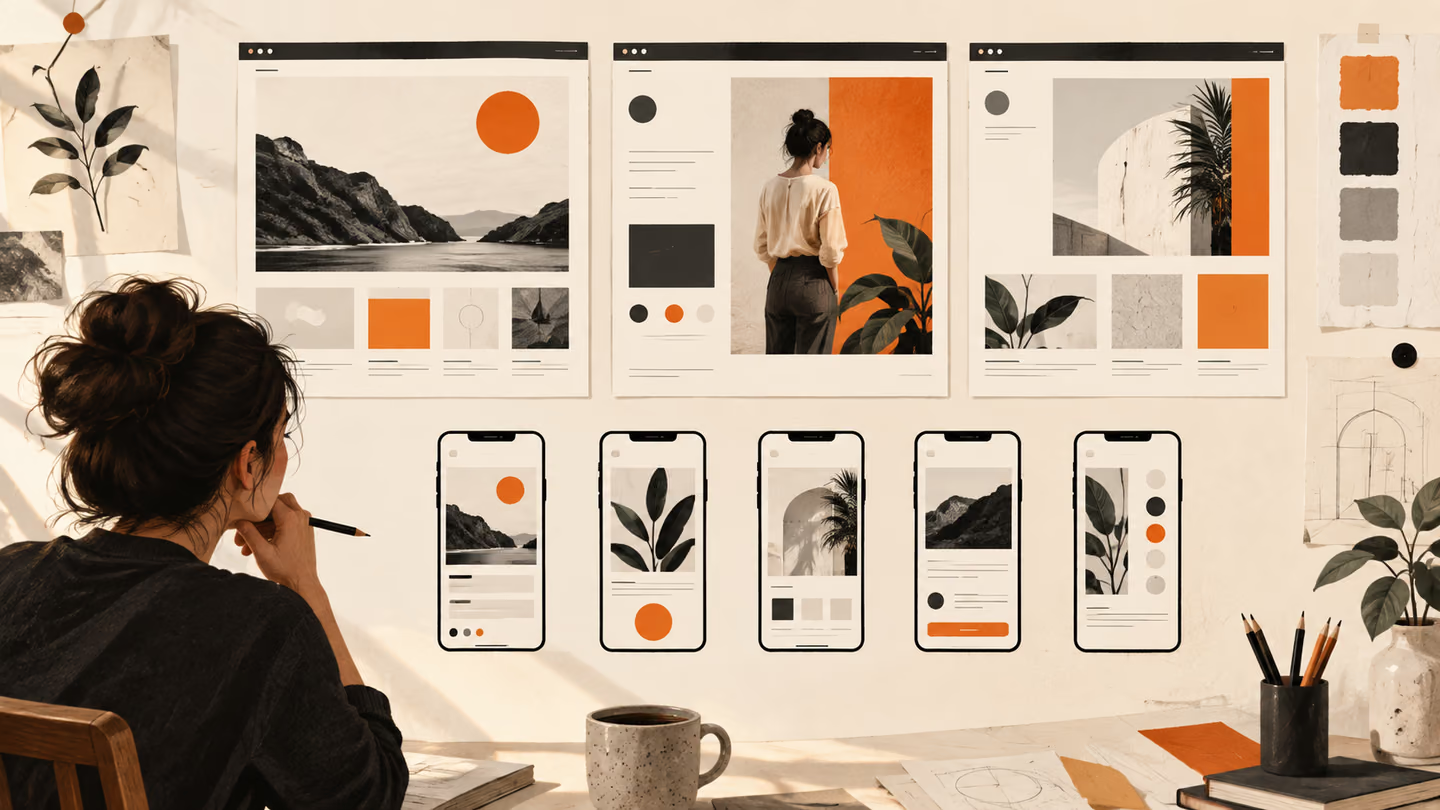
La versión breve
- Un prompt de sitio web necesita el propósito de la página, la jerarquía y el comportamiento adaptable. Usa estos encargos de pantalla para crear una propuesta, sustituye el contenido provisional y prueba las interacciones reales.
- Las pantallas generadas son un punto de partida. Pruébalas con contenido real, teclado, pantallas pequeñas y las personas que deban usarlas. Un acabado visual cuidado no demuestra que sean fáciles de utilizar.
Un prompt de sitio web necesita el propósito de la página, la jerarquía y el comportamiento adaptable. Usa estos encargos de pantalla para crear una propuesta, sustituye el contenido provisional y prueba las interacciones reales.
Las pantallas generadas son un punto de partida. Pruébalas con contenido real, teclado, pantallas pequeñas y las personas que deban usarlas. Un acabado visual cuidado no demuestra que sean fáciles de utilizar.
Cómo usar esta colección
Elige la tarea más parecida a tu trabajo. Copia el prompt, sustituye la escena o el contexto de código genérico por tus datos y conserva las restricciones que te permitan evaluar el resultado. Cambia una variable cada vez para saber qué ha mejorado.
El método sigue la Guía de First Draft de Figma: aporta contexto concreto y revisa el resultado, sin dar por correcta una primera respuesta bien presentada.
Prompts de análisis de la tarea
Para los prompts de análisis de la tarea, indica quién es el usuario y qué decisión debe facilitar la pantalla.
1. Un sitio web de biblioteca pública
Design a public library website for a person who needs to finish one task quickly. State the audience and task you are assuming. Then show the user goal, entry point, essential action and success state in a low-fidelity flow. Use realistic labels and content lengths, with no invented metrics or testimonials. Describe the information hierarchy, mobile adaptation and next action. Explain one tradeoff and how you would check it with users.Revisión: ¿Puede un usuario nuevo identificar la siguiente acción sin leer una ayuda emergente?
2. Un portfolio de un profesional independiente
Design a freelance portfolio for a person who needs to finish one task quickly. State the audience and task you are assuming. Then show the user goal, entry point, essential action and success state in a low-fidelity flow. Use realistic labels and content lengths, with no invented metrics or testimonials. Describe the information hierarchy, mobile adaptation and next action. Explain one tradeoff and how you would check it with users.Revisión: ¿Puede un usuario nuevo identificar la siguiente acción sin leer una ayuda emergente?
3. Un sitio web de un museo pequeño
Design a small museum site for a person who needs to finish one task quickly. State the audience and task you are assuming. Then show the user goal, entry point, essential action and success state in a low-fidelity flow. Use realistic labels and content lengths, with no invented metrics or testimonials. Describe the information hierarchy, mobile adaptation and next action. Explain one tradeoff and how you would check it with users.Revisión: ¿Puede un usuario nuevo identificar la siguiente acción sin leer una ayuda emergente?
4. Una página principal de documentación SaaS
Design a SaaS documentation home for a person who needs to finish one task quickly. State the audience and task you are assuming. Then show the user goal, entry point, essential action and success state in a low-fidelity flow. Use realistic labels and content lengths, with no invented metrics or testimonials. Describe the information hierarchy, mobile adaptation and next action. Explain one tradeoff and how you would check it with users.Revisión: ¿Puede un usuario nuevo identificar la siguiente acción sin leer una ayuda emergente?
5. Una colección de recetas
Design a recipe collection for a person who needs to finish one task quickly. State the audience and task you are assuming. Then show the user goal, entry point, essential action and success state in a low-fidelity flow. Use realistic labels and content lengths, with no invented metrics or testimonials. Describe the information hierarchy, mobile adaptation and next action. Explain one tradeoff and how you would check it with users.Revisión: ¿Puede un usuario nuevo identificar la siguiente acción sin leer una ayuda emergente?
6. Un sitio web de actividades comunitarias
Design a community events site for a person who needs to finish one task quickly. State the audience and task you are assuming. Then show the user goal, entry point, essential action and success state in a low-fidelity flow. Use realistic labels and content lengths, with no invented metrics or testimonials. Describe the information hierarchy, mobile adaptation and next action. Explain one tradeoff and how you would check it with users.Revisión: ¿Puede un usuario nuevo identificar la siguiente acción sin leer una ayuda emergente?
7. Una página de citas de una clínica
Design a clinic appointment page for a person who needs to finish one task quickly. State the audience and task you are assuming. Then show the user goal, entry point, essential action and success state in a low-fidelity flow. Use realistic labels and content lengths, with no invented metrics or testimonials. Describe the information hierarchy, mobile adaptation and next action. Explain one tradeoff and how you would check it with users.Revisión: ¿Puede un usuario nuevo identificar la siguiente acción sin leer una ayuda emergente?
8. Un portal de empleo
Design a job board for a person who needs to finish one task quickly. State the audience and task you are assuming. Then show the user goal, entry point, essential action and success state in a low-fidelity flow. Use realistic labels and content lengths, with no invented metrics or testimonials. Describe the information hierarchy, mobile adaptation and next action. Explain one tradeoff and how you would check it with users.Revisión: ¿Puede un usuario nuevo identificar la siguiente acción sin leer una ayuda emergente?
9. Una página del impacto de una entidad sin ánimo de lucro
Design a nonprofit impact page for a person who needs to finish one task quickly. State the audience and task you are assuming. Then show the user goal, entry point, essential action and success state in a low-fidelity flow. Use realistic labels and content lengths, with no invented metrics or testimonials. Describe the information hierarchy, mobile adaptation and next action. Explain one tradeoff and how you would check it with users.Revisión: ¿Puede un usuario nuevo identificar la siguiente acción sin leer una ayuda emergente?
10. Una zona de cuenta para suscripciones
Design a subscription account area for a person who needs to finish one task quickly. State the audience and task you are assuming. Then show the user goal, entry point, essential action and success state in a low-fidelity flow. Use realistic labels and content lengths, with no invented metrics or testimonials. Describe the information hierarchy, mobile adaptation and next action. Explain one tradeoff and how you would check it with users.Revisión: ¿Puede un usuario nuevo identificar la siguiente acción sin leer una ayuda emergente?
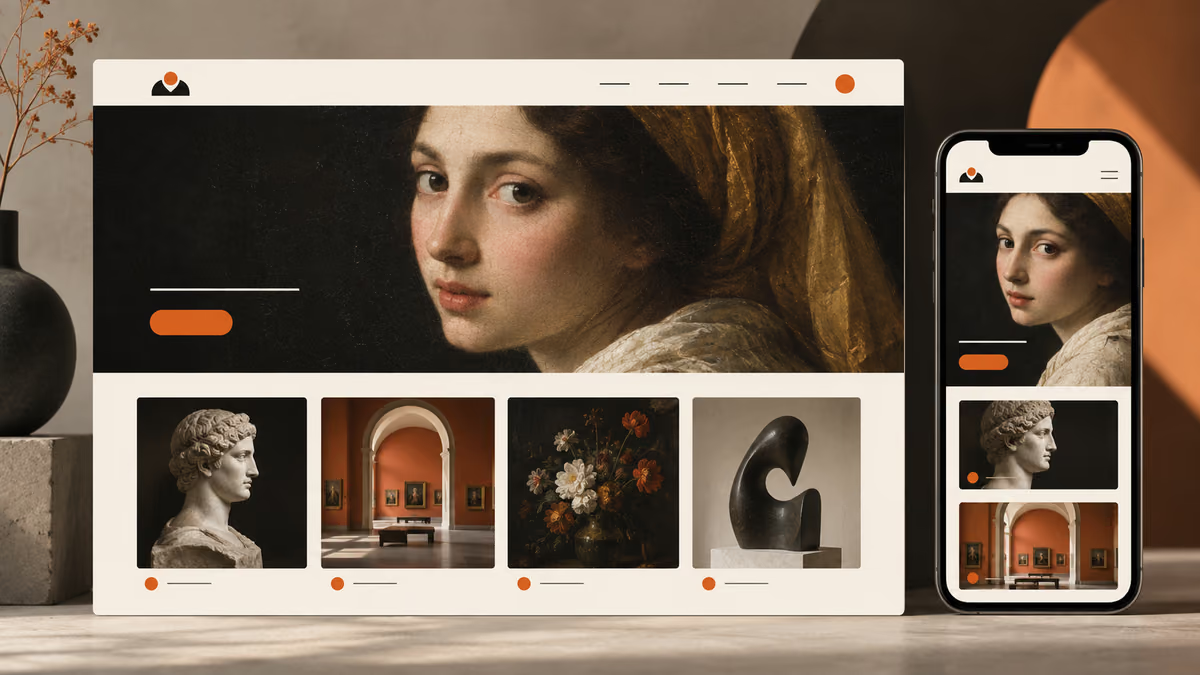
Prompts de diseño de la pantalla principal
Para los prompts de diseño de la pantalla principal, indica quién es el usuario y qué decisión debe facilitar la pantalla.
11. Un sitio web de biblioteca pública
Design a public library website for a person who needs to finish one task quickly. State the audience and task you are assuming. Then use a clear hierarchy, realistic content lengths and one prominent primary action. Use realistic labels and content lengths, with no invented metrics or testimonials. Describe the information hierarchy, mobile adaptation and next action. Explain one tradeoff and how you would check it with users.Revisión: Comprueba el diseño en escritorio y en una pantalla móvil de 360 píxeles de ancho.
12. Un portfolio de un profesional independiente
Design a freelance portfolio for a person who needs to finish one task quickly. State the audience and task you are assuming. Then use a clear hierarchy, realistic content lengths and one prominent primary action. Use realistic labels and content lengths, with no invented metrics or testimonials. Describe the information hierarchy, mobile adaptation and next action. Explain one tradeoff and how you would check it with users.Revisión: Comprueba el diseño en escritorio y en una pantalla móvil de 360 píxeles de ancho.
13. Un sitio web de un museo pequeño
Design a small museum site for a person who needs to finish one task quickly. State the audience and task you are assuming. Then use a clear hierarchy, realistic content lengths and one prominent primary action. Use realistic labels and content lengths, with no invented metrics or testimonials. Describe the information hierarchy, mobile adaptation and next action. Explain one tradeoff and how you would check it with users.Revisión: Comprueba el diseño en escritorio y en una pantalla móvil de 360 píxeles de ancho.
14. Una página principal de documentación SaaS
Design a SaaS documentation home for a person who needs to finish one task quickly. State the audience and task you are assuming. Then use a clear hierarchy, realistic content lengths and one prominent primary action. Use realistic labels and content lengths, with no invented metrics or testimonials. Describe the information hierarchy, mobile adaptation and next action. Explain one tradeoff and how you would check it with users.Revisión: Comprueba el diseño en escritorio y en una pantalla móvil de 360 píxeles de ancho.
15. Una colección de recetas
Design a recipe collection for a person who needs to finish one task quickly. State the audience and task you are assuming. Then use a clear hierarchy, realistic content lengths and one prominent primary action. Use realistic labels and content lengths, with no invented metrics or testimonials. Describe the information hierarchy, mobile adaptation and next action. Explain one tradeoff and how you would check it with users.Revisión: Comprueba el diseño en escritorio y en una pantalla móvil de 360 píxeles de ancho.
16. Un sitio web de actividades comunitarias
Design a community events site for a person who needs to finish one task quickly. State the audience and task you are assuming. Then use a clear hierarchy, realistic content lengths and one prominent primary action. Use realistic labels and content lengths, with no invented metrics or testimonials. Describe the information hierarchy, mobile adaptation and next action. Explain one tradeoff and how you would check it with users.Revisión: Comprueba el diseño en escritorio y en una pantalla móvil de 360 píxeles de ancho.
17. Una página de citas de una clínica
Design a clinic appointment page for a person who needs to finish one task quickly. State the audience and task you are assuming. Then use a clear hierarchy, realistic content lengths and one prominent primary action. Use realistic labels and content lengths, with no invented metrics or testimonials. Describe the information hierarchy, mobile adaptation and next action. Explain one tradeoff and how you would check it with users.Revisión: Comprueba el diseño en escritorio y en una pantalla móvil de 360 píxeles de ancho.
18. Un portal de empleo
Design a job board for a person who needs to finish one task quickly. State the audience and task you are assuming. Then use a clear hierarchy, realistic content lengths and one prominent primary action. Use realistic labels and content lengths, with no invented metrics or testimonials. Describe the information hierarchy, mobile adaptation and next action. Explain one tradeoff and how you would check it with users.Revisión: Comprueba el diseño en escritorio y en una pantalla móvil de 360 píxeles de ancho.
19. Una página del impacto de una entidad sin ánimo de lucro
Design a nonprofit impact page for a person who needs to finish one task quickly. State the audience and task you are assuming. Then use a clear hierarchy, realistic content lengths and one prominent primary action. Use realistic labels and content lengths, with no invented metrics or testimonials. Describe the information hierarchy, mobile adaptation and next action. Explain one tradeoff and how you would check it with users.Revisión: Comprueba el diseño en escritorio y en una pantalla móvil de 360 píxeles de ancho.
20. Una zona de cuenta para suscripciones
Design a subscription account area for a person who needs to finish one task quickly. State the audience and task you are assuming. Then use a clear hierarchy, realistic content lengths and one prominent primary action. Use realistic labels and content lengths, with no invented metrics or testimonials. Describe the information hierarchy, mobile adaptation and next action. Explain one tradeoff and how you would check it with users.Revisión: Comprueba el diseño en escritorio y en una pantalla móvil de 360 píxeles de ancho.
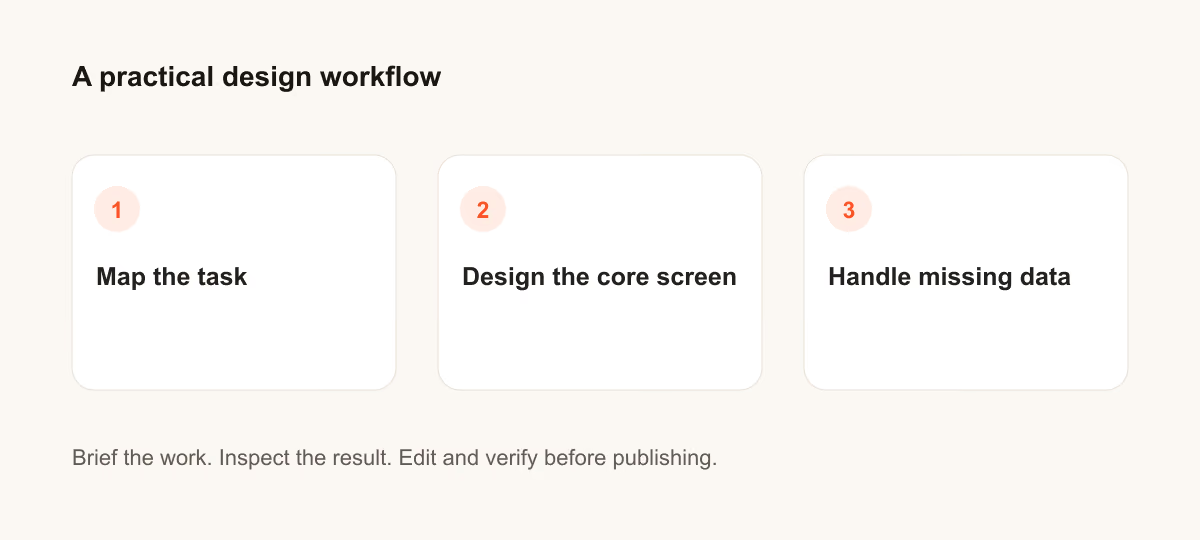
Prompts de gestión de datos ausentes
Para los prompts de gestión de datos ausentes, indica quién es el usuario y qué decisión debe facilitar la pantalla.
21. Un sitio web de biblioteca pública
Design a public library website for a person who needs to finish one task quickly. State the audience and task you are assuming. Then include empty, loading and error states with recovery actions. Use realistic labels and content lengths, with no invented metrics or testimonials. Describe the information hierarchy, mobile adaptation and next action. Explain one tradeoff and how you would check it with users.Revisión: Comprueba que el usuario pueda recuperarse sin perder lo que ha introducido.
22. Un portfolio de un profesional independiente
Design a freelance portfolio for a person who needs to finish one task quickly. State the audience and task you are assuming. Then include empty, loading and error states with recovery actions. Use realistic labels and content lengths, with no invented metrics or testimonials. Describe the information hierarchy, mobile adaptation and next action. Explain one tradeoff and how you would check it with users.Revisión: Comprueba que el usuario pueda recuperarse sin perder lo que ha introducido.
23. Un sitio web de un museo pequeño
Design a small museum site for a person who needs to finish one task quickly. State the audience and task you are assuming. Then include empty, loading and error states with recovery actions. Use realistic labels and content lengths, with no invented metrics or testimonials. Describe the information hierarchy, mobile adaptation and next action. Explain one tradeoff and how you would check it with users.Revisión: Comprueba que el usuario pueda recuperarse sin perder lo que ha introducido.
24. Una página principal de documentación SaaS
Design a SaaS documentation home for a person who needs to finish one task quickly. State the audience and task you are assuming. Then include empty, loading and error states with recovery actions. Use realistic labels and content lengths, with no invented metrics or testimonials. Describe the information hierarchy, mobile adaptation and next action. Explain one tradeoff and how you would check it with users.Revisión: Comprueba que el usuario pueda recuperarse sin perder lo que ha introducido.
25. Una colección de recetas
Design a recipe collection for a person who needs to finish one task quickly. State the audience and task you are assuming. Then include empty, loading and error states with recovery actions. Use realistic labels and content lengths, with no invented metrics or testimonials. Describe the information hierarchy, mobile adaptation and next action. Explain one tradeoff and how you would check it with users.Revisión: Comprueba que el usuario pueda recuperarse sin perder lo que ha introducido.
26. Un sitio web de actividades comunitarias
Design a community events site for a person who needs to finish one task quickly. State the audience and task you are assuming. Then include empty, loading and error states with recovery actions. Use realistic labels and content lengths, with no invented metrics or testimonials. Describe the information hierarchy, mobile adaptation and next action. Explain one tradeoff and how you would check it with users.Revisión: Comprueba que el usuario pueda recuperarse sin perder lo que ha introducido.
27. Una página de citas de una clínica
Design a clinic appointment page for a person who needs to finish one task quickly. State the audience and task you are assuming. Then include empty, loading and error states with recovery actions. Use realistic labels and content lengths, with no invented metrics or testimonials. Describe the information hierarchy, mobile adaptation and next action. Explain one tradeoff and how you would check it with users.Revisión: Comprueba que el usuario pueda recuperarse sin perder lo que ha introducido.
28. Un portal de empleo
Design a job board for a person who needs to finish one task quickly. State the audience and task you are assuming. Then include empty, loading and error states with recovery actions. Use realistic labels and content lengths, with no invented metrics or testimonials. Describe the information hierarchy, mobile adaptation and next action. Explain one tradeoff and how you would check it with users.Revisión: Comprueba que el usuario pueda recuperarse sin perder lo que ha introducido.
29. Una página del impacto de una entidad sin ánimo de lucro
Design a nonprofit impact page for a person who needs to finish one task quickly. State the audience and task you are assuming. Then include empty, loading and error states with recovery actions. Use realistic labels and content lengths, with no invented metrics or testimonials. Describe the information hierarchy, mobile adaptation and next action. Explain one tradeoff and how you would check it with users.Revisión: Comprueba que el usuario pueda recuperarse sin perder lo que ha introducido.
30. Una zona de cuenta para suscripciones
Design a subscription account area for a person who needs to finish one task quickly. State the audience and task you are assuming. Then include empty, loading and error states with recovery actions. Use realistic labels and content lengths, with no invented metrics or testimonials. Describe the information hierarchy, mobile adaptation and next action. Explain one tradeoff and how you would check it with users.Revisión: Comprueba que el usuario pueda recuperarse sin perder lo que ha introducido.
Qué comprobar antes de usar el resultado
Las pantallas generadas son un punto de partida. Pruébalas con contenido real, teclado, pantallas pequeñas y las personas que deban usarlas. Un acabado visual cuidado no demuestra que sean fáciles de utilizar.
Si el resultado no resuelve la tarea, acorta el prompt y especifica el dato o la restricción que falta. Guarda la versión utilizada para poder reproducir el recurso final o el cambio de código.
Para seguir leyendo
Continúa con una guía relacionada
Llévalo a la práctica
Tu siguiente paso
¿Tienes una pregunta o una corrección?
Contactar con Thrive