Una dashboard aiuta a prendere decisioni. Ogni prompt chiarisce a quale domanda risponde la schermata e cosa accade quando i dati mancano o arrivano in ritardo.
Le schermate generate sono un punto di partenza. Testale con contenuti reali, tastiera, schermi piccoli e persone che dovranno usarle. Una buona resa visiva non dimostra l'usabilità.
Come usare questa raccolta
Scegli l'attività più vicina al tuo lavoro. Copia il prompt, sostituisci la scena generica o il contesto del codice con i tuoi dati e mantieni i vincoli utili a valutare il risultato. Modifica una variabile alla volta per capire cosa migliora.
Il metodo segue la guida a First Draft di Figma: fornisci un contesto preciso e controlla il risultato, senza dare per corretta una prima bozza ben presentata.
Prompt per descrivere l'attività
Per descrivere l'attività, indica l'utente e la decisione che la schermata deve aiutarlo a prendere.
1. Una panoramica delle opportunità di vendita
Design a sales pipeline overview for a person who needs to finish one task quickly. State the audience and task you are assuming. Then show the user goal, entry point, essential action and success state in a low-fidelity flow. Use realistic labels and content lengths, with no invented metrics or testimonials. Describe the information hierarchy, mobile adaptation and next action. Explain one tradeoff and how you would check it with users.2. Una dashboard per pubblicare contenuti
Design a content publishing dashboard for a person who needs to finish one task quickly. State the audience and task you are assuming. Then show the user goal, entry point, essential action and success state in a low-fidelity flow. Use realistic labels and content lengths, with no invented metrics or testimonials. Describe the information hierarchy, mobile adaptation and next action. Explain one tradeoff and how you would check it with users.3. Una coda di richieste di assistenza
Design a support queue for a person who needs to finish one task quickly. State the audience and task you are assuming. Then show the user goal, entry point, essential action and success state in a low-fidelity flow. Use realistic labels and content lengths, with no invented metrics or testimonials. Describe the information hierarchy, mobile adaptation and next action. Explain one tradeoff and how you would check it with users.4. Una dashboard dei progressi in un corso
Design a course progress dashboard for a person who needs to finish one task quickly. State the audience and task you are assuming. Then show the user goal, entry point, essential action and success state in a low-fidelity flow. Use realistic labels and content lengths, with no invented metrics or testimonials. Describe the information hierarchy, mobile adaptation and next action. Explain one tradeoff and how you would check it with users.5. Una schermata per la manutenzione della flotta
Design a fleet maintenance view for a person who needs to finish one task quickly. State the audience and task you are assuming. Then show the user goal, entry point, essential action and success state in a low-fidelity flow. Use realistic labels and content lengths, with no invented metrics or testimonials. Describe the information hierarchy, mobile adaptation and next action. Explain one tradeoff and how you would check it with users.6. Le fasi del processo di selezione
Design a hiring funnel for a person who needs to finish one task quickly. State the audience and task you are assuming. Then show the user goal, entry point, essential action and success state in a low-fidelity flow. Use realistic labels and content lengths, with no invented metrics or testimonials. Describe the information hierarchy, mobile adaptation and next action. Explain one tradeoff and how you would check it with users.7. Una schermata dei consumi energetici
Design an energy usage display for a person who needs to finish one task quickly. State the audience and task you are assuming. Then show the user goal, entry point, essential action and success state in a low-fidelity flow. Use realistic labels and content lengths, with no invented metrics or testimonials. Describe the information hierarchy, mobile adaptation and next action. Explain one tradeoff and how you would check it with users.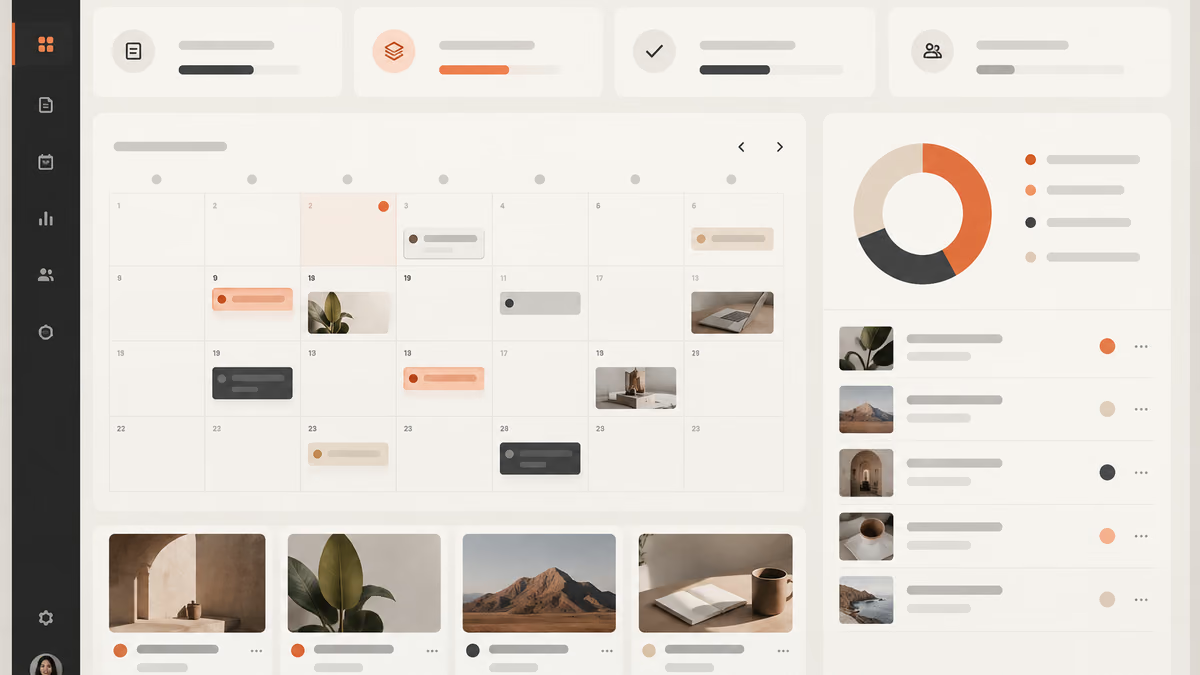
8. Una bacheca dei rischi di progetto
Design a project risk board for a person who needs to finish one task quickly. State the audience and task you are assuming. Then show the user goal, entry point, essential action and success state in a low-fidelity flow. Use realistic labels and content lengths, with no invented metrics or testimonials. Describe the information hierarchy, mobile adaptation and next action. Explain one tradeoff and how you would check it with users.9. Una dashboard del bilancio personale
Design a personal budget dashboard for a person who needs to finish one task quickly. State the audience and task you are assuming. Then show the user goal, entry point, essential action and success state in a low-fidelity flow. Use realistic labels and content lengths, with no invented metrics or testimonials. Describe the information hierarchy, mobile adaptation and next action. Explain one tradeoff and how you would check it with users.10. Una schermata per le attività di un ambulatorio
Design a clinic operations screen for a person who needs to finish one task quickly. State the audience and task you are assuming. Then show the user goal, entry point, essential action and success state in a low-fidelity flow. Use realistic labels and content lengths, with no invented metrics or testimonials. Describe the information hierarchy, mobile adaptation and next action. Explain one tradeoff and how you would check it with users.Prompt per progettare la schermata principale
Per progettare la schermata principale, indica l'utente e la decisione che la schermata deve aiutarlo a prendere.
11. Una panoramica delle opportunità di vendita
Design a sales pipeline overview for a person who needs to finish one task quickly. State the audience and task you are assuming. Then use a clear hierarchy, realistic content lengths and one prominent primary action. Use realistic labels and content lengths, with no invented metrics or testimonials. Describe the information hierarchy, mobile adaptation and next action. Explain one tradeoff and how you would check it with users.12. Una dashboard per pubblicare contenuti
Design a content publishing dashboard for a person who needs to finish one task quickly. State the audience and task you are assuming. Then use a clear hierarchy, realistic content lengths and one prominent primary action. Use realistic labels and content lengths, with no invented metrics or testimonials. Describe the information hierarchy, mobile adaptation and next action. Explain one tradeoff and how you would check it with users.13. Una coda di richieste di assistenza
Design a support queue for a person who needs to finish one task quickly. State the audience and task you are assuming. Then use a clear hierarchy, realistic content lengths and one prominent primary action. Use realistic labels and content lengths, with no invented metrics or testimonials. Describe the information hierarchy, mobile adaptation and next action. Explain one tradeoff and how you would check it with users.14. Una dashboard dei progressi in un corso
Design a course progress dashboard for a person who needs to finish one task quickly. State the audience and task you are assuming. Then use a clear hierarchy, realistic content lengths and one prominent primary action. Use realistic labels and content lengths, with no invented metrics or testimonials. Describe the information hierarchy, mobile adaptation and next action. Explain one tradeoff and how you would check it with users.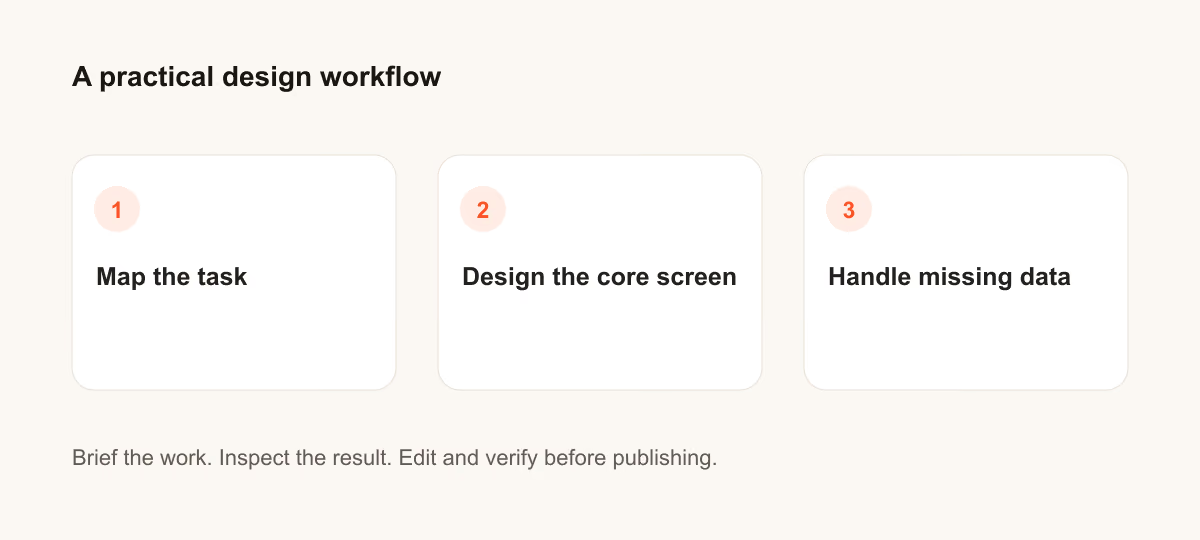
15. Una schermata per la manutenzione della flotta
Design a fleet maintenance view for a person who needs to finish one task quickly. State the audience and task you are assuming. Then use a clear hierarchy, realistic content lengths and one prominent primary action. Use realistic labels and content lengths, with no invented metrics or testimonials. Describe the information hierarchy, mobile adaptation and next action. Explain one tradeoff and how you would check it with users.16. Le fasi del processo di selezione
Design a hiring funnel for a person who needs to finish one task quickly. State the audience and task you are assuming. Then use a clear hierarchy, realistic content lengths and one prominent primary action. Use realistic labels and content lengths, with no invented metrics or testimonials. Describe the information hierarchy, mobile adaptation and next action. Explain one tradeoff and how you would check it with users.17. Una schermata dei consumi energetici
Design an energy usage display for a person who needs to finish one task quickly. State the audience and task you are assuming. Then use a clear hierarchy, realistic content lengths and one prominent primary action. Use realistic labels and content lengths, with no invented metrics or testimonials. Describe the information hierarchy, mobile adaptation and next action. Explain one tradeoff and how you would check it with users.18. Una bacheca dei rischi di progetto
Design a project risk board for a person who needs to finish one task quickly. State the audience and task you are assuming. Then use a clear hierarchy, realistic content lengths and one prominent primary action. Use realistic labels and content lengths, with no invented metrics or testimonials. Describe the information hierarchy, mobile adaptation and next action. Explain one tradeoff and how you would check it with users.19. Una dashboard del bilancio personale
Design a personal budget dashboard for a person who needs to finish one task quickly. State the audience and task you are assuming. Then use a clear hierarchy, realistic content lengths and one prominent primary action. Use realistic labels and content lengths, with no invented metrics or testimonials. Describe the information hierarchy, mobile adaptation and next action. Explain one tradeoff and how you would check it with users.20. Una schermata per le attività di un ambulatorio
Design a clinic operations screen for a person who needs to finish one task quickly. State the audience and task you are assuming. Then use a clear hierarchy, realistic content lengths and one prominent primary action. Use realistic labels and content lengths, with no invented metrics or testimonials. Describe the information hierarchy, mobile adaptation and next action. Explain one tradeoff and how you would check it with users.Cosa verificare prima di usare il risultato
Se il risultato non risponde al compito, accorcia il prompt e precisa il fatto o il vincolo mancante. Conserva la versione usata per poter riprodurre il contenuto finale o la modifica al codice.