La versión breve
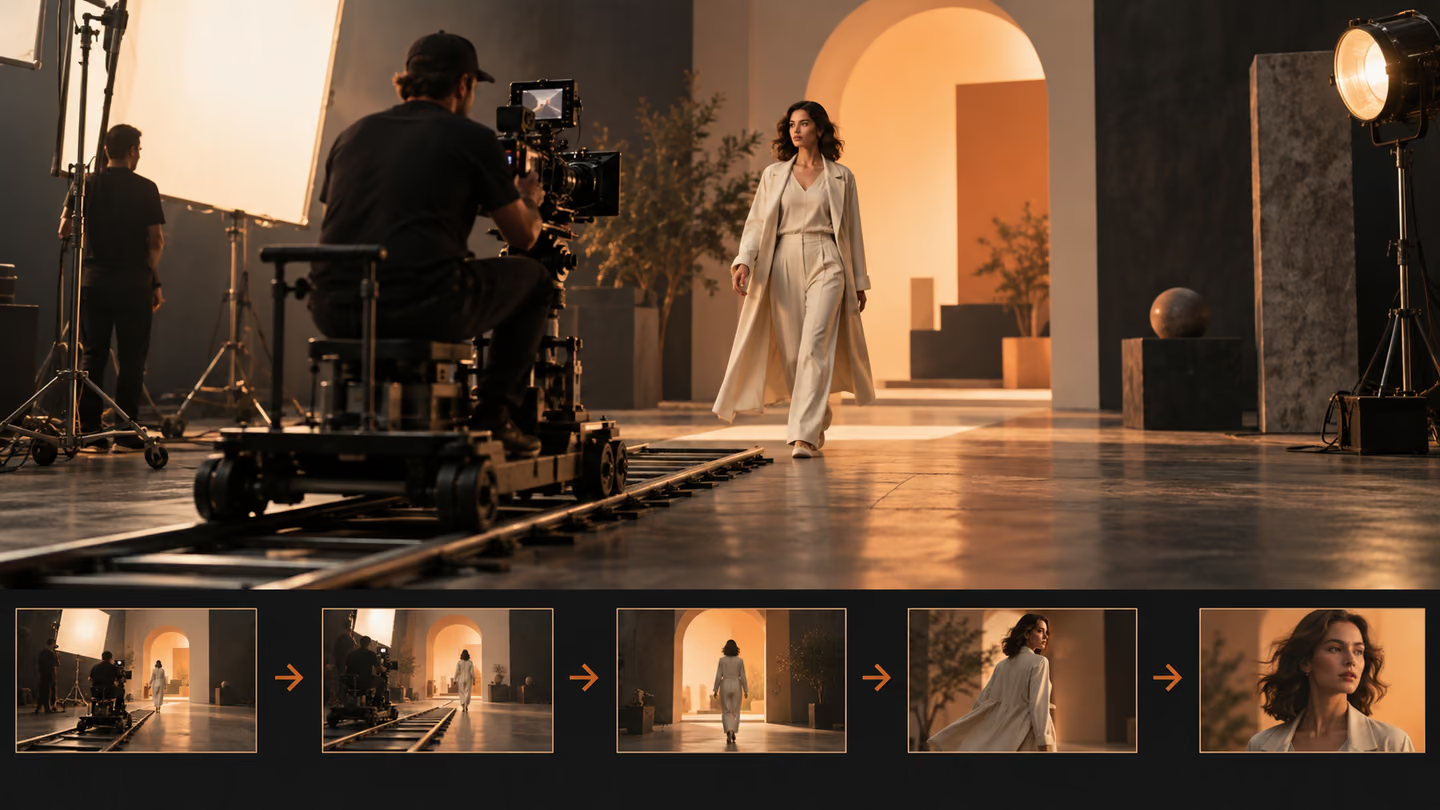
- La cámara debe mostrar algo o seguir una acción. Estos prompts especifican el encuadre inicial, el movimiento y la composición final para dar una razón al movimiento.
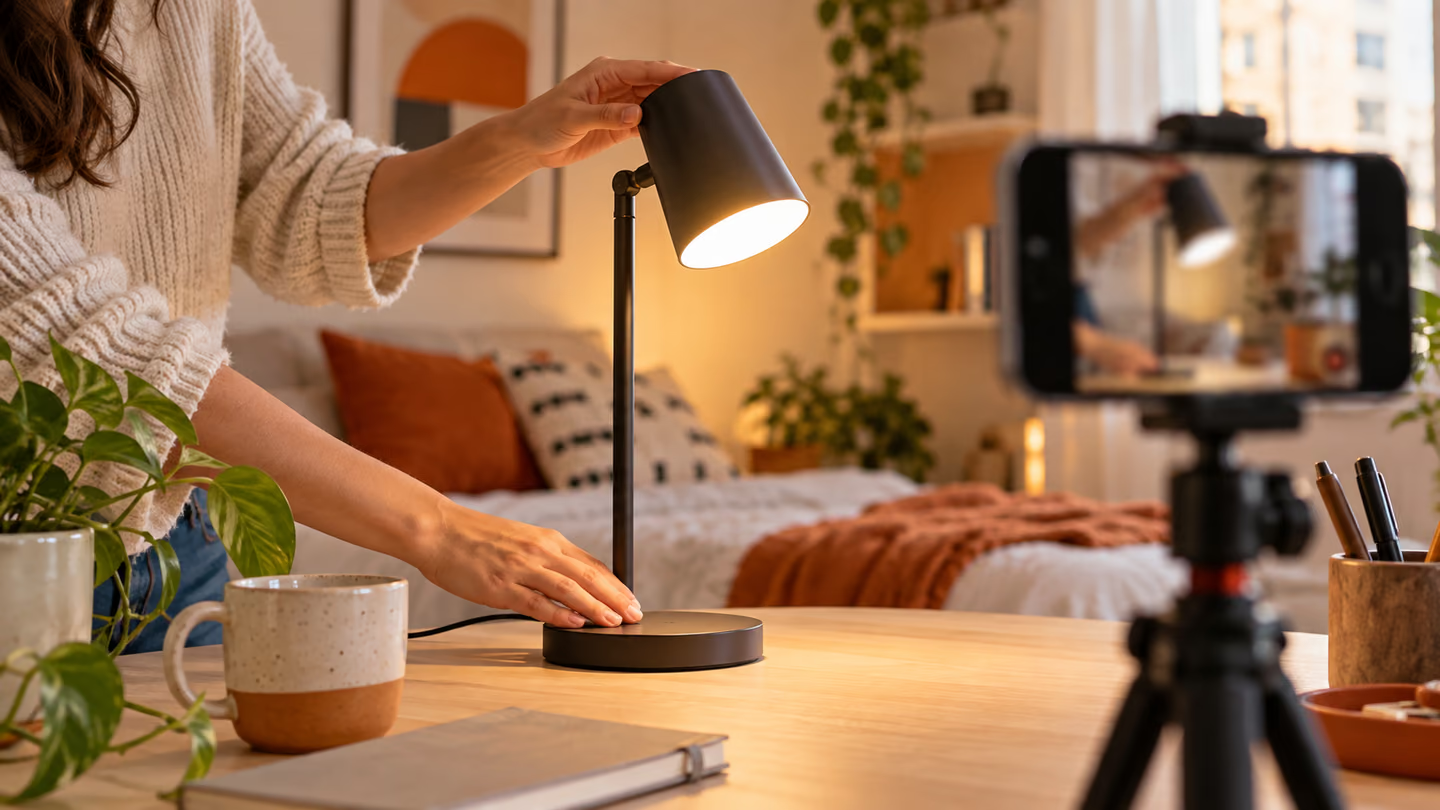
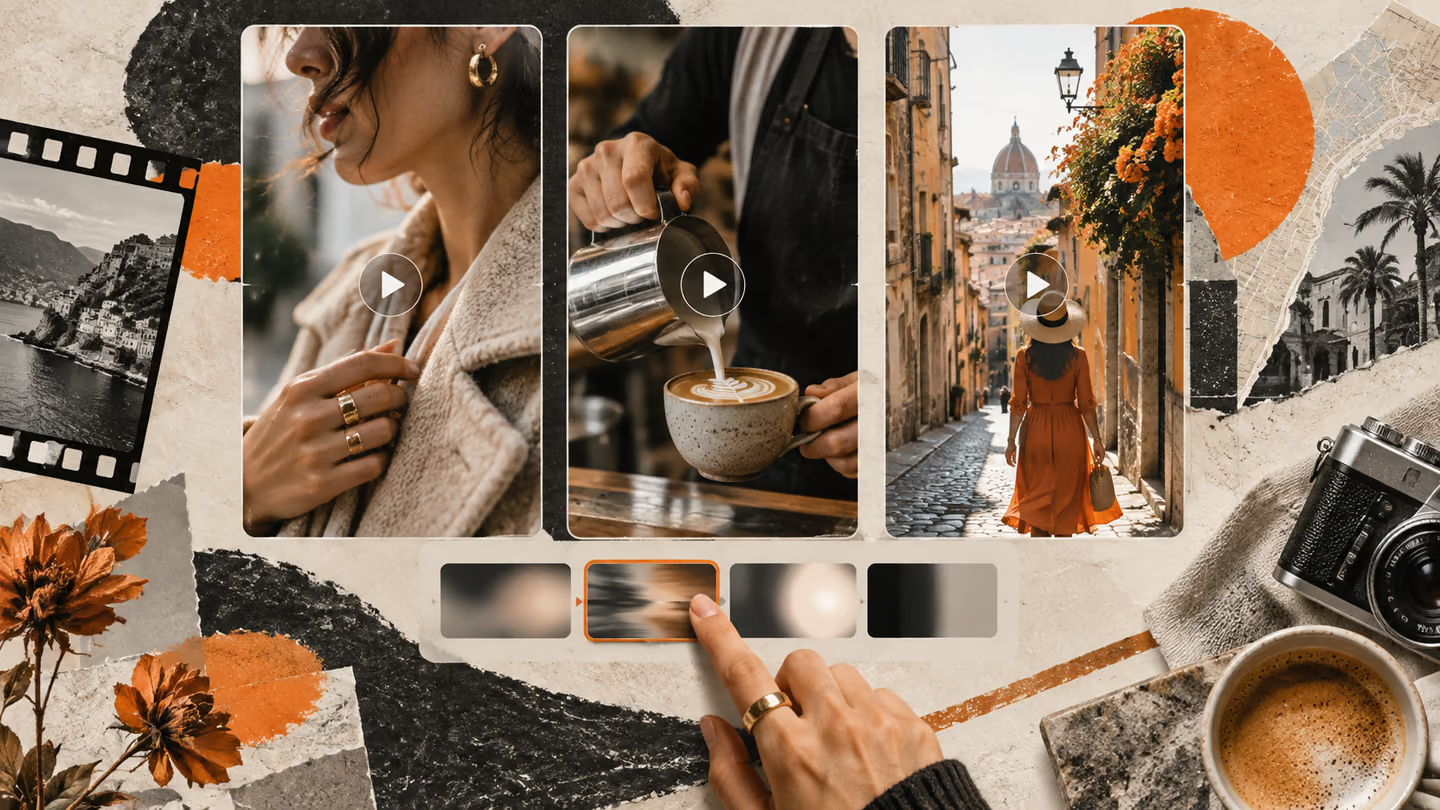
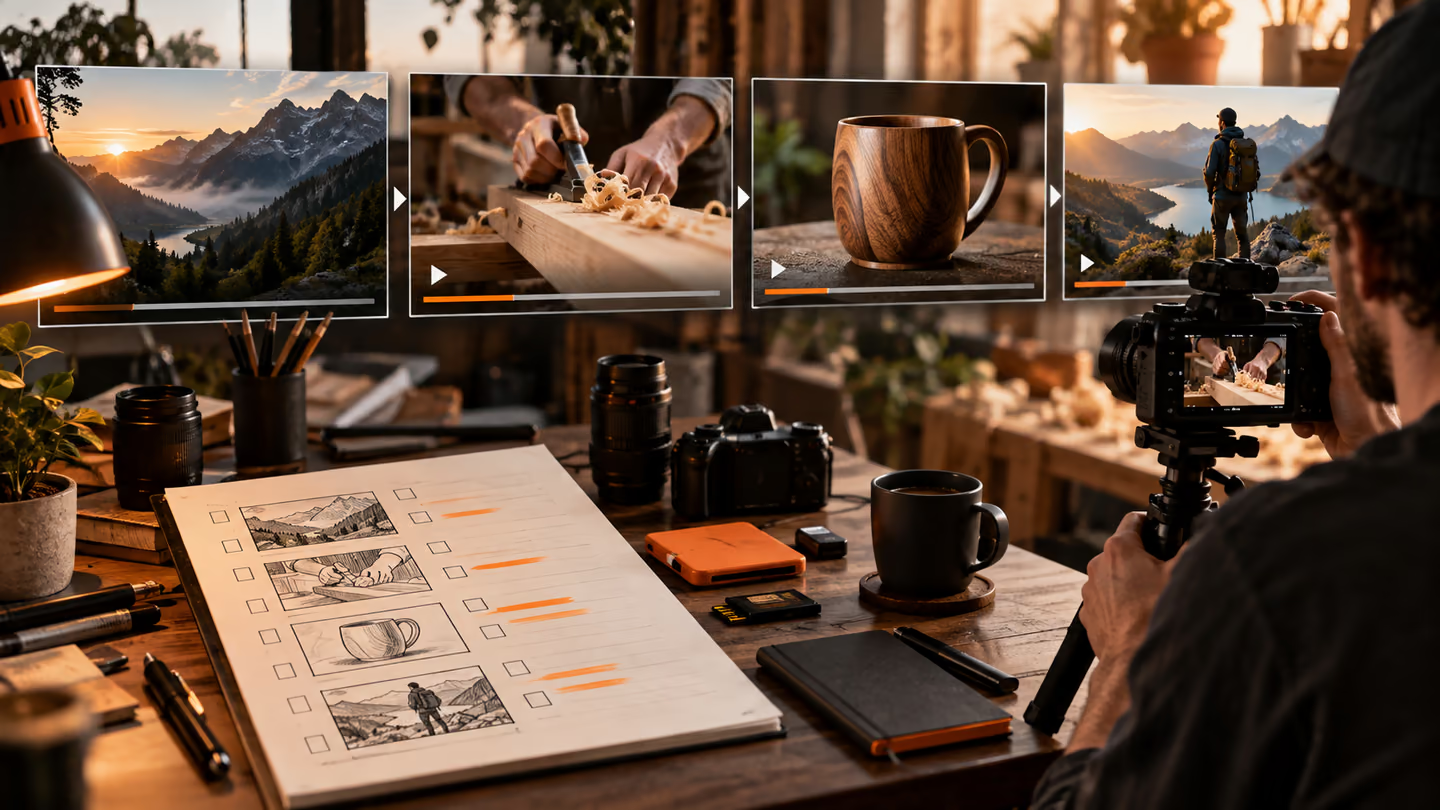
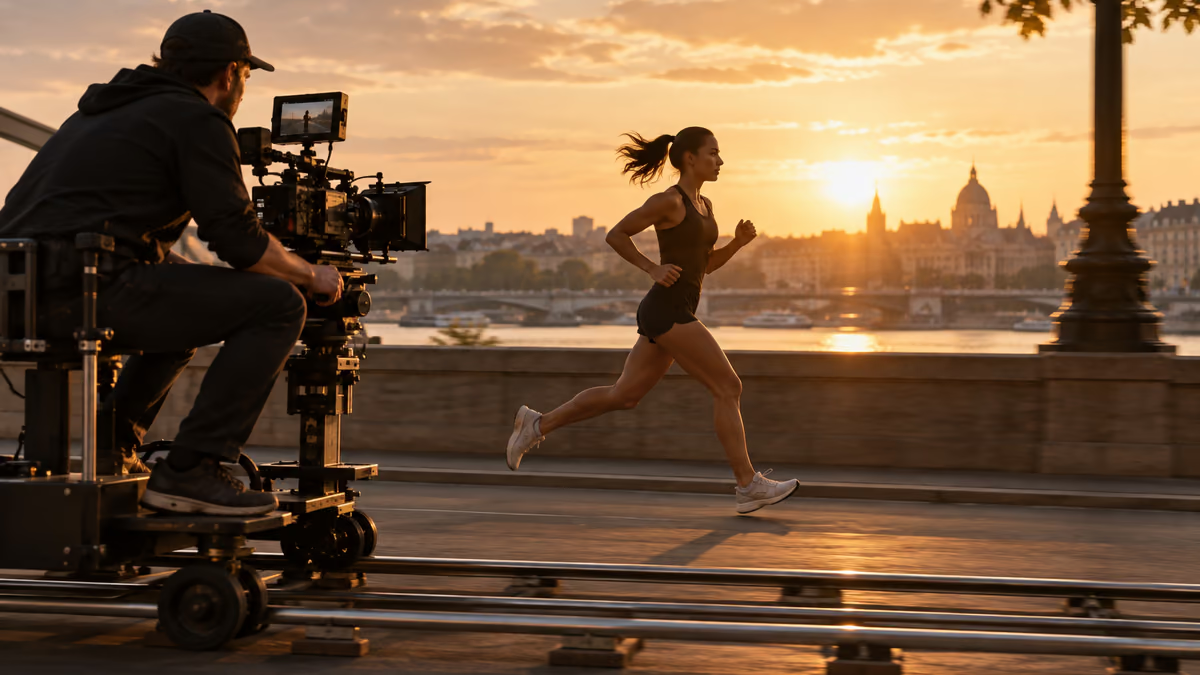
- Estas son indicaciones para planos, no archivos de vídeo. La compatibilidad con la relación de aspecto, la duración, los fotogramas de referencia y el sonido varía según el modelo: configura esos controles en la herramienta que utilices. Una imagen generada en esta guía ilustra un fotograma; no demuestra que un modelo de vídeo haya generado el movimiento.
La cámara debe mostrar algo o seguir una acción. Estos prompts especifican el encuadre inicial, el movimiento y la composición final para dar una razón al movimiento.
Estas son indicaciones para planos, no archivos de vídeo. La compatibilidad con la relación de aspecto, la duración, los fotogramas de referencia y el sonido varía según el modelo: configura esos controles en la herramienta que utilices. Una imagen generada en esta guía ilustra un fotograma; no demuestra que un modelo de vídeo haya generado el movimiento.
Cómo usar esta colección
Elige la tarea más parecida a tu trabajo. Copia el prompt, sustituye la escena o el contexto de código genérico por tus datos y conserva las restricciones que te permitan evaluar el resultado. Cambia una variable cada vez para saber qué ha mejorado.
El método sigue la Guía de prompts de Google Veo: aporta contexto concreto y revisa el resultado, sin dar por correcta una primera respuesta bien presentada.
Prompts de presentación de la escena
Usa los prompts de presentación de la escena cuando el plano necesite un propósito visual claro. Mantén una sola acción en cada clip.
1. Un travelling lento hacia un taller
Create a 16:9 widescreen shot of a slow dolly toward a workshop. Use a wide opening frame, one clear subject, a visible setting and stable horizon. Show one continuous action, not a montage. Keep the subject, geometry and light consistent. End on a composition an editor can hold or cut from. No added text, logos or abrupt morphs.Revisión: Comprueba que el primer segundo permita reconocer el lugar y el sujeto.
2. Un travelling lateral junto a un corredor
Create a 16:9 widescreen shot of a lateral tracking shot beside a runner. Use a wide opening frame, one clear subject, a visible setting and stable horizon. Show one continuous action, not a montage. Keep the subject, geometry and light consistent. End on a composition an editor can hold or cut from. No added text, logos or abrupt morphs.Revisión: Comprueba que el primer segundo permita reconocer el lugar y el sujeto.
3. Una grúa asciende sobre un mercado
Create a 16:9 widescreen shot of a crane rise over a market. Use a wide opening frame, one clear subject, a visible setting and stable horizon. Show one continuous action, not a montage. Keep the subject, geometry and light consistent. End on a composition an editor can hold or cut from. No added text, logos or abrupt morphs.Revisión: Comprueba que el primer segundo permita reconocer el lugar y el sujeto.
4. Un recorrido por un pasillo con cámara en mano
Create a 16:9 widescreen shot of a handheld walk through a hallway. Use a wide opening frame, one clear subject, a visible setting and stable horizon. Show one continuous action, not a montage. Keep the subject, geometry and light consistent. End on a composition an editor can hold or cut from. No added text, logos or abrupt morphs.Revisión: Comprueba que el primer segundo permita reconocer el lugar y el sujeto.
5. Una órbita alrededor de un producto sobre una mesa
Create a 16:9 widescreen shot of a tabletop orbit around a product. Use a wide opening frame, one clear subject, a visible setting and stable horizon. Show one continuous action, not a montage. Keep the subject, geometry and light consistent. End on a composition an editor can hold or cut from. No added text, logos or abrupt morphs.Revisión: Comprueba que el primer segundo permita reconocer el lugar y el sujeto.
6. Una inclinación de cámara de los zapatos al rostro
Create a 16:9 widescreen shot of a tilt from shoes to face. Use a wide opening frame, one clear subject, a visible setting and stable horizon. Show one continuous action, not a montage. Keep the subject, geometry and light consistent. End on a composition an editor can hold or cut from. No added text, logos or abrupt morphs.Revisión: Comprueba que el primer segundo permita reconocer el lugar y el sujeto.
7. Un avance a través de una puerta
Create a 16:9 widescreen shot of a push through a doorway. Use a wide opening frame, one clear subject, a visible setting and stable horizon. Show one continuous action, not a montage. Keep the subject, geometry and light consistent. End on a composition an editor can hold or cut from. No added text, logos or abrupt morphs.Revisión: Comprueba que el primer segundo permita reconocer el lugar y el sujeto.
8. Un retroceso desde un detalle
Create a 16:9 widescreen shot of a pullback from a detail. Use a wide opening frame, one clear subject, a visible setting and stable horizon. Show one continuous action, not a montage. Keep the subject, geometry and light consistent. End on a composition an editor can hold or cut from. No added text, logos or abrupt morphs.Revisión: Comprueba que el primer segundo permita reconocer el lugar y el sujeto.
9. Un plano fijo con un sujeto en movimiento
Create a 16:9 widescreen shot of a locked-off shot with moving subject. Use a wide opening frame, one clear subject, a visible setting and stable horizon. Show one continuous action, not a montage. Keep the subject, geometry and light consistent. End on a composition an editor can hold or cut from. No added text, logos or abrupt morphs.Revisión: Comprueba que el primer segundo permita reconocer el lugar y el sujeto.
10. Un descenso cenital hacia un escritorio
Create a 16:9 widescreen shot of an overhead descent onto a desk. Use a wide opening frame, one clear subject, a visible setting and stable horizon. Show one continuous action, not a montage. Keep the subject, geometry and light consistent. End on a composition an editor can hold or cut from. No added text, logos or abrupt morphs.Revisión: Comprueba que el primer segundo permita reconocer el lugar y el sujeto.
Prompts de seguimiento de la acción
Usa los prompts de seguimiento de la acción cuando el plano necesite un propósito visual claro. Mantén una sola acción en cada clip.
11. Un travelling lento hacia un taller
Create a 16:9 widescreen shot of a slow dolly toward a workshop. Use a single motivated camera move that follows the subject without sudden direction changes. Show one continuous action, not a montage. Keep the subject, geometry and light consistent. End on a composition an editor can hold or cut from. No added text, logos or abrupt morphs.Revisión: Comprueba la continuidad del sujeto y de su dirección de desplazamiento.
12. Un travelling lateral junto a un corredor
Create a 16:9 widescreen shot of a lateral tracking shot beside a runner. Use a single motivated camera move that follows the subject without sudden direction changes. Show one continuous action, not a montage. Keep the subject, geometry and light consistent. End on a composition an editor can hold or cut from. No added text, logos or abrupt morphs.Revisión: Comprueba la continuidad del sujeto y de su dirección de desplazamiento.
13. Una grúa asciende sobre un mercado
Create a 16:9 widescreen shot of a crane rise over a market. Use a single motivated camera move that follows the subject without sudden direction changes. Show one continuous action, not a montage. Keep the subject, geometry and light consistent. End on a composition an editor can hold or cut from. No added text, logos or abrupt morphs.Revisión: Comprueba la continuidad del sujeto y de su dirección de desplazamiento.
14. Un recorrido por un pasillo con cámara en mano
Create a 16:9 widescreen shot of a handheld walk through a hallway. Use a single motivated camera move that follows the subject without sudden direction changes. Show one continuous action, not a montage. Keep the subject, geometry and light consistent. End on a composition an editor can hold or cut from. No added text, logos or abrupt morphs.Revisión: Comprueba la continuidad del sujeto y de su dirección de desplazamiento.
15. Una órbita alrededor de un producto sobre una mesa
Create a 16:9 widescreen shot of a tabletop orbit around a product. Use a single motivated camera move that follows the subject without sudden direction changes. Show one continuous action, not a montage. Keep the subject, geometry and light consistent. End on a composition an editor can hold or cut from. No added text, logos or abrupt morphs.Revisión: Comprueba la continuidad del sujeto y de su dirección de desplazamiento.
16. Una inclinación de cámara de los zapatos al rostro
Create a 16:9 widescreen shot of a tilt from shoes to face. Use a single motivated camera move that follows the subject without sudden direction changes. Show one continuous action, not a montage. Keep the subject, geometry and light consistent. End on a composition an editor can hold or cut from. No added text, logos or abrupt morphs.Revisión: Comprueba la continuidad del sujeto y de su dirección de desplazamiento.
17. Un avance a través de una puerta
Create a 16:9 widescreen shot of a push through a doorway. Use a single motivated camera move that follows the subject without sudden direction changes. Show one continuous action, not a montage. Keep the subject, geometry and light consistent. End on a composition an editor can hold or cut from. No added text, logos or abrupt morphs.Revisión: Comprueba la continuidad del sujeto y de su dirección de desplazamiento.
18. Un retroceso desde un detalle
Create a 16:9 widescreen shot of a pullback from a detail. Use a single motivated camera move that follows the subject without sudden direction changes. Show one continuous action, not a montage. Keep the subject, geometry and light consistent. End on a composition an editor can hold or cut from. No added text, logos or abrupt morphs.Revisión: Comprueba la continuidad del sujeto y de su dirección de desplazamiento.
19. Un plano fijo con un sujeto en movimiento
Create a 16:9 widescreen shot of a locked-off shot with moving subject. Use a single motivated camera move that follows the subject without sudden direction changes. Show one continuous action, not a montage. Keep the subject, geometry and light consistent. End on a composition an editor can hold or cut from. No added text, logos or abrupt morphs.Revisión: Comprueba la continuidad del sujeto y de su dirección de desplazamiento.
20. Un descenso cenital hacia un escritorio
Create a 16:9 widescreen shot of an overhead descent onto a desk. Use a single motivated camera move that follows the subject without sudden direction changes. Show one continuous action, not a montage. Keep the subject, geometry and light consistent. End on a composition an editor can hold or cut from. No added text, logos or abrupt morphs.Revisión: Comprueba la continuidad del sujeto y de su dirección de desplazamiento.
Prompts de detalle
Usa los prompts de detalle cuando el plano necesite un propósito visual claro. Mantén una sola acción en cada clip.
21. Un travelling lento hacia un taller
Create a 16:9 widescreen shot of a slow dolly toward a workshop. Use a close view of a meaningful action, tactile material and plausible hand or object movement. Show one continuous action, not a montage. Keep the subject, geometry and light consistent. End on a composition an editor can hold or cut from. No added text, logos or abrupt morphs.Revisión: Comprueba las manos, los puntos de contacto y el principio y el final de la acción.
22. Un travelling lateral junto a un corredor
Create a 16:9 widescreen shot of a lateral tracking shot beside a runner. Use a close view of a meaningful action, tactile material and plausible hand or object movement. Show one continuous action, not a montage. Keep the subject, geometry and light consistent. End on a composition an editor can hold or cut from. No added text, logos or abrupt morphs.Revisión: Comprueba las manos, los puntos de contacto y el principio y el final de la acción.
23. Una grúa asciende sobre un mercado
Create a 16:9 widescreen shot of a crane rise over a market. Use a close view of a meaningful action, tactile material and plausible hand or object movement. Show one continuous action, not a montage. Keep the subject, geometry and light consistent. End on a composition an editor can hold or cut from. No added text, logos or abrupt morphs.Revisión: Comprueba las manos, los puntos de contacto y el principio y el final de la acción.
24. Un recorrido por un pasillo con cámara en mano
Create a 16:9 widescreen shot of a handheld walk through a hallway. Use a close view of a meaningful action, tactile material and plausible hand or object movement. Show one continuous action, not a montage. Keep the subject, geometry and light consistent. End on a composition an editor can hold or cut from. No added text, logos or abrupt morphs.Revisión: Comprueba las manos, los puntos de contacto y el principio y el final de la acción.
25. Una órbita alrededor de un producto sobre una mesa
Create a 16:9 widescreen shot of a tabletop orbit around a product. Use a close view of a meaningful action, tactile material and plausible hand or object movement. Show one continuous action, not a montage. Keep the subject, geometry and light consistent. End on a composition an editor can hold or cut from. No added text, logos or abrupt morphs.Revisión: Comprueba las manos, los puntos de contacto y el principio y el final de la acción.
26. Una inclinación de cámara de los zapatos al rostro
Create a 16:9 widescreen shot of a tilt from shoes to face. Use a close view of a meaningful action, tactile material and plausible hand or object movement. Show one continuous action, not a montage. Keep the subject, geometry and light consistent. End on a composition an editor can hold or cut from. No added text, logos or abrupt morphs.Revisión: Comprueba las manos, los puntos de contacto y el principio y el final de la acción.
27. Un avance a través de una puerta
Create a 16:9 widescreen shot of a push through a doorway. Use a close view of a meaningful action, tactile material and plausible hand or object movement. Show one continuous action, not a montage. Keep the subject, geometry and light consistent. End on a composition an editor can hold or cut from. No added text, logos or abrupt morphs.Revisión: Comprueba las manos, los puntos de contacto y el principio y el final de la acción.
28. Un retroceso desde un detalle
Create a 16:9 widescreen shot of a pullback from a detail. Use a close view of a meaningful action, tactile material and plausible hand or object movement. Show one continuous action, not a montage. Keep the subject, geometry and light consistent. End on a composition an editor can hold or cut from. No added text, logos or abrupt morphs.Revisión: Comprueba las manos, los puntos de contacto y el principio y el final de la acción.
29. Un plano fijo con un sujeto en movimiento
Create a 16:9 widescreen shot of a locked-off shot with moving subject. Use a close view of a meaningful action, tactile material and plausible hand or object movement. Show one continuous action, not a montage. Keep the subject, geometry and light consistent. End on a composition an editor can hold or cut from. No added text, logos or abrupt morphs.Revisión: Comprueba las manos, los puntos de contacto y el principio y el final de la acción.
30. Un descenso cenital hacia un escritorio
Create a 16:9 widescreen shot of an overhead descent onto a desk. Use a close view of a meaningful action, tactile material and plausible hand or object movement. Show one continuous action, not a montage. Keep the subject, geometry and light consistent. End on a composition an editor can hold or cut from. No added text, logos or abrupt morphs.Revisión: Comprueba las manos, los puntos de contacto y el principio y el final de la acción.
Qué comprobar antes de usar el resultado
Estas son indicaciones para planos, no archivos de vídeo. La compatibilidad con la relación de aspecto, la duración, los fotogramas de referencia y el sonido varía según el modelo: configura esos controles en la herramienta que utilices. Una imagen generada en esta guía ilustra un fotograma; no demuestra que un modelo de vídeo haya generado el movimiento.
Si el resultado no resuelve la tarea, acorta el prompt y especifica el dato o la restricción que falta. Guarda la versión utilizada para poder reproducir el recurso final o el cambio de código.
Para seguir leyendo
Continúa con una guía relacionada
Llévalo a la práctica
Tu siguiente paso
¿Tienes una pregunta o una corrección?
Contactar con Thrive