The short version
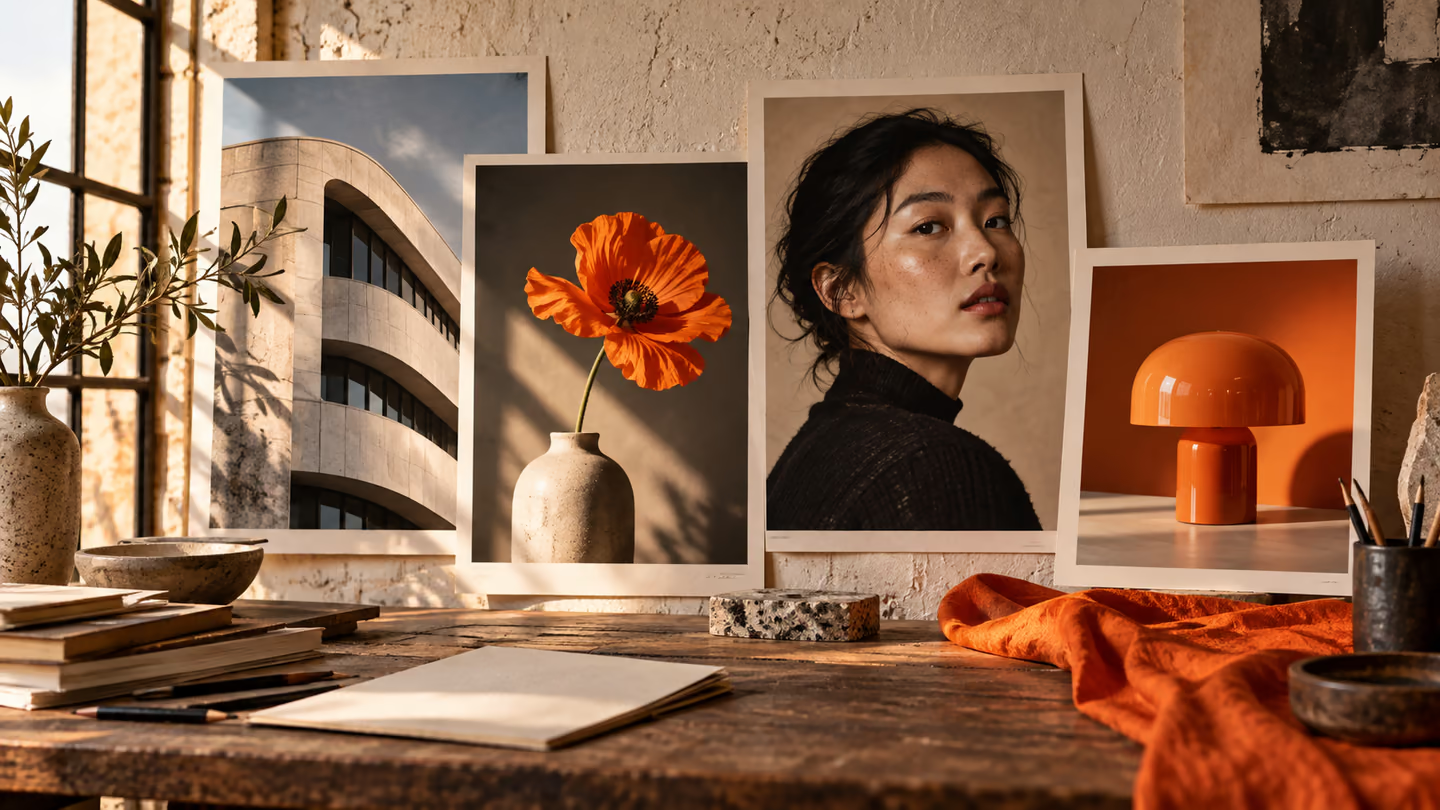
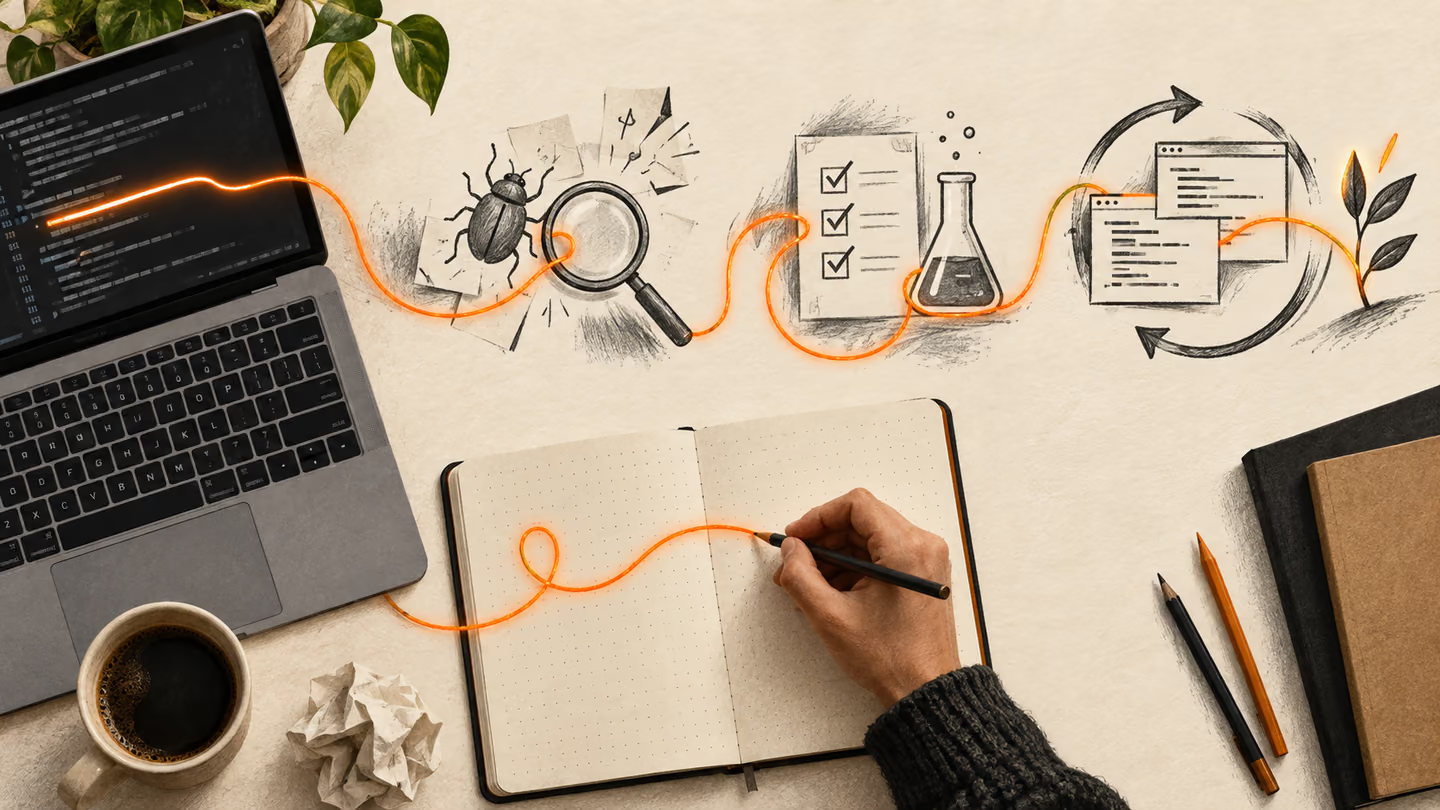
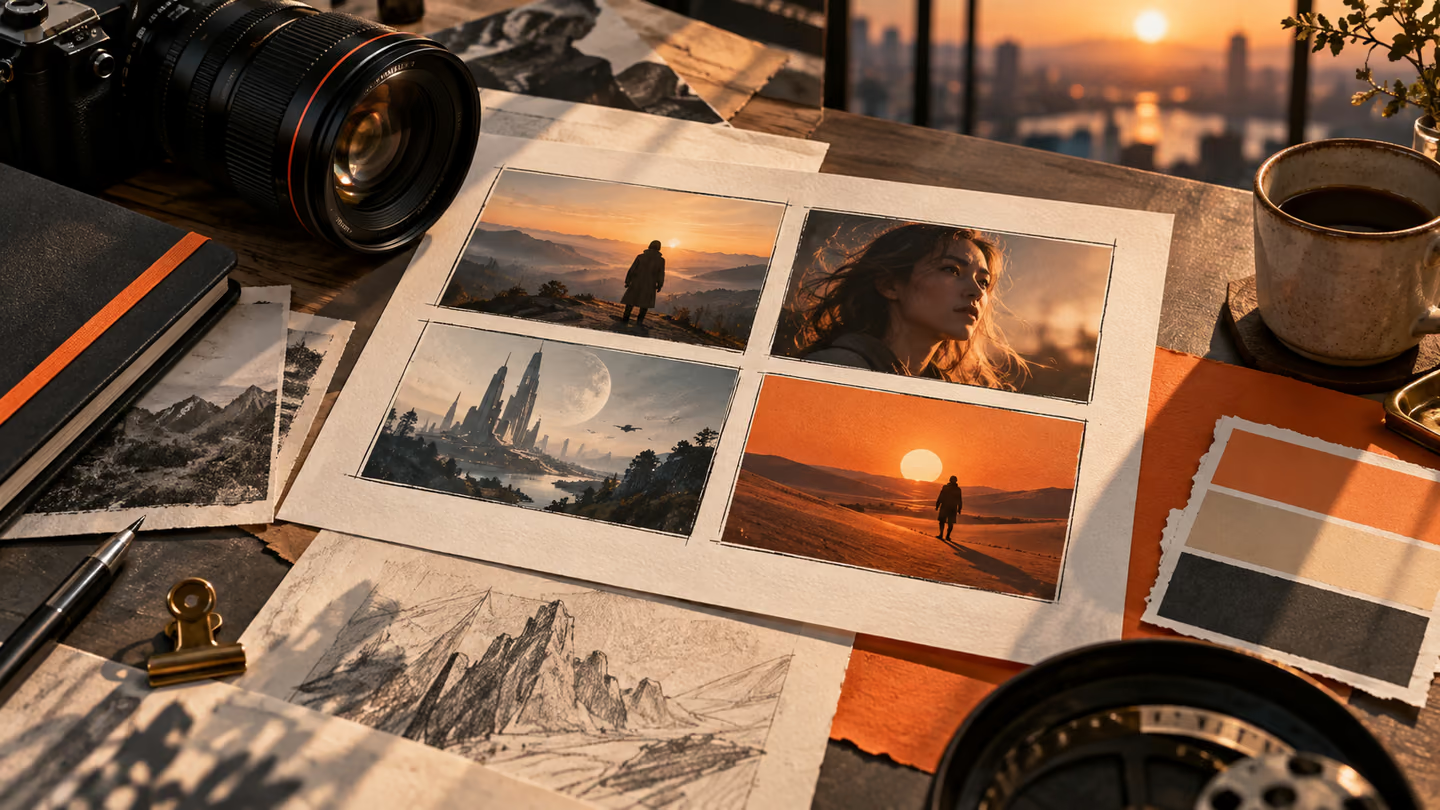
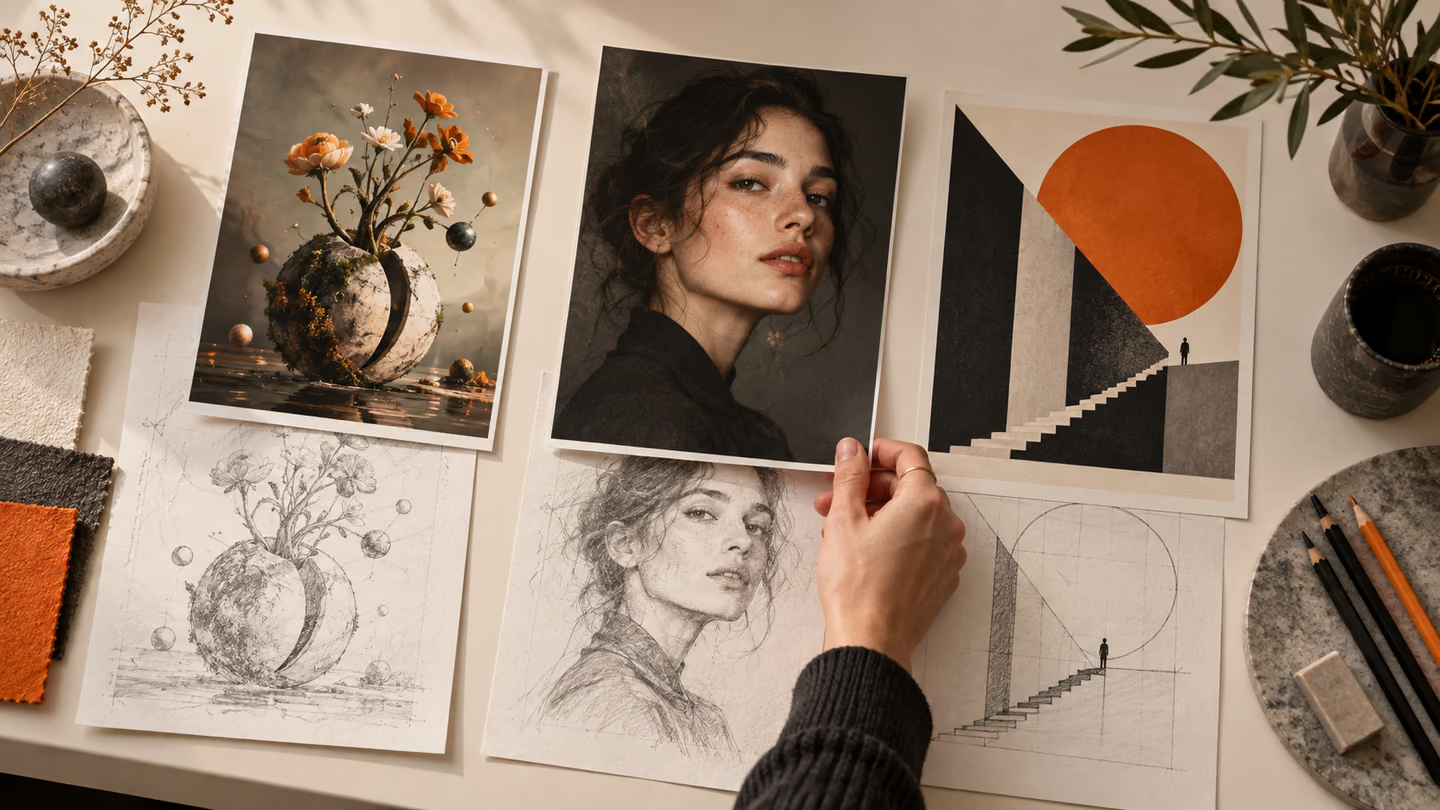
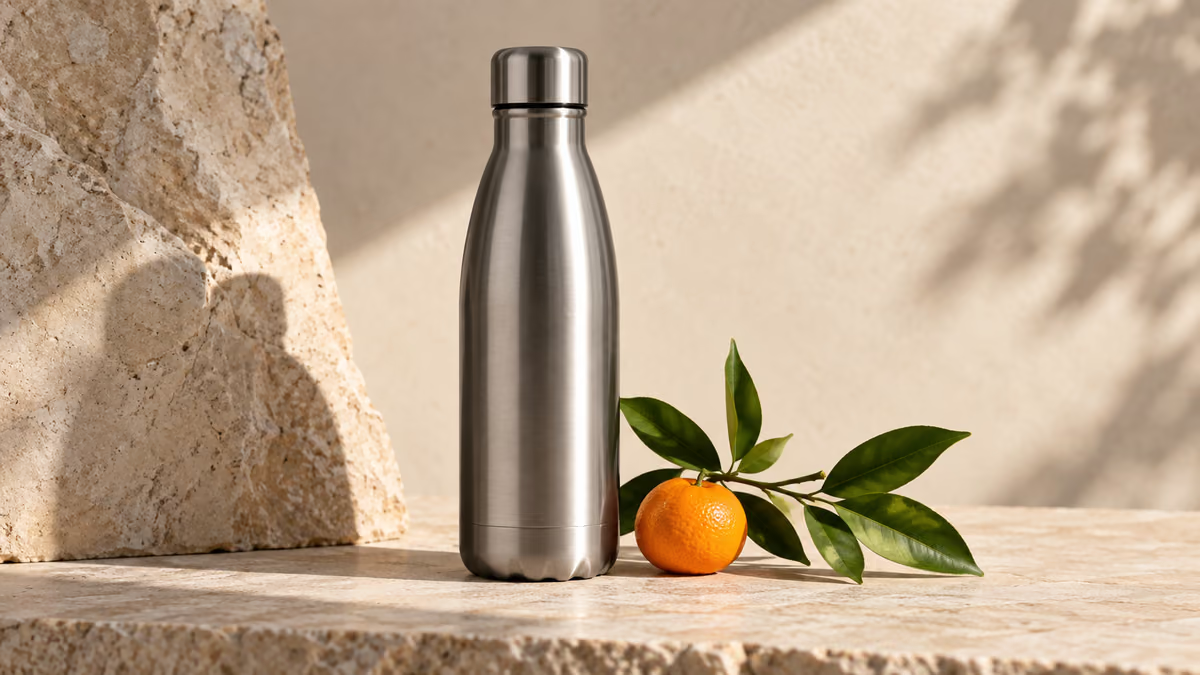
- These prompts are written for image generation in ChatGPT. The accompanying illustrations show visual directions; your output will vary with the model and follow-up edits.
- For visual work, treat the prompt as an art direction brief. A good reference image or edit pass can matter more than extra adjectives. If a model adds unreadable type, remove it and set final typography in a design tool.
These prompts are written for image generation in ChatGPT. The accompanying illustrations show visual directions; your output will vary with the model and follow-up edits.
For visual work, treat the prompt as an art direction brief. A good reference image or edit pass can matter more than extra adjectives. If a model adds unreadable type, remove it and set final typography in a design tool.
How to use this collection
Pick the task closest to your work. Copy the prompt, replace the generic scene or code context with your own facts, and keep the constraints that help you judge the result. Change one variable at a time so you can tell what improved.
The approach follows the OpenAI image generation guide: provide concrete context and inspect the output rather than assuming a polished first pass is correct.
Editorial photograph prompts
These directions use editorial photograph to change the composition while keeping the subject specific.
1. A product hero for a reusable bottle
Copy prompt
Create one image of product hero for a reusable bottle. Use natural side light, a believable 35 mm field of view, small material imperfections and an uncluttered background. Make the main subject unambiguous and keep plausible proportions and consistent lighting. No watermarks, fake logos or legible text. Return one clean image, not a contact sheet.Review: Check whether the lighting direction is consistent and the subject remains recognizable.
2. An illustrated recipe card
Copy prompt
Create one image of illustrated recipe card. Use natural side light, a believable 35 mm field of view, small material imperfections and an uncluttered background. Make the main subject unambiguous and keep plausible proportions and consistent lighting. No watermarks, fake logos or legible text. Return one clean image, not a contact sheet.Review: Check whether the lighting direction is consistent and the subject remains recognizable.
3. A travel postcard without text
Copy prompt
Create one image of travel postcard without text. Use natural side light, a believable 35 mm field of view, small material imperfections and an uncluttered background. Make the main subject unambiguous and keep plausible proportions and consistent lighting. No watermarks, fake logos or legible text. Return one clean image, not a contact sheet.Review: Check whether the lighting direction is consistent and the subject remains recognizable.
4. A cafe menu background
Copy prompt
Create one image of cafe menu background. Use natural side light, a believable 35 mm field of view, small material imperfections and an uncluttered background. Make the main subject unambiguous and keep plausible proportions and consistent lighting. No watermarks, fake logos or legible text. Return one clean image, not a contact sheet.Review: Check whether the lighting direction is consistent and the subject remains recognizable.
5. A portrait for a profile
Copy prompt
Create one image of portrait for a profile. Use natural side light, a believable 35 mm field of view, small material imperfections and an uncluttered background. Make the main subject unambiguous and keep plausible proportions and consistent lighting. No watermarks, fake logos or legible text. Return one clean image, not a contact sheet.Review: Check whether the lighting direction is consistent and the subject remains recognizable.
6. A simple educational diagram
Copy prompt
Create one image of simple educational diagram. Use natural side light, a believable 35 mm field of view, small material imperfections and an uncluttered background. Make the main subject unambiguous and keep plausible proportions and consistent lighting. No watermarks, fake logos or legible text. Return one clean image, not a contact sheet.Review: Check whether the lighting direction is consistent and the subject remains recognizable.
7. A children’s book forest
Copy prompt
Create one image of children’s book forest. Use natural side light, a believable 35 mm field of view, small material imperfections and an uncluttered background. Make the main subject unambiguous and keep plausible proportions and consistent lighting. No watermarks, fake logos or legible text. Return one clean image, not a contact sheet.Review: Check whether the lighting direction is consistent and the subject remains recognizable.
8. A social post background
Copy prompt
Create one image of social post background. Use natural side light, a believable 35 mm field of view, small material imperfections and an uncluttered background. Make the main subject unambiguous and keep plausible proportions and consistent lighting. No watermarks, fake logos or legible text. Return one clean image, not a contact sheet.Review: Check whether the lighting direction is consistent and the subject remains recognizable.
9. A cutaway of a studio
Copy prompt
Create one image of cutaway of a studio. Use natural side light, a believable 35 mm field of view, small material imperfections and an uncluttered background. Make the main subject unambiguous and keep plausible proportions and consistent lighting. No watermarks, fake logos or legible text. Return one clean image, not a contact sheet.Review: Check whether the lighting direction is consistent and the subject remains recognizable.
10. A set of app icons
Copy prompt
Create one image of set of app icons. Use natural side light, a believable 35 mm field of view, small material imperfections and an uncluttered background. Make the main subject unambiguous and keep plausible proportions and consistent lighting. No watermarks, fake logos or legible text. Return one clean image, not a contact sheet.Review: Check whether the lighting direction is consistent and the subject remains recognizable.
Product or object study prompts
These directions use product or object study to change the composition while keeping the subject specific.
11. A product hero for a reusable bottle
Copy prompt
Create one image of product hero for a reusable bottle. Use a deliberate three-quarter view, soft shadow, accurate surface texture and space around the silhouette. Make the main subject unambiguous and keep plausible proportions and consistent lighting. No watermarks, fake logos or legible text. Return one clean image, not a contact sheet.Review: Check the object geometry and remove invented packaging or markings.
12. An illustrated recipe card
Copy prompt
Create one image of illustrated recipe card. Use a deliberate three-quarter view, soft shadow, accurate surface texture and space around the silhouette. Make the main subject unambiguous and keep plausible proportions and consistent lighting. No watermarks, fake logos or legible text. Return one clean image, not a contact sheet.Review: Check the object geometry and remove invented packaging or markings.
13. A travel postcard without text
Copy prompt
Create one image of travel postcard without text. Use a deliberate three-quarter view, soft shadow, accurate surface texture and space around the silhouette. Make the main subject unambiguous and keep plausible proportions and consistent lighting. No watermarks, fake logos or legible text. Return one clean image, not a contact sheet.Review: Check the object geometry and remove invented packaging or markings.
14. A cafe menu background
Copy prompt
Create one image of cafe menu background. Use a deliberate three-quarter view, soft shadow, accurate surface texture and space around the silhouette. Make the main subject unambiguous and keep plausible proportions and consistent lighting. No watermarks, fake logos or legible text. Return one clean image, not a contact sheet.Review: Check the object geometry and remove invented packaging or markings.
15. A portrait for a profile
Copy prompt
Create one image of portrait for a profile. Use a deliberate three-quarter view, soft shadow, accurate surface texture and space around the silhouette. Make the main subject unambiguous and keep plausible proportions and consistent lighting. No watermarks, fake logos or legible text. Return one clean image, not a contact sheet.Review: Check the object geometry and remove invented packaging or markings.
16. A simple educational diagram
Copy prompt
Create one image of simple educational diagram. Use a deliberate three-quarter view, soft shadow, accurate surface texture and space around the silhouette. Make the main subject unambiguous and keep plausible proportions and consistent lighting. No watermarks, fake logos or legible text. Return one clean image, not a contact sheet.Review: Check the object geometry and remove invented packaging or markings.
17. A children’s book forest
Copy prompt
Create one image of children’s book forest. Use a deliberate three-quarter view, soft shadow, accurate surface texture and space around the silhouette. Make the main subject unambiguous and keep plausible proportions and consistent lighting. No watermarks, fake logos or legible text. Return one clean image, not a contact sheet.Review: Check the object geometry and remove invented packaging or markings.
18. A social post background
Copy prompt
Create one image of social post background. Use a deliberate three-quarter view, soft shadow, accurate surface texture and space around the silhouette. Make the main subject unambiguous and keep plausible proportions and consistent lighting. No watermarks, fake logos or legible text. Return one clean image, not a contact sheet.Review: Check the object geometry and remove invented packaging or markings.
19. A cutaway of a studio
Copy prompt
Create one image of cutaway of a studio. Use a deliberate three-quarter view, soft shadow, accurate surface texture and space around the silhouette. Make the main subject unambiguous and keep plausible proportions and consistent lighting. No watermarks, fake logos or legible text. Return one clean image, not a contact sheet.Review: Check the object geometry and remove invented packaging or markings.
20. A set of app icons
Copy prompt
Create one image of set of app icons. Use a deliberate three-quarter view, soft shadow, accurate surface texture and space around the silhouette. Make the main subject unambiguous and keep plausible proportions and consistent lighting. No watermarks, fake logos or legible text. Return one clean image, not a contact sheet.Review: Check the object geometry and remove invented packaging or markings.
Graphic illustration prompts
These directions use graphic illustration to change the composition while keeping the subject specific.
21. A product hero for a reusable bottle
Copy prompt
Create one image of product hero for a reusable bottle. Use restrained colors, clear shapes, controlled depth and enough negative space for a layout. Make the main subject unambiguous and keep plausible proportions and consistent lighting. No watermarks, fake logos or legible text. Return one clean image, not a contact sheet.Review: Check the visual hierarchy at thumbnail size. Add any final text in an editor.
22. An illustrated recipe card
Copy prompt
Create one image of illustrated recipe card. Use restrained colors, clear shapes, controlled depth and enough negative space for a layout. Make the main subject unambiguous and keep plausible proportions and consistent lighting. No watermarks, fake logos or legible text. Return one clean image, not a contact sheet.Review: Check the visual hierarchy at thumbnail size. Add any final text in an editor.
23. A travel postcard without text
Copy prompt
Create one image of travel postcard without text. Use restrained colors, clear shapes, controlled depth and enough negative space for a layout. Make the main subject unambiguous and keep plausible proportions and consistent lighting. No watermarks, fake logos or legible text. Return one clean image, not a contact sheet.Review: Check the visual hierarchy at thumbnail size. Add any final text in an editor.
24. A cafe menu background
Copy prompt
Create one image of cafe menu background. Use restrained colors, clear shapes, controlled depth and enough negative space for a layout. Make the main subject unambiguous and keep plausible proportions and consistent lighting. No watermarks, fake logos or legible text. Return one clean image, not a contact sheet.Review: Check the visual hierarchy at thumbnail size. Add any final text in an editor.
25. A portrait for a profile
Copy prompt
Create one image of portrait for a profile. Use restrained colors, clear shapes, controlled depth and enough negative space for a layout. Make the main subject unambiguous and keep plausible proportions and consistent lighting. No watermarks, fake logos or legible text. Return one clean image, not a contact sheet.Review: Check the visual hierarchy at thumbnail size. Add any final text in an editor.
26. A simple educational diagram
Copy prompt
Create one image of simple educational diagram. Use restrained colors, clear shapes, controlled depth and enough negative space for a layout. Make the main subject unambiguous and keep plausible proportions and consistent lighting. No watermarks, fake logos or legible text. Return one clean image, not a contact sheet.Review: Check the visual hierarchy at thumbnail size. Add any final text in an editor.
27. A children’s book forest
Copy prompt
Create one image of children’s book forest. Use restrained colors, clear shapes, controlled depth and enough negative space for a layout. Make the main subject unambiguous and keep plausible proportions and consistent lighting. No watermarks, fake logos or legible text. Return one clean image, not a contact sheet.Review: Check the visual hierarchy at thumbnail size. Add any final text in an editor.
28. A social post background
Copy prompt
Create one image of social post background. Use restrained colors, clear shapes, controlled depth and enough negative space for a layout. Make the main subject unambiguous and keep plausible proportions and consistent lighting. No watermarks, fake logos or legible text. Return one clean image, not a contact sheet.Review: Check the visual hierarchy at thumbnail size. Add any final text in an editor.
29. A cutaway of a studio
Copy prompt
Create one image of cutaway of a studio. Use restrained colors, clear shapes, controlled depth and enough negative space for a layout. Make the main subject unambiguous and keep plausible proportions and consistent lighting. No watermarks, fake logos or legible text. Return one clean image, not a contact sheet.Review: Check the visual hierarchy at thumbnail size. Add any final text in an editor.
30. A set of app icons
Copy prompt
Create one image of set of app icons. Use restrained colors, clear shapes, controlled depth and enough negative space for a layout. Make the main subject unambiguous and keep plausible proportions and consistent lighting. No watermarks, fake logos or legible text. Return one clean image, not a contact sheet.Review: Check the visual hierarchy at thumbnail size. Add any final text in an editor.
What to check before you use the result
For visual work, treat the prompt as an art direction brief. A good reference image or edit pass can matter more than extra adjectives. If a model adds unreadable type, remove it and set final typography in a design tool.
If the output misses the task, shorten the prompt and specify the missing fact or constraint. Keep a record of the version you used so the final asset or code change can be reproduced.
Further reading
Continue with a related guide
Put it into practice
Your next step
Have a question or a correction?
Contact Thrive