La versione breve
- Un prompt video utile descrive un'inquadratura da realizzare. Gli esempi indicano azione, composizione, movimento e un punto di arrivo visibile.
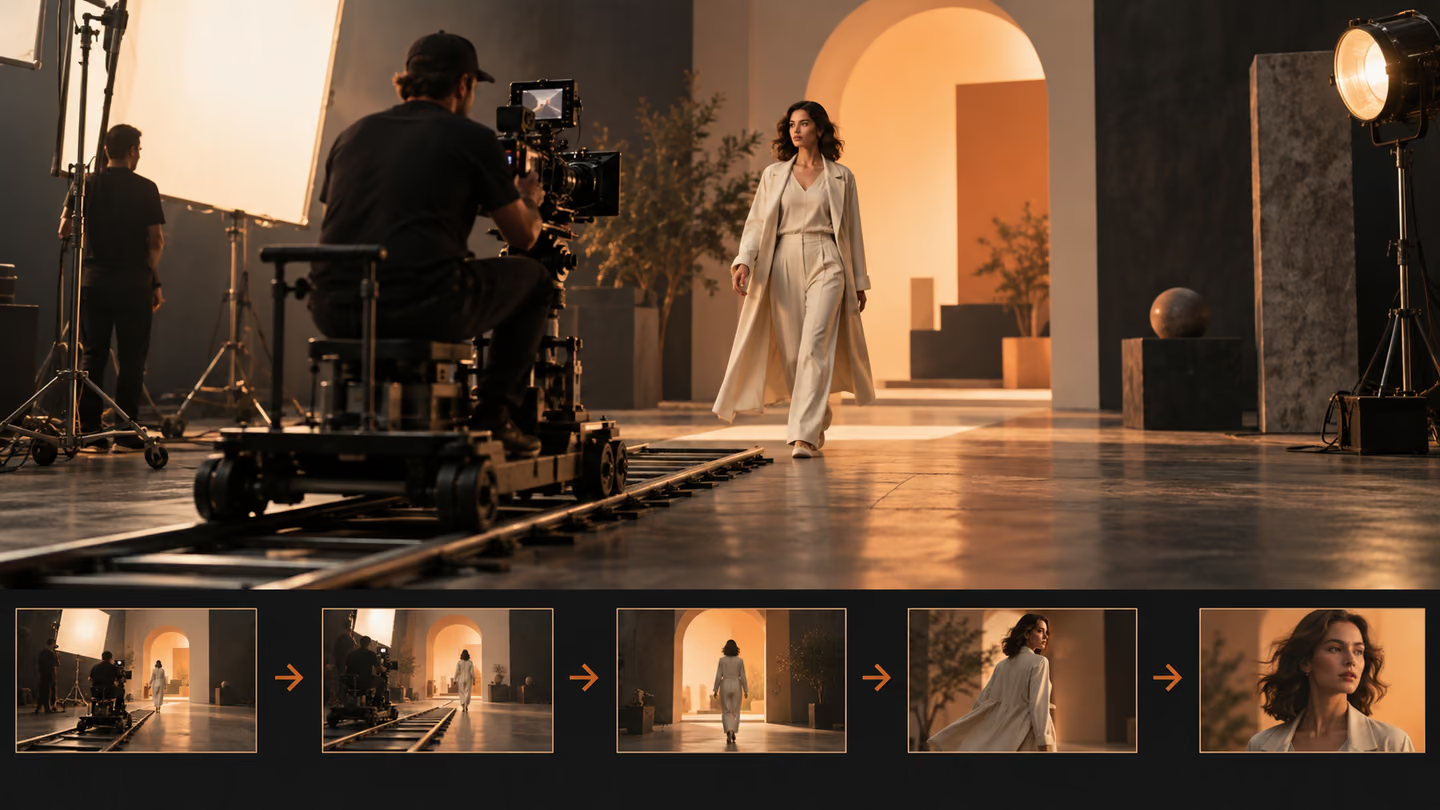
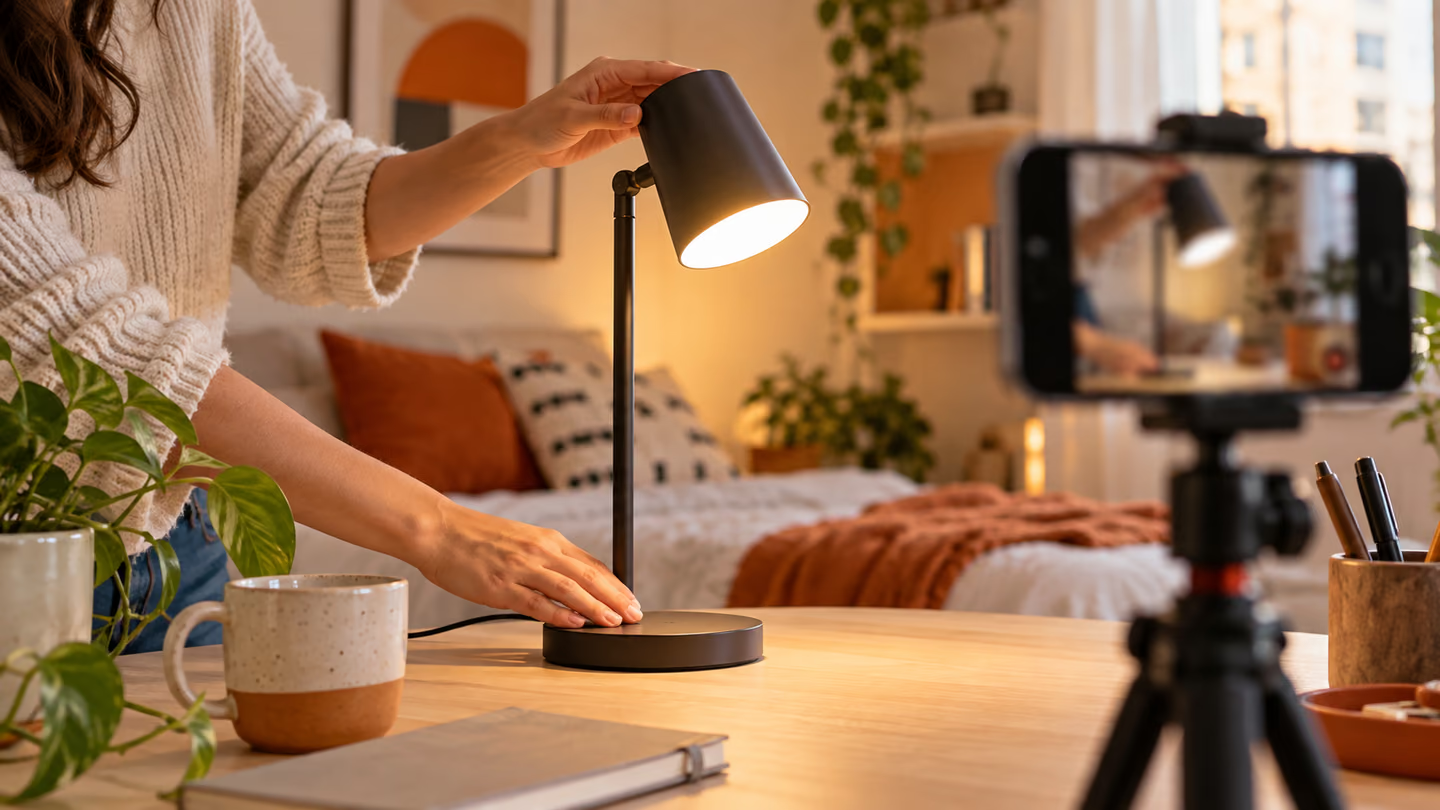
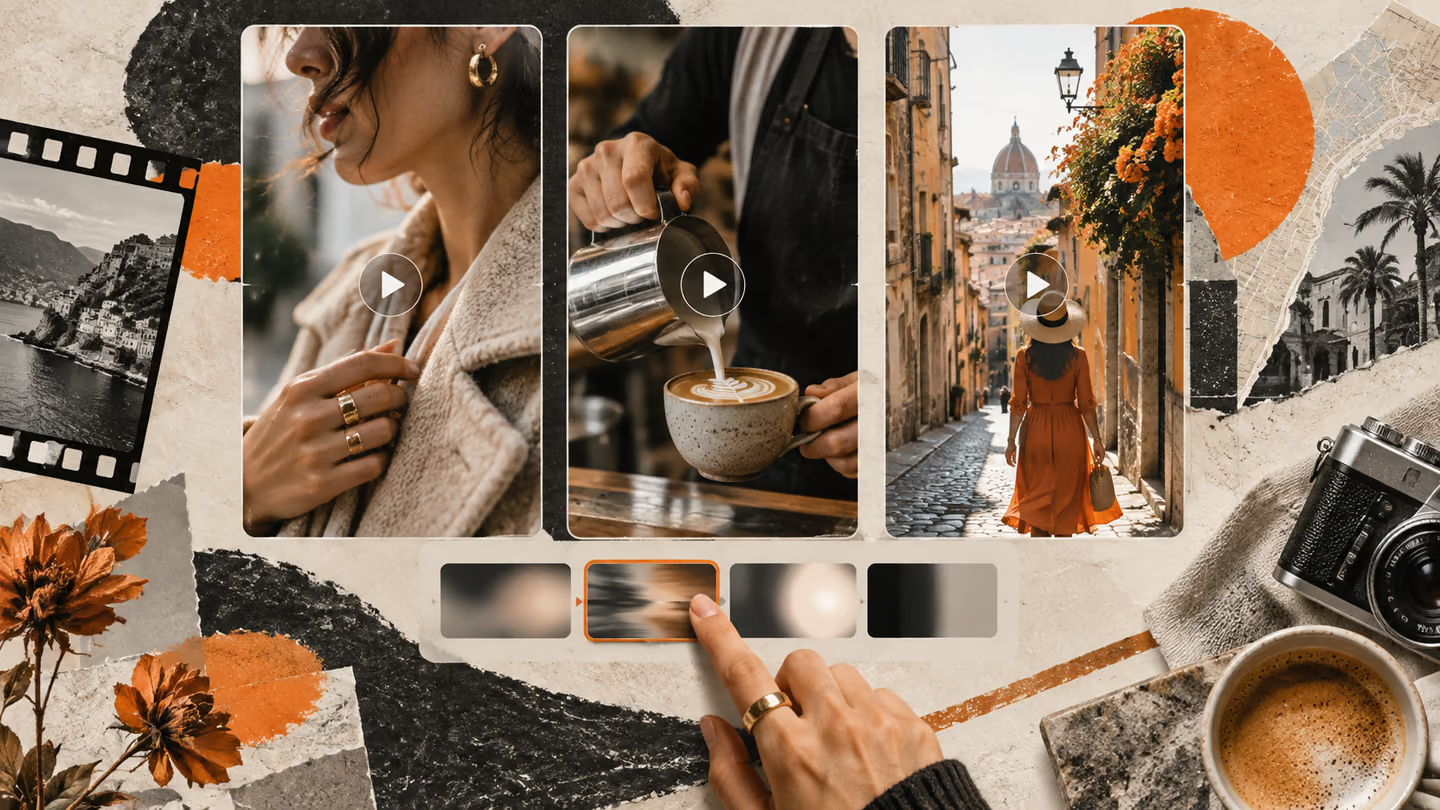
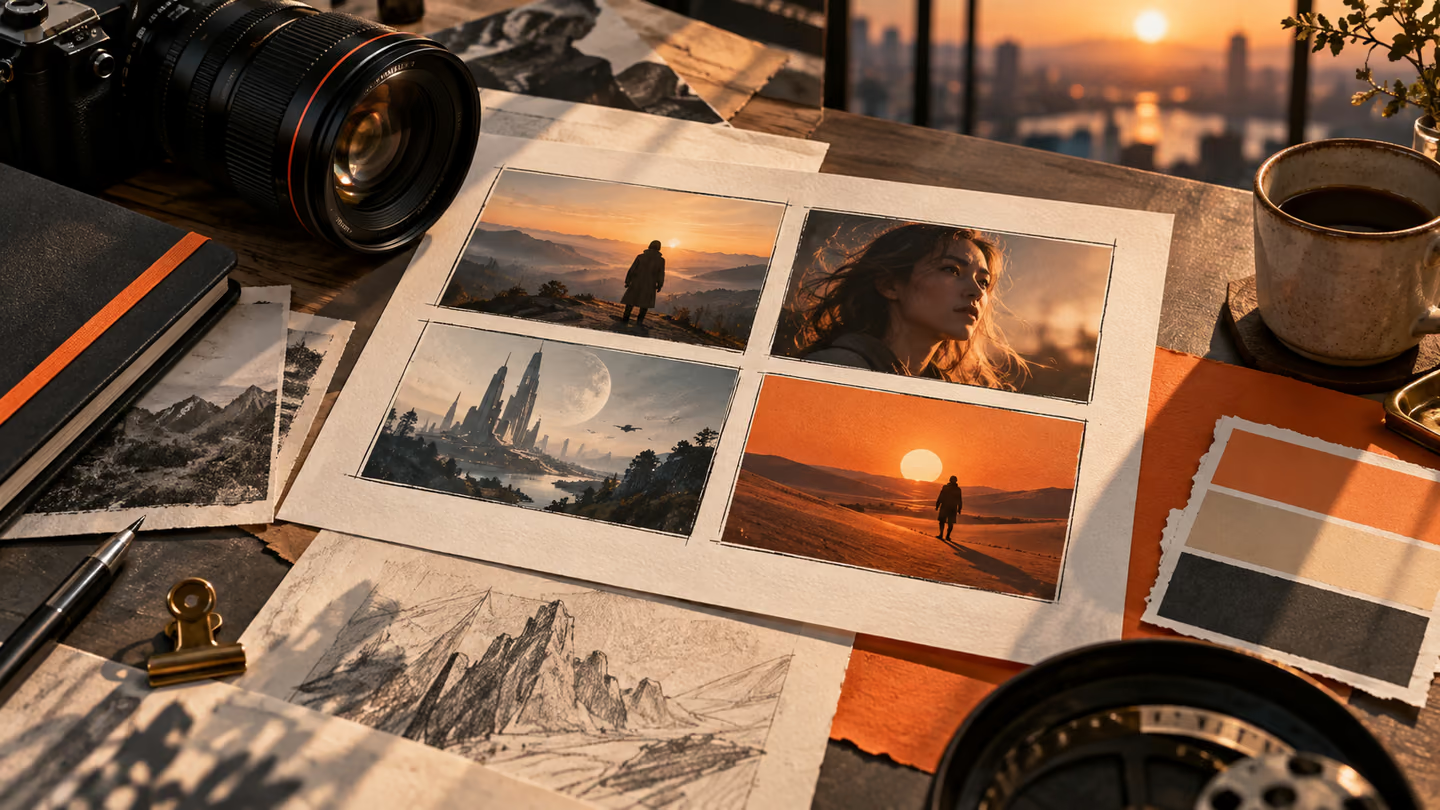
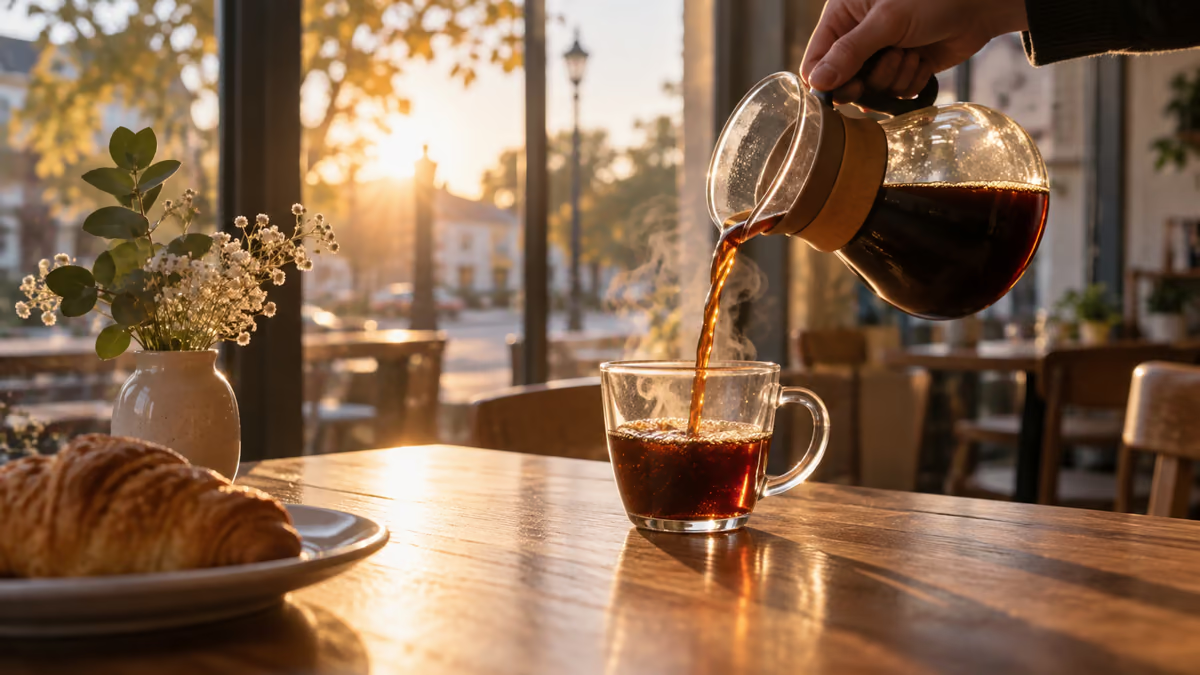
- Questi sono brief di ripresa, non file video. Il supporto per formato, durata, fotogrammi di riferimento e audio cambia secondo il modello: imposta questi parametri nello strumento che usi. Un'immagine generata nella guida illustra un fotogramma e non dimostra che un modello video abbia realizzato il movimento.
Un prompt video utile descrive un'inquadratura da realizzare. Gli esempi indicano azione, composizione, movimento e un punto di arrivo visibile.
Questi sono brief di ripresa, non file video. Il supporto per formato, durata, fotogrammi di riferimento e audio cambia secondo il modello: imposta questi parametri nello strumento che usi. Un'immagine generata nella guida illustra un fotogramma e non dimostra che un modello video abbia realizzato il movimento.
Come usare questa raccolta
Scegli l'attività più vicina al tuo lavoro. Copia il prompt, sostituisci la scena generica o il contesto del codice con i tuoi dati e mantieni i vincoli utili a valutare il risultato. Modifica una variabile alla volta per capire cosa migliora.
Il metodo segue la guida ai prompt di Google Veo: fornisci un contesto preciso e controlla il risultato, senza dare per corretta una prima bozza ben presentata.
Prompt per presentare la scena
Usa i prompt di presentazione della scena per definire lo scopo visivo dell'inquadratura. Mantieni una sola azione in ogni clip.
1. Il caffè versato in un bar
Create a 16:9 widescreen shot of coffee being poured at a cafe. Use a wide opening frame, one clear subject, a visible setting and stable horizon. Show one continuous action, not a montage. Keep the subject, geometry and light consistent. End on a composition an editor can hold or cut from. No added text, logos or abrupt morphs.Verifica: Verifica che nel primo secondo si riconoscano luogo e soggetto.
2. Un ciclista in una strada al sole
Create a 16:9 widescreen shot of a cyclist entering a sunlit street. Use a wide opening frame, one clear subject, a visible setting and stable horizon. Show one continuous action, not a montage. Keep the subject, geometry and light consistent. End on a composition an editor can hold or cut from. No added text, logos or abrupt morphs.Verifica: Verifica che nel primo secondo si riconoscano luogo e soggetto.
3. Una tazza di ceramica che ruota su un tavolo
Create a 16:9 widescreen shot of a ceramic mug rotating on a table. Use a wide opening frame, one clear subject, a visible setting and stable horizon. Show one continuous action, not a montage. Keep the subject, geometry and light consistent. End on a composition an editor can hold or cut from. No added text, logos or abrupt morphs.Verifica: Verifica che nel primo secondo si riconoscano luogo e soggetto.
4. Uno chef che impiatta
Create a 16:9 widescreen shot of a chef plating one dish. Use a wide opening frame, one clear subject, a visible setting and stable horizon. Show one continuous action, not a montage. Keep the subject, geometry and light consistent. End on a composition an editor can hold or cut from. No added text, logos or abrupt morphs.Verifica: Verifica che nel primo secondo si riconoscano luogo e soggetto.
5. Un fiorista che confeziona un mazzo
Create a 16:9 widescreen shot of a florist wrapping a bouquet. Use a wide opening frame, one clear subject, a visible setting and stable horizon. Show one continuous action, not a montage. Keep the subject, geometry and light consistent. End on a composition an editor can hold or cut from. No added text, logos or abrupt morphs.Verifica: Verifica che nel primo secondo si riconoscano luogo e soggetto.
6. Un pendolare che scende dal treno
Create a 16:9 widescreen shot of a commuter stepping off a train. Use a wide opening frame, one clear subject, a visible setting and stable horizon. Show one continuous action, not a montage. Keep the subject, geometry and light consistent. End on a composition an editor can hold or cut from. No added text, logos or abrupt morphs.Verifica: Verifica che nel primo secondo si riconoscano luogo e soggetto.
7. Un cane che corre nell'acqua bassa
Create a 16:9 widescreen shot of a dog running through shallow water. Use a wide opening frame, one clear subject, a visible setting and stable horizon. Show one continuous action, not a montage. Keep the subject, geometry and light consistent. End on a composition an editor can hold or cut from. No added text, logos or abrupt morphs.Verifica: Verifica che nel primo secondo si riconoscano luogo e soggetto.
8. Un violinista che accorda lo strumento dietro le quinte
Create a 16:9 widescreen shot of a violinist tuning backstage. Use a wide opening frame, one clear subject, a visible setting and stable horizon. Show one continuous action, not a montage. Keep the subject, geometry and light consistent. End on a composition an editor can hold or cut from. No added text, logos or abrupt morphs.Verifica: Verifica che nel primo secondo si riconoscano luogo e soggetto.
9. Un libro che si apre su una scrivania
Create a 16:9 widescreen shot of a book opening on a desk. Use a wide opening frame, one clear subject, a visible setting and stable horizon. Show one continuous action, not a montage. Keep the subject, geometry and light consistent. End on a composition an editor can hold or cut from. No added text, logos or abrupt morphs.Verifica: Verifica che nel primo secondo si riconoscano luogo e soggetto.
10. Una nuvola di pioggia sopra la città
Create a 16:9 widescreen shot of a rain cloud moving over a city. Use a wide opening frame, one clear subject, a visible setting and stable horizon. Show one continuous action, not a montage. Keep the subject, geometry and light consistent. End on a composition an editor can hold or cut from. No added text, logos or abrupt morphs.Verifica: Verifica che nel primo secondo si riconoscano luogo e soggetto.
Prompt per seguire l'azione
Usa i prompt che seguono l'azione per definire lo scopo visivo dell'inquadratura. Mantieni una sola azione in ogni clip.
11. Il caffè versato in un bar
Create a 16:9 widescreen shot of coffee being poured at a cafe. Use a single motivated camera move that follows the subject without sudden direction changes. Show one continuous action, not a montage. Keep the subject, geometry and light consistent. End on a composition an editor can hold or cut from. No added text, logos or abrupt morphs.Verifica: Controlla la continuità del soggetto e la direzione del movimento.
12. Un ciclista in una strada al sole
Create a 16:9 widescreen shot of a cyclist entering a sunlit street. Use a single motivated camera move that follows the subject without sudden direction changes. Show one continuous action, not a montage. Keep the subject, geometry and light consistent. End on a composition an editor can hold or cut from. No added text, logos or abrupt morphs.Verifica: Controlla la continuità del soggetto e la direzione del movimento.
13. Una tazza di ceramica che ruota su un tavolo
Create a 16:9 widescreen shot of a ceramic mug rotating on a table. Use a single motivated camera move that follows the subject without sudden direction changes. Show one continuous action, not a montage. Keep the subject, geometry and light consistent. End on a composition an editor can hold or cut from. No added text, logos or abrupt morphs.Verifica: Controlla la continuità del soggetto e la direzione del movimento.
14. Uno chef che impiatta
Create a 16:9 widescreen shot of a chef plating one dish. Use a single motivated camera move that follows the subject without sudden direction changes. Show one continuous action, not a montage. Keep the subject, geometry and light consistent. End on a composition an editor can hold or cut from. No added text, logos or abrupt morphs.Verifica: Controlla la continuità del soggetto e la direzione del movimento.
15. Un fiorista che confeziona un mazzo
Create a 16:9 widescreen shot of a florist wrapping a bouquet. Use a single motivated camera move that follows the subject without sudden direction changes. Show one continuous action, not a montage. Keep the subject, geometry and light consistent. End on a composition an editor can hold or cut from. No added text, logos or abrupt morphs.Verifica: Controlla la continuità del soggetto e la direzione del movimento.
16. Un pendolare che scende dal treno
Create a 16:9 widescreen shot of a commuter stepping off a train. Use a single motivated camera move that follows the subject without sudden direction changes. Show one continuous action, not a montage. Keep the subject, geometry and light consistent. End on a composition an editor can hold or cut from. No added text, logos or abrupt morphs.Verifica: Controlla la continuità del soggetto e la direzione del movimento.
17. Un cane che corre nell'acqua bassa
Create a 16:9 widescreen shot of a dog running through shallow water. Use a single motivated camera move that follows the subject without sudden direction changes. Show one continuous action, not a montage. Keep the subject, geometry and light consistent. End on a composition an editor can hold or cut from. No added text, logos or abrupt morphs.Verifica: Controlla la continuità del soggetto e la direzione del movimento.
18. Un violinista che accorda lo strumento dietro le quinte
Create a 16:9 widescreen shot of a violinist tuning backstage. Use a single motivated camera move that follows the subject without sudden direction changes. Show one continuous action, not a montage. Keep the subject, geometry and light consistent. End on a composition an editor can hold or cut from. No added text, logos or abrupt morphs.Verifica: Controlla la continuità del soggetto e la direzione del movimento.
19. Un libro che si apre su una scrivania
Create a 16:9 widescreen shot of a book opening on a desk. Use a single motivated camera move that follows the subject without sudden direction changes. Show one continuous action, not a montage. Keep the subject, geometry and light consistent. End on a composition an editor can hold or cut from. No added text, logos or abrupt morphs.Verifica: Controlla la continuità del soggetto e la direzione del movimento.
20. Una nuvola di pioggia sopra la città
Create a 16:9 widescreen shot of a rain cloud moving over a city. Use a single motivated camera move that follows the subject without sudden direction changes. Show one continuous action, not a montage. Keep the subject, geometry and light consistent. End on a composition an editor can hold or cut from. No added text, logos or abrupt morphs.Verifica: Controlla la continuità del soggetto e la direzione del movimento.
Prompt per mostrare un dettaglio
Usa i prompt di dettaglio per definire lo scopo visivo dell'inquadratura. Mantieni una sola azione in ogni clip.
21. Il caffè versato in un bar
Create a 16:9 widescreen shot of coffee being poured at a cafe. Use a close view of a meaningful action, tactile material and plausible hand or object movement. Show one continuous action, not a montage. Keep the subject, geometry and light consistent. End on a composition an editor can hold or cut from. No added text, logos or abrupt morphs.Verifica: Controlla mani, punti di contatto, inizio e fine dell'azione.
22. Un ciclista in una strada al sole
Create a 16:9 widescreen shot of a cyclist entering a sunlit street. Use a close view of a meaningful action, tactile material and plausible hand or object movement. Show one continuous action, not a montage. Keep the subject, geometry and light consistent. End on a composition an editor can hold or cut from. No added text, logos or abrupt morphs.Verifica: Controlla mani, punti di contatto, inizio e fine dell'azione.
23. Una tazza di ceramica che ruota su un tavolo
Create a 16:9 widescreen shot of a ceramic mug rotating on a table. Use a close view of a meaningful action, tactile material and plausible hand or object movement. Show one continuous action, not a montage. Keep the subject, geometry and light consistent. End on a composition an editor can hold or cut from. No added text, logos or abrupt morphs.Verifica: Controlla mani, punti di contatto, inizio e fine dell'azione.
24. Uno chef che impiatta
Create a 16:9 widescreen shot of a chef plating one dish. Use a close view of a meaningful action, tactile material and plausible hand or object movement. Show one continuous action, not a montage. Keep the subject, geometry and light consistent. End on a composition an editor can hold or cut from. No added text, logos or abrupt morphs.Verifica: Controlla mani, punti di contatto, inizio e fine dell'azione.
25. Un fiorista che confeziona un mazzo
Create a 16:9 widescreen shot of a florist wrapping a bouquet. Use a close view of a meaningful action, tactile material and plausible hand or object movement. Show one continuous action, not a montage. Keep the subject, geometry and light consistent. End on a composition an editor can hold or cut from. No added text, logos or abrupt morphs.Verifica: Controlla mani, punti di contatto, inizio e fine dell'azione.
26. Un pendolare che scende dal treno
Create a 16:9 widescreen shot of a commuter stepping off a train. Use a close view of a meaningful action, tactile material and plausible hand or object movement. Show one continuous action, not a montage. Keep the subject, geometry and light consistent. End on a composition an editor can hold or cut from. No added text, logos or abrupt morphs.Verifica: Controlla mani, punti di contatto, inizio e fine dell'azione.
27. Un cane che corre nell'acqua bassa
Create a 16:9 widescreen shot of a dog running through shallow water. Use a close view of a meaningful action, tactile material and plausible hand or object movement. Show one continuous action, not a montage. Keep the subject, geometry and light consistent. End on a composition an editor can hold or cut from. No added text, logos or abrupt morphs.Verifica: Controlla mani, punti di contatto, inizio e fine dell'azione.
28. Un violinista che accorda lo strumento dietro le quinte
Create a 16:9 widescreen shot of a violinist tuning backstage. Use a close view of a meaningful action, tactile material and plausible hand or object movement. Show one continuous action, not a montage. Keep the subject, geometry and light consistent. End on a composition an editor can hold or cut from. No added text, logos or abrupt morphs.Verifica: Controlla mani, punti di contatto, inizio e fine dell'azione.
29. Un libro che si apre su una scrivania
Create a 16:9 widescreen shot of a book opening on a desk. Use a close view of a meaningful action, tactile material and plausible hand or object movement. Show one continuous action, not a montage. Keep the subject, geometry and light consistent. End on a composition an editor can hold or cut from. No added text, logos or abrupt morphs.Verifica: Controlla mani, punti di contatto, inizio e fine dell'azione.
30. Una nuvola di pioggia sopra la città
Create a 16:9 widescreen shot of a rain cloud moving over a city. Use a close view of a meaningful action, tactile material and plausible hand or object movement. Show one continuous action, not a montage. Keep the subject, geometry and light consistent. End on a composition an editor can hold or cut from. No added text, logos or abrupt morphs.Verifica: Controlla mani, punti di contatto, inizio e fine dell'azione.
Prompt per creare una transizione
Usa i prompt di transizione per definire lo scopo visivo dell'inquadratura. Mantieni una sola azione in ogni clip.
31. Il caffè versato in un bar
Create a 16:9 widescreen shot of coffee being poured at a cafe. Use a clear start frame and end frame linked by one physical movement or edit point. Show one continuous action, not a montage. Keep the subject, geometry and light consistent. End on a composition an editor can hold or cut from. No added text, logos or abrupt morphs.Verifica: Verifica che sia possibile collegare l'inquadratura a quelle prima e dopo con tagli puliti.
32. Un ciclista in una strada al sole
Create a 16:9 widescreen shot of a cyclist entering a sunlit street. Use a clear start frame and end frame linked by one physical movement or edit point. Show one continuous action, not a montage. Keep the subject, geometry and light consistent. End on a composition an editor can hold or cut from. No added text, logos or abrupt morphs.Verifica: Verifica che sia possibile collegare l'inquadratura a quelle prima e dopo con tagli puliti.
33. Una tazza di ceramica che ruota su un tavolo
Create a 16:9 widescreen shot of a ceramic mug rotating on a table. Use a clear start frame and end frame linked by one physical movement or edit point. Show one continuous action, not a montage. Keep the subject, geometry and light consistent. End on a composition an editor can hold or cut from. No added text, logos or abrupt morphs.Verifica: Verifica che sia possibile collegare l'inquadratura a quelle prima e dopo con tagli puliti.
34. Uno chef che impiatta
Create a 16:9 widescreen shot of a chef plating one dish. Use a clear start frame and end frame linked by one physical movement or edit point. Show one continuous action, not a montage. Keep the subject, geometry and light consistent. End on a composition an editor can hold or cut from. No added text, logos or abrupt morphs.Verifica: Verifica che sia possibile collegare l'inquadratura a quelle prima e dopo con tagli puliti.
35. Un fiorista che confeziona un mazzo
Create a 16:9 widescreen shot of a florist wrapping a bouquet. Use a clear start frame and end frame linked by one physical movement or edit point. Show one continuous action, not a montage. Keep the subject, geometry and light consistent. End on a composition an editor can hold or cut from. No added text, logos or abrupt morphs.Verifica: Verifica che sia possibile collegare l'inquadratura a quelle prima e dopo con tagli puliti.
36. Un pendolare che scende dal treno
Create a 16:9 widescreen shot of a commuter stepping off a train. Use a clear start frame and end frame linked by one physical movement or edit point. Show one continuous action, not a montage. Keep the subject, geometry and light consistent. End on a composition an editor can hold or cut from. No added text, logos or abrupt morphs.Verifica: Verifica che sia possibile collegare l'inquadratura a quelle prima e dopo con tagli puliti.
37. Un cane che corre nell'acqua bassa
Create a 16:9 widescreen shot of a dog running through shallow water. Use a clear start frame and end frame linked by one physical movement or edit point. Show one continuous action, not a montage. Keep the subject, geometry and light consistent. End on a composition an editor can hold or cut from. No added text, logos or abrupt morphs.Verifica: Verifica che sia possibile collegare l'inquadratura a quelle prima e dopo con tagli puliti.
38. Un violinista che accorda lo strumento dietro le quinte
Create a 16:9 widescreen shot of a violinist tuning backstage. Use a clear start frame and end frame linked by one physical movement or edit point. Show one continuous action, not a montage. Keep the subject, geometry and light consistent. End on a composition an editor can hold or cut from. No added text, logos or abrupt morphs.Verifica: Verifica che sia possibile collegare l'inquadratura a quelle prima e dopo con tagli puliti.
39. Un libro che si apre su una scrivania
Create a 16:9 widescreen shot of a book opening on a desk. Use a clear start frame and end frame linked by one physical movement or edit point. Show one continuous action, not a montage. Keep the subject, geometry and light consistent. End on a composition an editor can hold or cut from. No added text, logos or abrupt morphs.Verifica: Verifica che sia possibile collegare l'inquadratura a quelle prima e dopo con tagli puliti.
40. Una nuvola di pioggia sopra la città
Create a 16:9 widescreen shot of a rain cloud moving over a city. Use a clear start frame and end frame linked by one physical movement or edit point. Show one continuous action, not a montage. Keep the subject, geometry and light consistent. End on a composition an editor can hold or cut from. No added text, logos or abrupt morphs.Verifica: Verifica che sia possibile collegare l'inquadratura a quelle prima e dopo con tagli puliti.
Prompt per una chiusura calma
Usa i prompt di chiusura calma per definire lo scopo visivo dell'inquadratura. Mantieni una sola azione in ogni clip.
41. Il caffè versato in un bar
Create a 16:9 widescreen shot of coffee being poured at a cafe. Use a held final composition with a visible resolution and space for an editorial caption added later. Show one continuous action, not a montage. Keep the subject, geometry and light consistent. End on a composition an editor can hold or cut from. No added text, logos or abrupt morphs.Verifica: Controlla che il soggetto non cambi forma o si sposti durante la pausa.
42. Un ciclista in una strada al sole
Create a 16:9 widescreen shot of a cyclist entering a sunlit street. Use a held final composition with a visible resolution and space for an editorial caption added later. Show one continuous action, not a montage. Keep the subject, geometry and light consistent. End on a composition an editor can hold or cut from. No added text, logos or abrupt morphs.Verifica: Controlla che il soggetto non cambi forma o si sposti durante la pausa.
43. Una tazza di ceramica che ruota su un tavolo
Create a 16:9 widescreen shot of a ceramic mug rotating on a table. Use a held final composition with a visible resolution and space for an editorial caption added later. Show one continuous action, not a montage. Keep the subject, geometry and light consistent. End on a composition an editor can hold or cut from. No added text, logos or abrupt morphs.Verifica: Controlla che il soggetto non cambi forma o si sposti durante la pausa.
44. Uno chef che impiatta
Create a 16:9 widescreen shot of a chef plating one dish. Use a held final composition with a visible resolution and space for an editorial caption added later. Show one continuous action, not a montage. Keep the subject, geometry and light consistent. End on a composition an editor can hold or cut from. No added text, logos or abrupt morphs.Verifica: Controlla che il soggetto non cambi forma o si sposti durante la pausa.
45. Un fiorista che confeziona un mazzo
Create a 16:9 widescreen shot of a florist wrapping a bouquet. Use a held final composition with a visible resolution and space for an editorial caption added later. Show one continuous action, not a montage. Keep the subject, geometry and light consistent. End on a composition an editor can hold or cut from. No added text, logos or abrupt morphs.Verifica: Controlla che il soggetto non cambi forma o si sposti durante la pausa.
46. Un pendolare che scende dal treno
Create a 16:9 widescreen shot of a commuter stepping off a train. Use a held final composition with a visible resolution and space for an editorial caption added later. Show one continuous action, not a montage. Keep the subject, geometry and light consistent. End on a composition an editor can hold or cut from. No added text, logos or abrupt morphs.Verifica: Controlla che il soggetto non cambi forma o si sposti durante la pausa.
47. Un cane che corre nell'acqua bassa
Create a 16:9 widescreen shot of a dog running through shallow water. Use a held final composition with a visible resolution and space for an editorial caption added later. Show one continuous action, not a montage. Keep the subject, geometry and light consistent. End on a composition an editor can hold or cut from. No added text, logos or abrupt morphs.Verifica: Controlla che il soggetto non cambi forma o si sposti durante la pausa.
48. Un violinista che accorda lo strumento dietro le quinte
Create a 16:9 widescreen shot of a violinist tuning backstage. Use a held final composition with a visible resolution and space for an editorial caption added later. Show one continuous action, not a montage. Keep the subject, geometry and light consistent. End on a composition an editor can hold or cut from. No added text, logos or abrupt morphs.Verifica: Controlla che il soggetto non cambi forma o si sposti durante la pausa.
49. Un libro che si apre su una scrivania
Create a 16:9 widescreen shot of a book opening on a desk. Use a held final composition with a visible resolution and space for an editorial caption added later. Show one continuous action, not a montage. Keep the subject, geometry and light consistent. End on a composition an editor can hold or cut from. No added text, logos or abrupt morphs.Verifica: Controlla che il soggetto non cambi forma o si sposti durante la pausa.
50. Una nuvola di pioggia sopra la città
Create a 16:9 widescreen shot of a rain cloud moving over a city. Use a held final composition with a visible resolution and space for an editorial caption added later. Show one continuous action, not a montage. Keep the subject, geometry and light consistent. End on a composition an editor can hold or cut from. No added text, logos or abrupt morphs.Verifica: Controlla che il soggetto non cambi forma o si sposti durante la pausa.
Cosa verificare prima di usare il risultato
Questi sono brief di ripresa, non file video. Il supporto per formato, durata, fotogrammi di riferimento e audio cambia secondo il modello: imposta questi parametri nello strumento che usi. Un'immagine generata nella guida illustra un fotogramma e non dimostra che un modello video abbia realizzato il movimento.
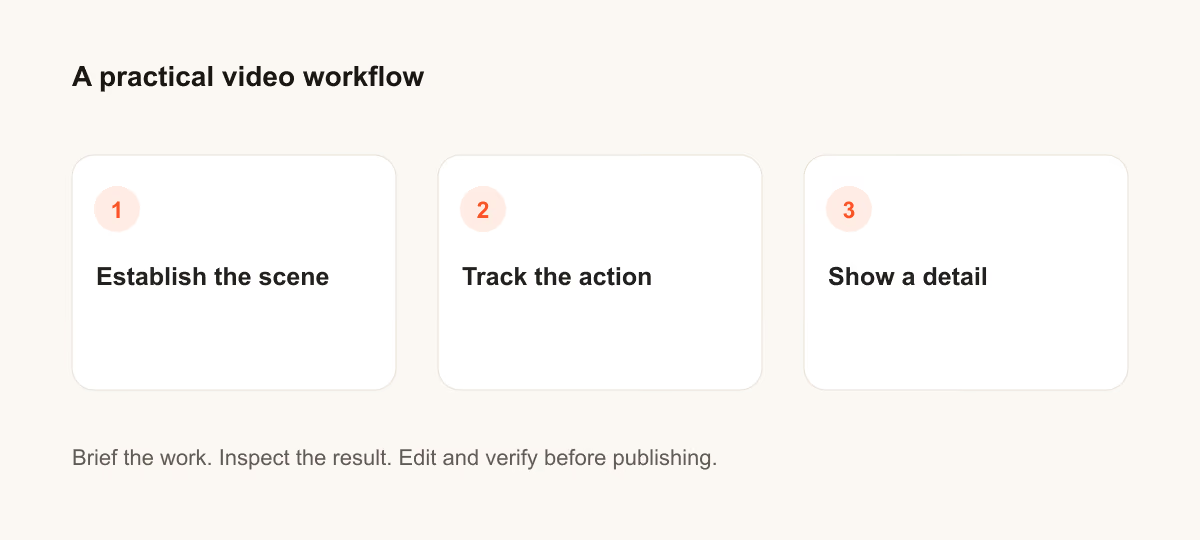
Se il risultato non risponde al compito, accorcia il prompt e precisa il fatto o il vincolo mancante. Conserva la versione usata per poter riprodurre il contenuto finale o la modifica al codice.
Approfondimenti
Hai una domanda o una correzione?
Contatta Thrive