Die Kurzfassung
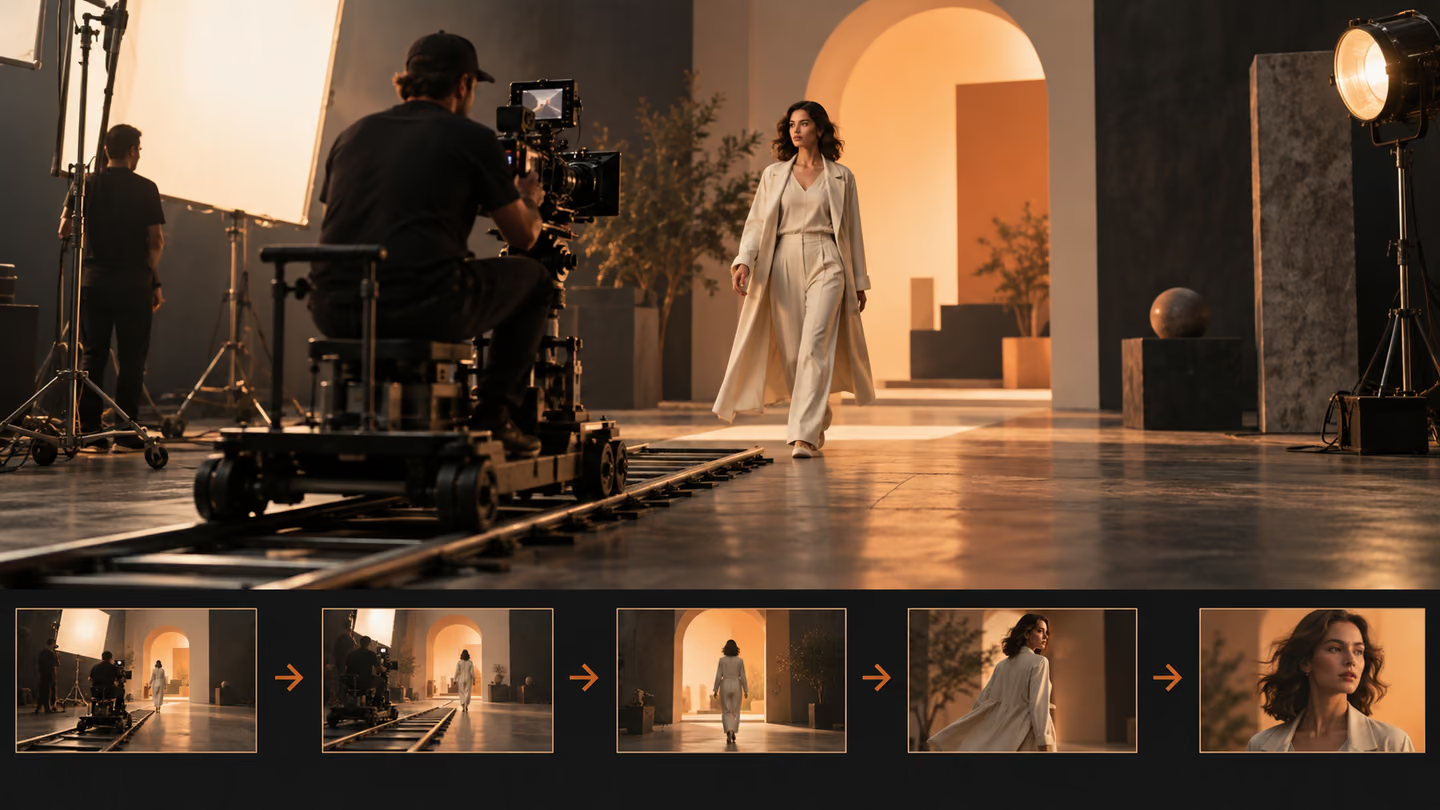
- Die Kamera sollte etwas sichtbar machen oder einer Handlung folgen. Diese Prompts beschreiben Anfangsbild, Bewegung und Schlusskomposition, damit die Kamerafahrt einen Zweck hat.
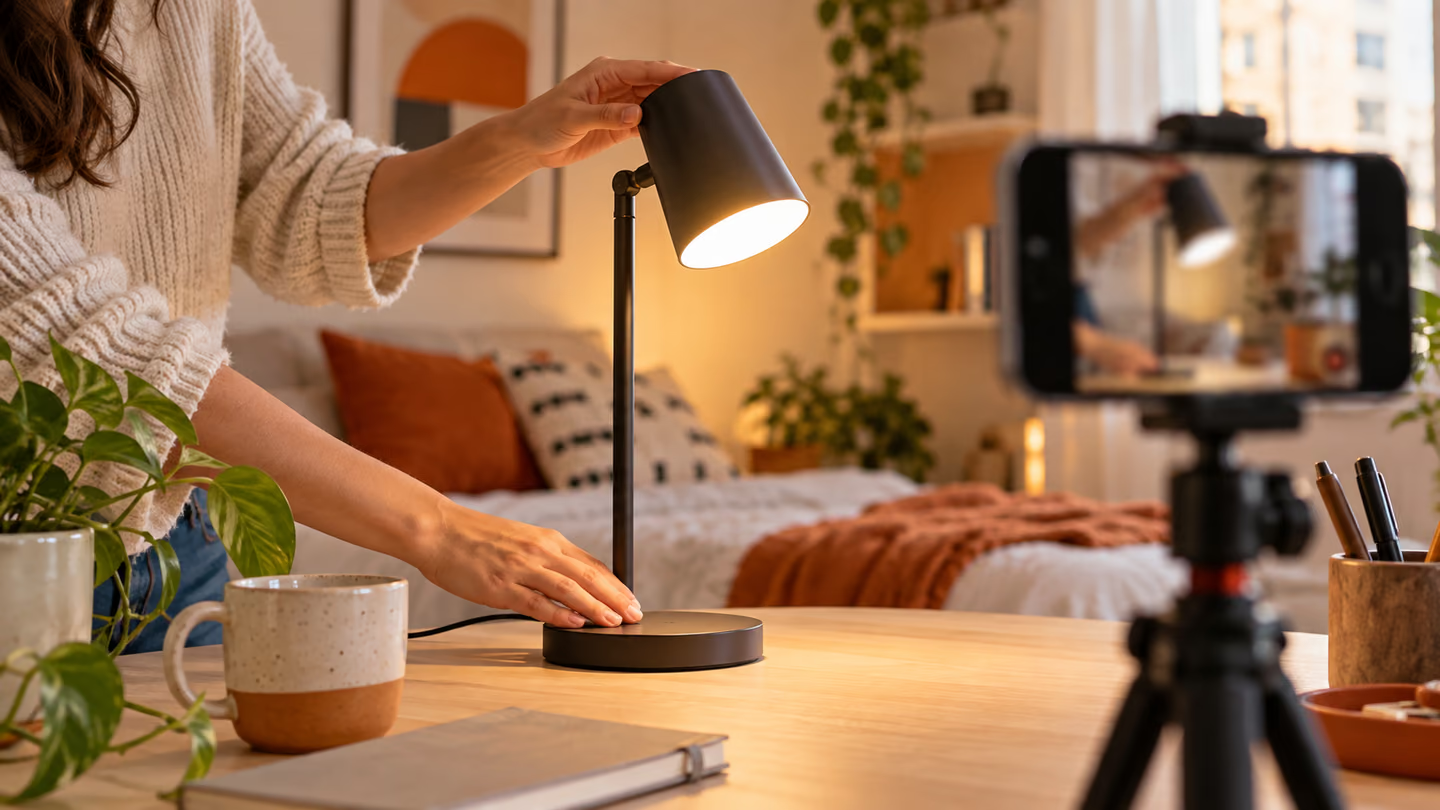
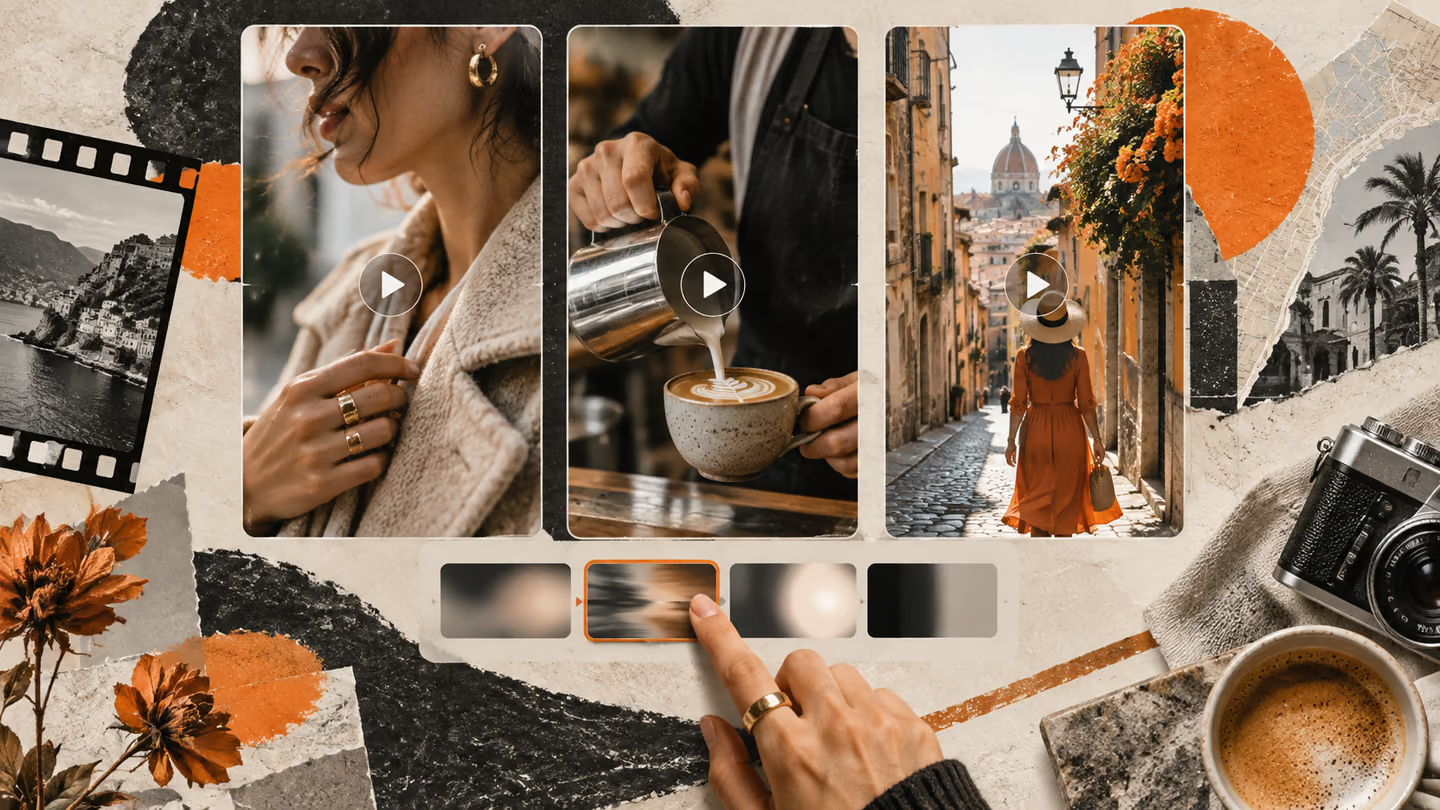
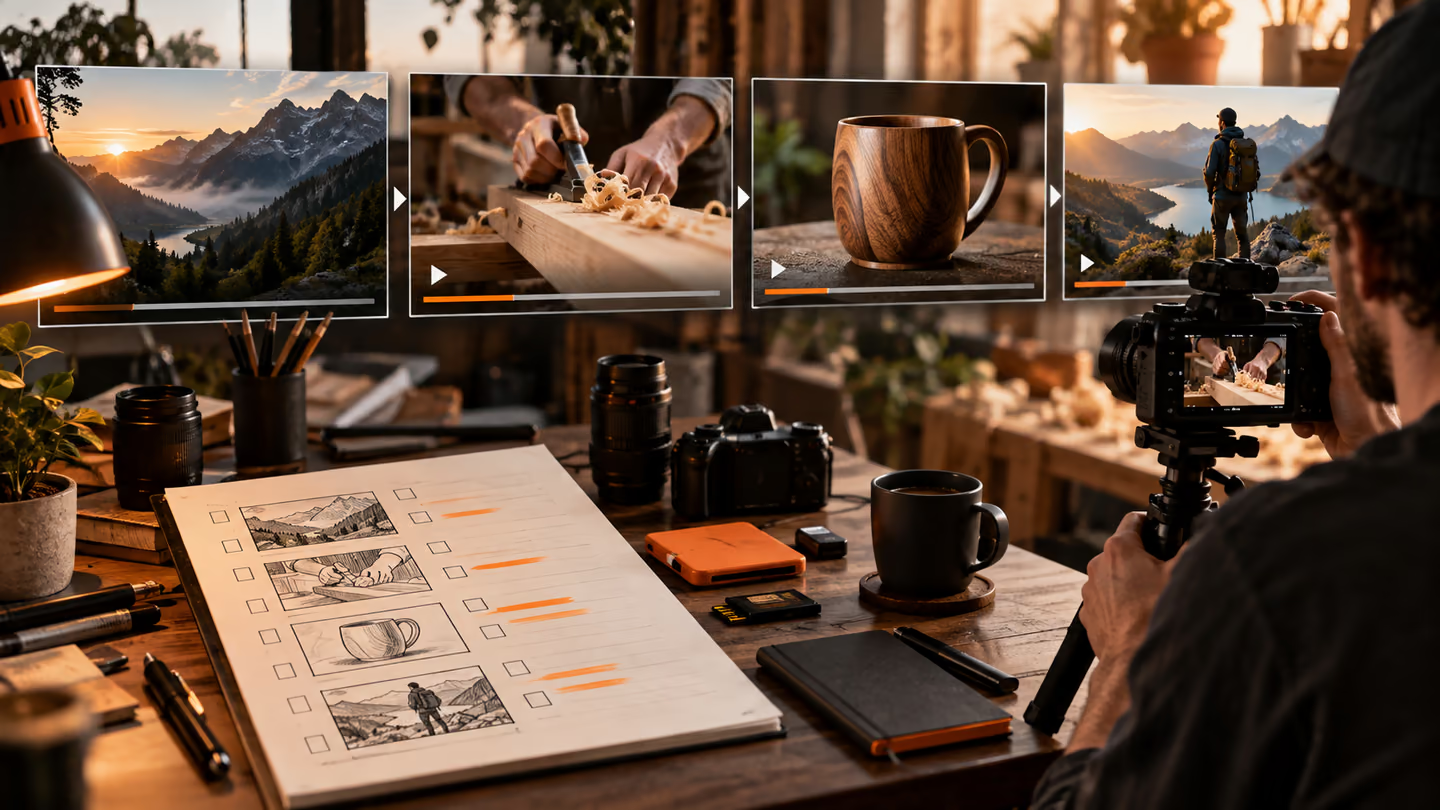
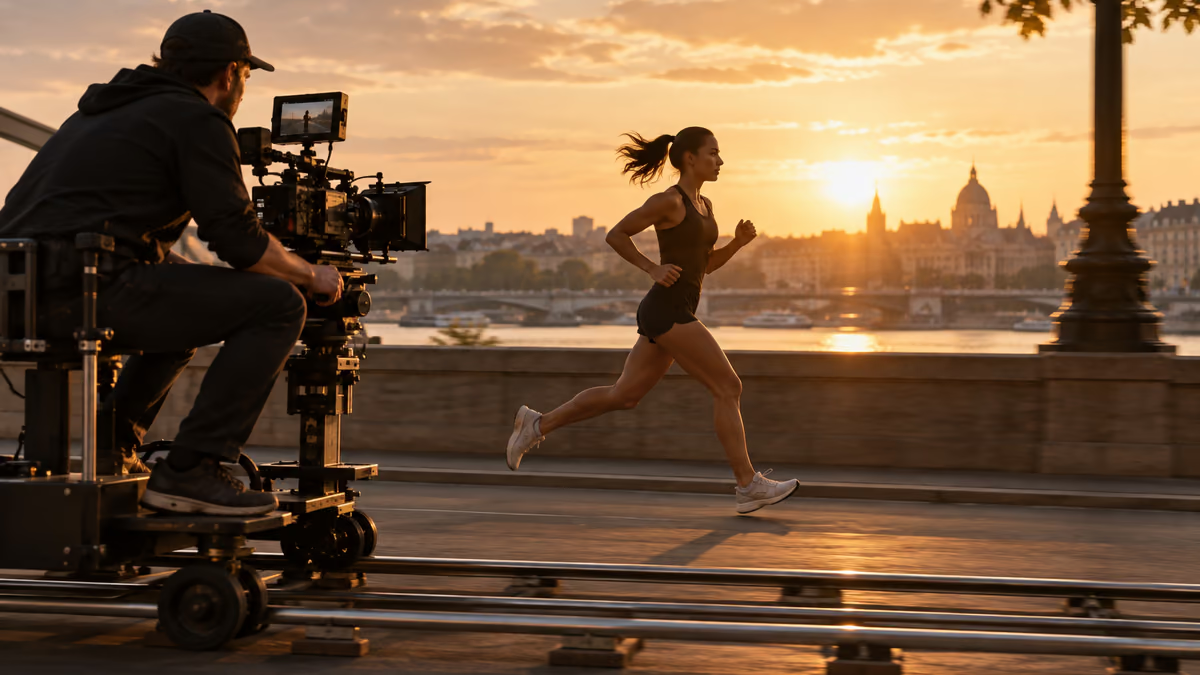
- Dies sind Anweisungen für Einstellungen, keine Videodateien. Welche Seitenverhältnisse, Laufzeiten, Referenzbilder und Tonfunktionen ein Modell unterstützt, ist unterschiedlich. Stelle diese Optionen in deinem tatsächlichen Werkzeug ein. Ein generiertes Standbild in diesem Leitfaden veranschaulicht einen Frame; es belegt nicht, dass ein Videomodell die Bewegung erzeugt hat.
Die Kamera sollte etwas sichtbar machen oder einer Handlung folgen. Diese Prompts beschreiben Anfangsbild, Bewegung und Schlusskomposition, damit die Kamerafahrt einen Zweck hat.
Dies sind Anweisungen für Einstellungen, keine Videodateien. Welche Seitenverhältnisse, Laufzeiten, Referenzbilder und Tonfunktionen ein Modell unterstützt, ist unterschiedlich. Stelle diese Optionen in deinem tatsächlichen Werkzeug ein. Ein generiertes Standbild in diesem Leitfaden veranschaulicht einen Frame; es belegt nicht, dass ein Videomodell die Bewegung erzeugt hat.
So nutzt du diese Sammlung
Wähle die Aufgabe, die deiner Arbeit am nächsten kommt. Kopiere den Prompt und ersetze die allgemeine Szene oder den Code-Kontext durch deine eigenen Angaben. Behalte die Vorgaben bei, mit denen du das Ergebnis prüfen kannst. Ändere jeweils eine Variable, damit du erkennst, was besser geworden ist.
Der Ansatz folgt dem Google-Veo-Leitfaden für Prompts: Gib konkreten Kontext an und prüfe die Ausgabe, statt einen überzeugend formulierten ersten Entwurf ungeprüft zu übernehmen.
Prompts zur Einführung einer Szene
Nutze die Einführung einer Szene, wenn die Einstellung einen klaren visuellen Zweck braucht. Beschränke jeden Clip auf eine Handlung.
1. Eine langsame Kamerafahrt auf eine Werkstatt zu
Create a 16:9 widescreen shot of a slow dolly toward a workshop. Use a wide opening frame, one clear subject, a visible setting and stable horizon. Show one continuous action, not a montage. Keep the subject, geometry and light consistent. End on a composition an editor can hold or cut from. No added text, logos or abrupt morphs.Prüfung: Prüfe, ob Ort und Motiv in der ersten Sekunde erkennbar sind.
2. Eine seitliche Kamerafahrt neben einem Läufer
Create a 16:9 widescreen shot of a lateral tracking shot beside a runner. Use a wide opening frame, one clear subject, a visible setting and stable horizon. Show one continuous action, not a montage. Keep the subject, geometry and light consistent. End on a composition an editor can hold or cut from. No added text, logos or abrupt morphs.Prüfung: Prüfe, ob Ort und Motiv in der ersten Sekunde erkennbar sind.
3. Eine Kranfahrt über einen Markt
Create a 16:9 widescreen shot of a crane rise over a market. Use a wide opening frame, one clear subject, a visible setting and stable horizon. Show one continuous action, not a montage. Keep the subject, geometry and light consistent. End on a composition an editor can hold or cut from. No added text, logos or abrupt morphs.Prüfung: Prüfe, ob Ort und Motiv in der ersten Sekunde erkennbar sind.
4. Ein Gang mit Handkamera durch einen Flur
Create a 16:9 widescreen shot of a handheld walk through a hallway. Use a wide opening frame, one clear subject, a visible setting and stable horizon. Show one continuous action, not a montage. Keep the subject, geometry and light consistent. End on a composition an editor can hold or cut from. No added text, logos or abrupt morphs.Prüfung: Prüfe, ob Ort und Motiv in der ersten Sekunde erkennbar sind.
5. Eine Kamerafahrt um ein Produkt auf einem Tisch
Create a 16:9 widescreen shot of a tabletop orbit around a product. Use a wide opening frame, one clear subject, a visible setting and stable horizon. Show one continuous action, not a montage. Keep the subject, geometry and light consistent. End on a composition an editor can hold or cut from. No added text, logos or abrupt morphs.Prüfung: Prüfe, ob Ort und Motiv in der ersten Sekunde erkennbar sind.
6. Ein Schwenk von den Schuhen zum Gesicht
Create a 16:9 widescreen shot of a tilt from shoes to face. Use a wide opening frame, one clear subject, a visible setting and stable horizon. Show one continuous action, not a montage. Keep the subject, geometry and light consistent. End on a composition an editor can hold or cut from. No added text, logos or abrupt morphs.Prüfung: Prüfe, ob Ort und Motiv in der ersten Sekunde erkennbar sind.
7. Eine Kamerafahrt durch eine Tür
Create a 16:9 widescreen shot of a push through a doorway. Use a wide opening frame, one clear subject, a visible setting and stable horizon. Show one continuous action, not a montage. Keep the subject, geometry and light consistent. End on a composition an editor can hold or cut from. No added text, logos or abrupt morphs.Prüfung: Prüfe, ob Ort und Motiv in der ersten Sekunde erkennbar sind.
8. Eine Rückwärtsfahrt von einem Detail weg
Create a 16:9 widescreen shot of a pullback from a detail. Use a wide opening frame, one clear subject, a visible setting and stable horizon. Show one continuous action, not a montage. Keep the subject, geometry and light consistent. End on a composition an editor can hold or cut from. No added text, logos or abrupt morphs.Prüfung: Prüfe, ob Ort und Motiv in der ersten Sekunde erkennbar sind.
9. Eine feste Kamera mit bewegtem Motiv
Create a 16:9 widescreen shot of a locked-off shot with moving subject. Use a wide opening frame, one clear subject, a visible setting and stable horizon. Show one continuous action, not a montage. Keep the subject, geometry and light consistent. End on a composition an editor can hold or cut from. No added text, logos or abrupt morphs.Prüfung: Prüfe, ob Ort und Motiv in der ersten Sekunde erkennbar sind.
10. Eine Kamerafahrt von oben auf einen Schreibtisch zu
Create a 16:9 widescreen shot of an overhead descent onto a desk. Use a wide opening frame, one clear subject, a visible setting and stable horizon. Show one continuous action, not a montage. Keep the subject, geometry and light consistent. End on a composition an editor can hold or cut from. No added text, logos or abrupt morphs.Prüfung: Prüfe, ob Ort und Motiv in der ersten Sekunde erkennbar sind.
Prompts zum Verfolgen einer Handlung
Nutze das Verfolgen einer Handlung, wenn die Einstellung einen klaren visuellen Zweck braucht. Beschränke jeden Clip auf eine Handlung.
11. Eine langsame Kamerafahrt auf eine Werkstatt zu
Create a 16:9 widescreen shot of a slow dolly toward a workshop. Use a single motivated camera move that follows the subject without sudden direction changes. Show one continuous action, not a montage. Keep the subject, geometry and light consistent. End on a composition an editor can hold or cut from. No added text, logos or abrupt morphs.Prüfung: Prüfe, ob das Motiv und seine Bewegungsrichtung durchgehend konsistent bleiben.
12. Eine seitliche Kamerafahrt neben einem Läufer
Create a 16:9 widescreen shot of a lateral tracking shot beside a runner. Use a single motivated camera move that follows the subject without sudden direction changes. Show one continuous action, not a montage. Keep the subject, geometry and light consistent. End on a composition an editor can hold or cut from. No added text, logos or abrupt morphs.Prüfung: Prüfe, ob das Motiv und seine Bewegungsrichtung durchgehend konsistent bleiben.
13. Eine Kranfahrt über einen Markt
Create a 16:9 widescreen shot of a crane rise over a market. Use a single motivated camera move that follows the subject without sudden direction changes. Show one continuous action, not a montage. Keep the subject, geometry and light consistent. End on a composition an editor can hold or cut from. No added text, logos or abrupt morphs.Prüfung: Prüfe, ob das Motiv und seine Bewegungsrichtung durchgehend konsistent bleiben.
14. Ein Gang mit Handkamera durch einen Flur
Create a 16:9 widescreen shot of a handheld walk through a hallway. Use a single motivated camera move that follows the subject without sudden direction changes. Show one continuous action, not a montage. Keep the subject, geometry and light consistent. End on a composition an editor can hold or cut from. No added text, logos or abrupt morphs.Prüfung: Prüfe, ob das Motiv und seine Bewegungsrichtung durchgehend konsistent bleiben.
15. Eine Kamerafahrt um ein Produkt auf einem Tisch
Create a 16:9 widescreen shot of a tabletop orbit around a product. Use a single motivated camera move that follows the subject without sudden direction changes. Show one continuous action, not a montage. Keep the subject, geometry and light consistent. End on a composition an editor can hold or cut from. No added text, logos or abrupt morphs.Prüfung: Prüfe, ob das Motiv und seine Bewegungsrichtung durchgehend konsistent bleiben.
16. Ein Schwenk von den Schuhen zum Gesicht
Create a 16:9 widescreen shot of a tilt from shoes to face. Use a single motivated camera move that follows the subject without sudden direction changes. Show one continuous action, not a montage. Keep the subject, geometry and light consistent. End on a composition an editor can hold or cut from. No added text, logos or abrupt morphs.Prüfung: Prüfe, ob das Motiv und seine Bewegungsrichtung durchgehend konsistent bleiben.
17. Eine Kamerafahrt durch eine Tür
Create a 16:9 widescreen shot of a push through a doorway. Use a single motivated camera move that follows the subject without sudden direction changes. Show one continuous action, not a montage. Keep the subject, geometry and light consistent. End on a composition an editor can hold or cut from. No added text, logos or abrupt morphs.Prüfung: Prüfe, ob das Motiv und seine Bewegungsrichtung durchgehend konsistent bleiben.
18. Eine Rückwärtsfahrt von einem Detail weg
Create a 16:9 widescreen shot of a pullback from a detail. Use a single motivated camera move that follows the subject without sudden direction changes. Show one continuous action, not a montage. Keep the subject, geometry and light consistent. End on a composition an editor can hold or cut from. No added text, logos or abrupt morphs.Prüfung: Prüfe, ob das Motiv und seine Bewegungsrichtung durchgehend konsistent bleiben.
19. Eine feste Kamera mit bewegtem Motiv
Create a 16:9 widescreen shot of a locked-off shot with moving subject. Use a single motivated camera move that follows the subject without sudden direction changes. Show one continuous action, not a montage. Keep the subject, geometry and light consistent. End on a composition an editor can hold or cut from. No added text, logos or abrupt morphs.Prüfung: Prüfe, ob das Motiv und seine Bewegungsrichtung durchgehend konsistent bleiben.
20. Eine Kamerafahrt von oben auf einen Schreibtisch zu
Create a 16:9 widescreen shot of an overhead descent onto a desk. Use a single motivated camera move that follows the subject without sudden direction changes. Show one continuous action, not a montage. Keep the subject, geometry and light consistent. End on a composition an editor can hold or cut from. No added text, logos or abrupt morphs.Prüfung: Prüfe, ob das Motiv und seine Bewegungsrichtung durchgehend konsistent bleiben.
Prompts für Detailaufnahmen
Nutze eine Detailaufnahme, wenn die Einstellung einen klaren visuellen Zweck braucht. Beschränke jeden Clip auf eine Handlung.
21. Eine langsame Kamerafahrt auf eine Werkstatt zu
Create a 16:9 widescreen shot of a slow dolly toward a workshop. Use a close view of a meaningful action, tactile material and plausible hand or object movement. Show one continuous action, not a montage. Keep the subject, geometry and light consistent. End on a composition an editor can hold or cut from. No added text, logos or abrupt morphs.Prüfung: Prüfe Hände, Berührungspunkte sowie Beginn und Ende der Handlung.
22. Eine seitliche Kamerafahrt neben einem Läufer
Create a 16:9 widescreen shot of a lateral tracking shot beside a runner. Use a close view of a meaningful action, tactile material and plausible hand or object movement. Show one continuous action, not a montage. Keep the subject, geometry and light consistent. End on a composition an editor can hold or cut from. No added text, logos or abrupt morphs.Prüfung: Prüfe Hände, Berührungspunkte sowie Beginn und Ende der Handlung.
23. Eine Kranfahrt über einen Markt
Create a 16:9 widescreen shot of a crane rise over a market. Use a close view of a meaningful action, tactile material and plausible hand or object movement. Show one continuous action, not a montage. Keep the subject, geometry and light consistent. End on a composition an editor can hold or cut from. No added text, logos or abrupt morphs.Prüfung: Prüfe Hände, Berührungspunkte sowie Beginn und Ende der Handlung.
24. Ein Gang mit Handkamera durch einen Flur
Create a 16:9 widescreen shot of a handheld walk through a hallway. Use a close view of a meaningful action, tactile material and plausible hand or object movement. Show one continuous action, not a montage. Keep the subject, geometry and light consistent. End on a composition an editor can hold or cut from. No added text, logos or abrupt morphs.Prüfung: Prüfe Hände, Berührungspunkte sowie Beginn und Ende der Handlung.
25. Eine Kamerafahrt um ein Produkt auf einem Tisch
Create a 16:9 widescreen shot of a tabletop orbit around a product. Use a close view of a meaningful action, tactile material and plausible hand or object movement. Show one continuous action, not a montage. Keep the subject, geometry and light consistent. End on a composition an editor can hold or cut from. No added text, logos or abrupt morphs.Prüfung: Prüfe Hände, Berührungspunkte sowie Beginn und Ende der Handlung.
26. Ein Schwenk von den Schuhen zum Gesicht
Create a 16:9 widescreen shot of a tilt from shoes to face. Use a close view of a meaningful action, tactile material and plausible hand or object movement. Show one continuous action, not a montage. Keep the subject, geometry and light consistent. End on a composition an editor can hold or cut from. No added text, logos or abrupt morphs.Prüfung: Prüfe Hände, Berührungspunkte sowie Beginn und Ende der Handlung.
27. Eine Kamerafahrt durch eine Tür
Create a 16:9 widescreen shot of a push through a doorway. Use a close view of a meaningful action, tactile material and plausible hand or object movement. Show one continuous action, not a montage. Keep the subject, geometry and light consistent. End on a composition an editor can hold or cut from. No added text, logos or abrupt morphs.Prüfung: Prüfe Hände, Berührungspunkte sowie Beginn und Ende der Handlung.
28. Eine Rückwärtsfahrt von einem Detail weg
Create a 16:9 widescreen shot of a pullback from a detail. Use a close view of a meaningful action, tactile material and plausible hand or object movement. Show one continuous action, not a montage. Keep the subject, geometry and light consistent. End on a composition an editor can hold or cut from. No added text, logos or abrupt morphs.Prüfung: Prüfe Hände, Berührungspunkte sowie Beginn und Ende der Handlung.
29. Eine feste Kamera mit bewegtem Motiv
Create a 16:9 widescreen shot of a locked-off shot with moving subject. Use a close view of a meaningful action, tactile material and plausible hand or object movement. Show one continuous action, not a montage. Keep the subject, geometry and light consistent. End on a composition an editor can hold or cut from. No added text, logos or abrupt morphs.Prüfung: Prüfe Hände, Berührungspunkte sowie Beginn und Ende der Handlung.
30. Eine Kamerafahrt von oben auf einen Schreibtisch zu
Create a 16:9 widescreen shot of an overhead descent onto a desk. Use a close view of a meaningful action, tactile material and plausible hand or object movement. Show one continuous action, not a montage. Keep the subject, geometry and light consistent. End on a composition an editor can hold or cut from. No added text, logos or abrupt morphs.Prüfung: Prüfe Hände, Berührungspunkte sowie Beginn und Ende der Handlung.
Was du vor der Verwendung des Ergebnisses prüfen solltest
Dies sind Anweisungen für Einstellungen, keine Videodateien. Welche Seitenverhältnisse, Laufzeiten, Referenzbilder und Tonfunktionen ein Modell unterstützt, ist unterschiedlich. Stelle diese Optionen in deinem tatsächlichen Werkzeug ein. Ein generiertes Standbild in diesem Leitfaden veranschaulicht einen Frame; es belegt nicht, dass ein Videomodell die Bewegung erzeugt hat.
Wenn die Ausgabe die Aufgabe verfehlt, kürze den Prompt und ergänze die fehlende Angabe oder Vorgabe. Halte fest, welche Version du verwendet hast, damit sich das fertige Material oder die Code-Änderung reproduzieren lässt.
Weiterführende Informationen
Mit einem verwandten Leitfaden fortfahren
Setzen Sie es in die Praxis um
Dein nächster Schritt
Hast du eine Frage oder Korrektur?
Thrive kontaktieren